
menu
save_alt Download

JSON to SQL Converter

Turn JSON into INSERT, UPDATE, or CREATE TABLE statements for any database.

lock100% in browser

About this converter

Turn JSON, like API responses, exports, and config files, into SQL you can run. Point it at an array of objects and it maps every key to a column, infers sensible types, and writes the statements for your dialect.

storage

Four dialects

PostgreSQL, MySQL, SQLite, and SQL Server. Each gets the right quoting, types, and auto-increment syntax.

data_object

Nested data

Objects and arrays become JSONB or JSON where supported, and TEXT where they aren't, so no data is lost.

lock

Private by default

Every conversion runs client-side. Your JSON never touches a server, so it's safe for sensitive data.

Frequently Asked Questions

Can I convert nested JSON objects to SQL?

Yes. Nested objects and arrays are stored as JSON/JSONB in databases that support them (PostgreSQL, MySQL) and as TEXT in those that don't (SQLite, older SQL Server).

How does the tool determine column types?

It reads the values in your JSON and maps them: numbers become INT or DECIMAL, strings become VARCHAR(255) or TEXT, booleans map to each database's boolean type, objects and arrays become JSON types, and ISO date strings become DATE or TIMESTAMP. Fields named id or ending in _id are treated as primary keys.

What's the difference between individual and batch inserts?

Individual mode writes one INSERT statement per row. Batch mode combines every row into a single INSERT with multiple value sets, which is more efficient for large datasets, though some clients cap the number of rows.

Is my data secure when using this tool?

Completely. Every conversion runs in your browser. Your JSON is never uploaded, so it's safe even for sensitive data.

How are primary keys and auto-increment handled?

With CREATE TABLE, the tool detects the primary key and applies the right syntax per dialect:

  • PostgreSQL: SERIAL PRIMARY KEY
  • MySQL: INT AUTO_INCREMENT PRIMARY KEY
  • SQL Server: INT IDENTITY(1,1) PRIMARY KEY
  • SQLite: INTEGER PRIMARY KEY
What's the largest JSON I can convert?

Since everything runs locally, the limit is your device's memory. For multi-megabyte files, use batch insert and turn off prettify for the best performance.

Does it handle dates and times?

Yes. Strings in YYYY-MM-DD format map to DATE, and strings with a time component map to TIMESTAMP (or the closest equivalent for your chosen database).

Can I target a database that isn't listed?

The output is broadly compatible. Use MySQL as a starting point for MariaDB or BigQuery, and PostgreSQL for Oracle, then adjust any syntax specifics afterward.

Do more than convert, actually run it

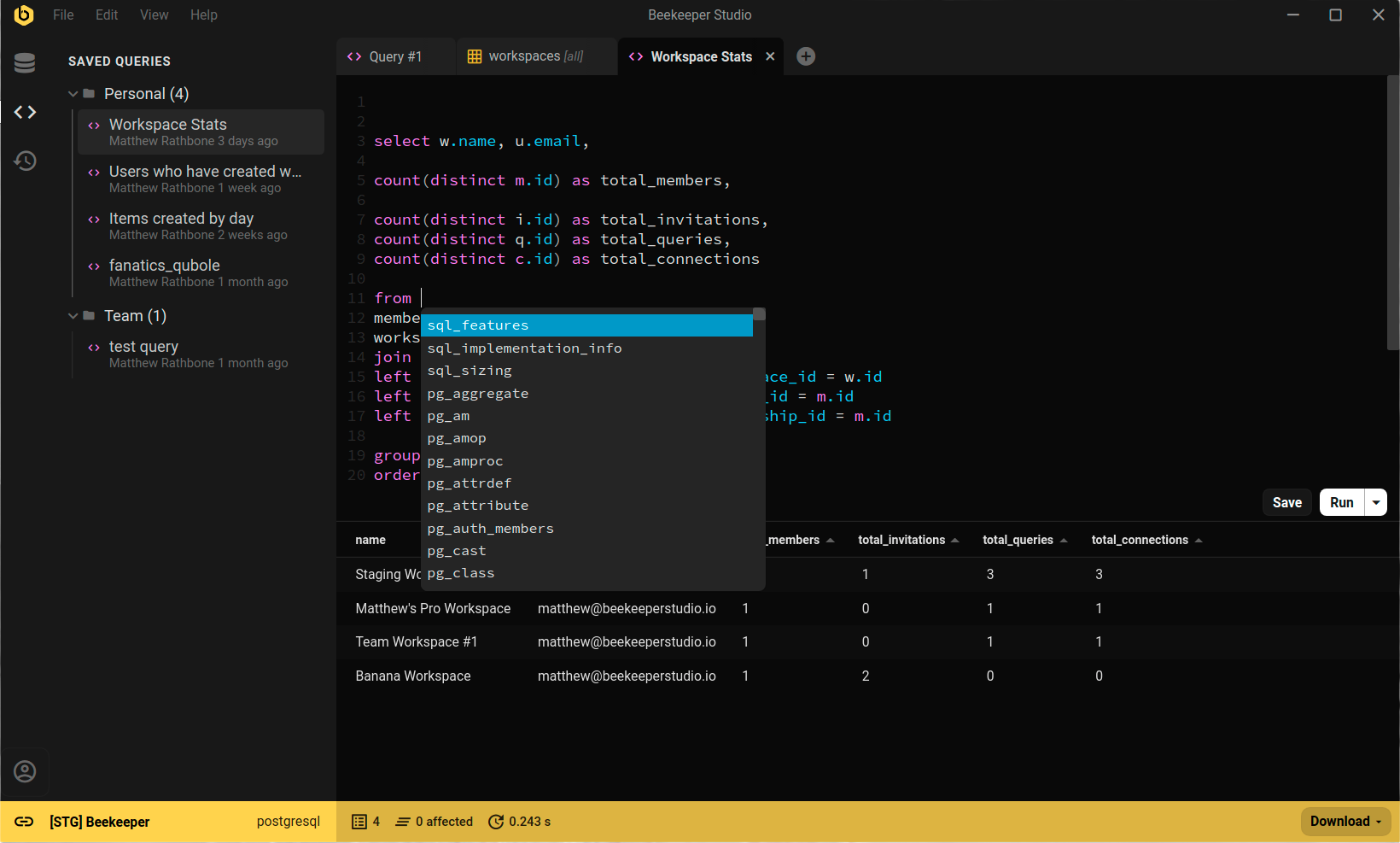
Beekeeper Studio is a fast, good-looking SQL editor and database manager for Mac, Windows, and Linux. Paste the SQL you just generated, run it, and browse the results, all in one place.

  • check_circle Native JSON editing and exploration
  • check_circle Query editor with autocomplete and highlighting
  • check_circle Open source, with a free Community Edition
Beekeeper Studio running a query against PostgreSQL

Missão do Beekeeper Studio

Nossa missão é criar software de código aberto para melhorar a acessibilidade de bancos de dados para todos em todo o mundo.

Nossos compromissos com você:
  • 😍 Ótima Experiência - Usar nosso software deve fazer você se sentir feliz porque é muito agradável de usar.
  • 🔒 Respeita a Privacidade - Sem rastreamento invasivo ou venda de suas informações pessoais. Por padrão, nem sabemos quando você instala o aplicativo, não é da nossa conta!
  • 💾 Funciona Offline - Você nunca precisará de uma conexão com a internet para usar o aplicativo (por que deveria?)
  • 🌍 Inclusivo - Somos 100% inclusivos e temos um código de conduta. Diversidade e inclusão são boas para o Beekeeper, a comunidade tecnológica e o mundo. código de conduta.
  • 💪 Código Aberto - Sempre forneceremos uma edição comunitária completa sob uma licença aprovada pela OSI. OSI approved.