Download To Start Your Free Trial
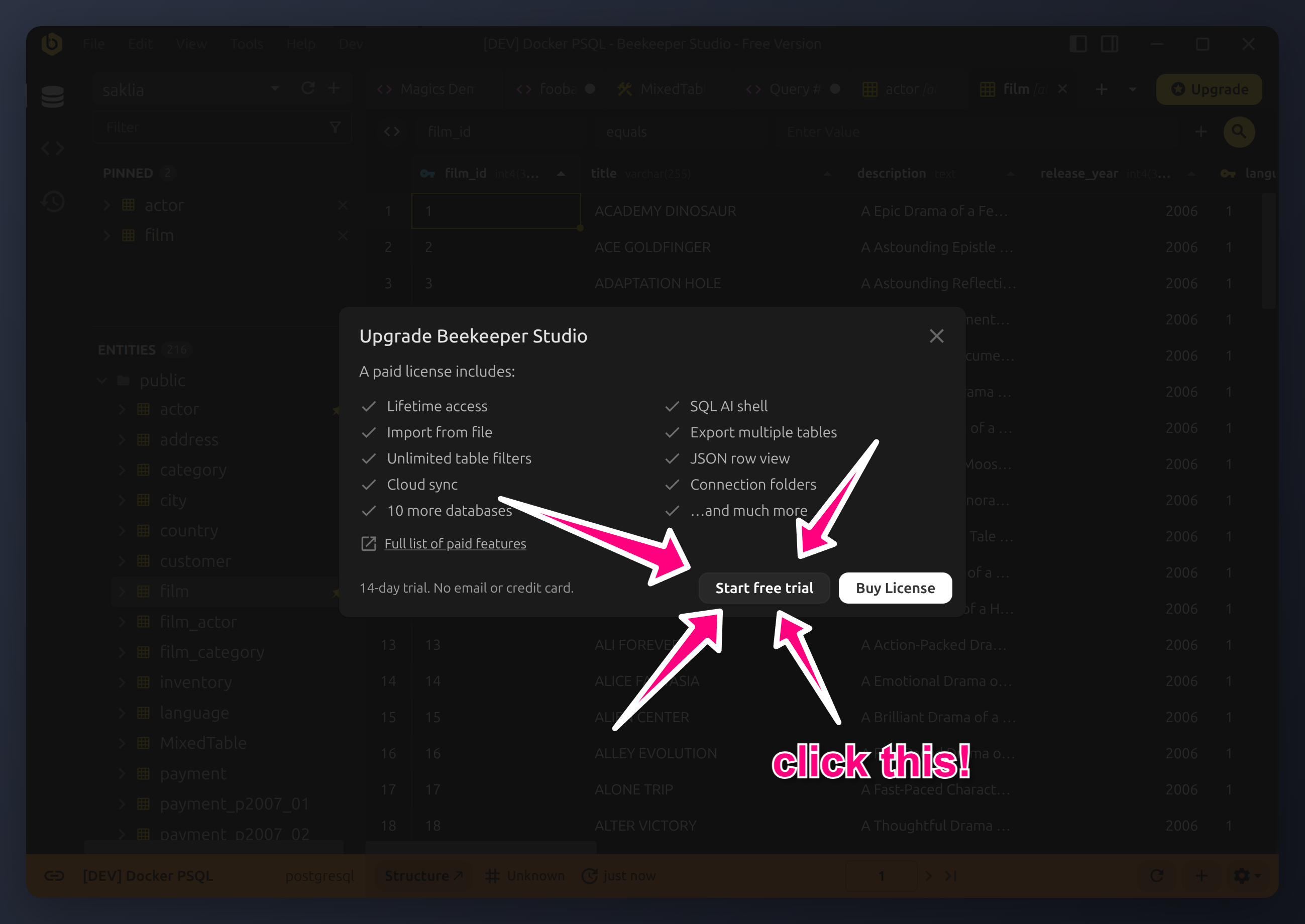
14 day free trial of all paid features. Simply click 'start free trial' when prompted. No credit card, account, or separate download required.

14 day free trial of all paid features. Simply click 'start free trial' when prompted. No credit card, account, or separate download required.
No credit card, no dark patterns, no nonsense. Download the app then click the free trial button and you're good to go
Don't worry, all your connections, queries, and settings are safe. The app will still work, but you'll be limited to the features of the free Community Edition. If you liked the paid features you can buy a license to keep using them.
Did we mention that all purchases come with lifetime access?
Anything we haven't covered? Ask us - a real human will reply.
いいえ。Beekeeper Studioをダウンロードして「無料トライアルを開始」をクリックするだけで、有料機能にアクセスできます。ライセンスの購入を決定するまで、データや支払い方法を収集することはありません。
はい。support@beekeeperstudio.io までメールでご連絡ください。対応させていただきます。
はい。14日間のカウントは、ダウンロード時ではなく、アプリ内で「無料トライアルを開始」をクリックした時点から始まります。Beekeeper Studioはいつでもインストールでき、無料機能を好きなだけ使ってから、有料機能を評価する準備ができたときにトライアルを開始できます。
何も変わりません - すべてそのまま残ります。接続、クエリ、設定はお使いのマシンに保存されており、トライアル終了後もアプリは無料のCommunity Editionの機能で引き続き動作します。失われるのは有料機能へのアクセスのみで、これにはアクティブなサブスクリプションが必要なクラウドワークスペースも含まれます。
Download Beekeeper Studio for free, then start your 14 day trial of all paid features whenever you're ready.