
Se você usa o Sequel Pro há algum tempo, já conhece a história: ele é só para macOS, só para MySQL e não tem uma versão relevante desde 2020. O Sequel Ace assumiu o bastão como um fork da comunidade e mantém tudo funcionando no macOS moderno, mas continua sendo só para macOS e só para MySQL.
Tudo bem se o seu mundo for Mac + MySQL para sempre. Mas, no momento em que você adiciona um segundo sistema operacional, migra para PostgreSQL ou quer compartilhar a configuração com colegas no Windows ou Linux, começa a procurar alternativas.
Aqui estão cinco alternativas realmente gratuitas que valem a pena conhecer.
Beekeeper Studio
Disponível para Windows, MacOS e Linux - baixe aqui
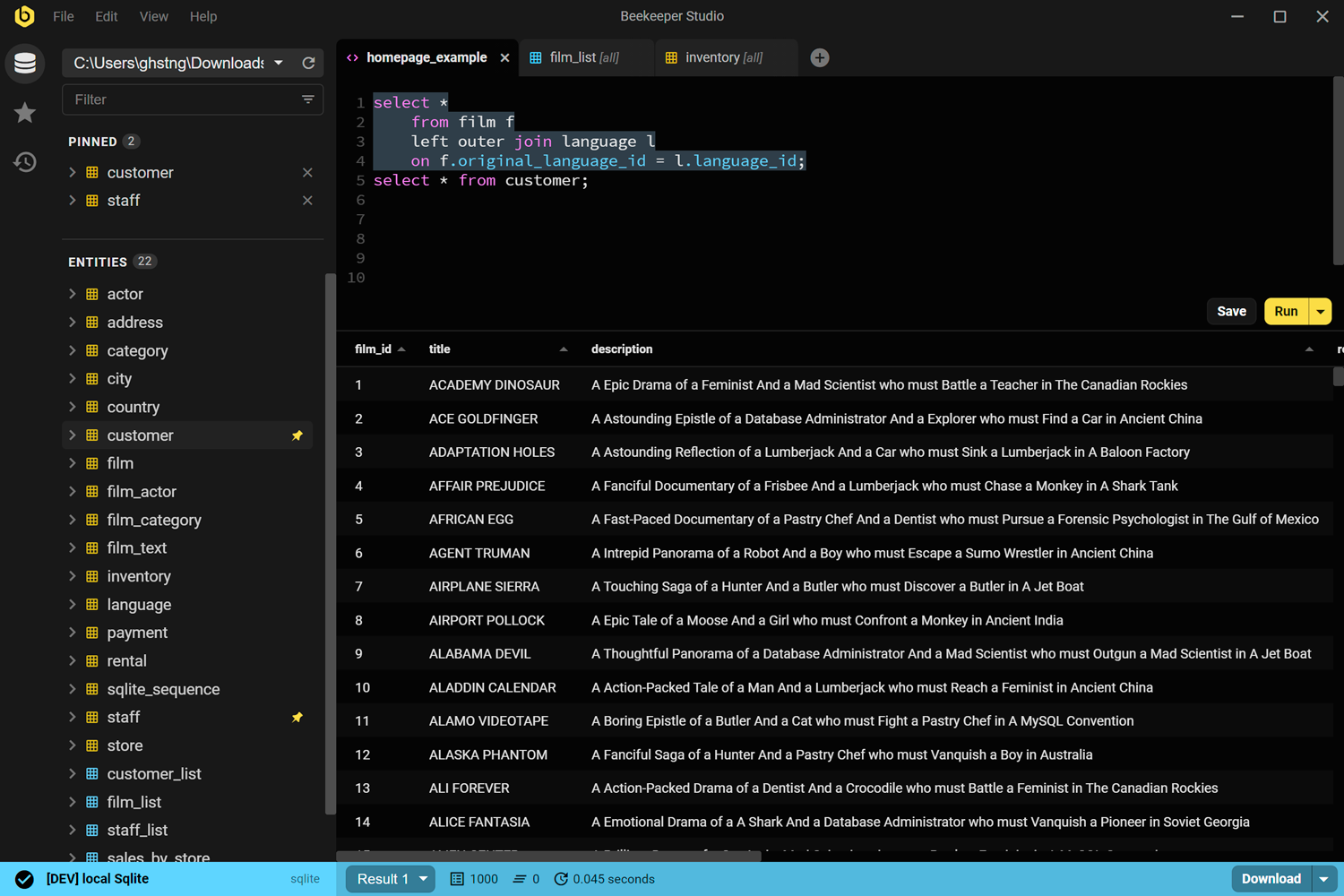
Vamos começar pelo óbvio: o Beekeeper Studio é a nossa ferramenta, então tire suas próprias conclusões. Mas ele foi de fato criado para preencher a lacuna deixada pelo Sequel Pro: open source, focado em usabilidade, sem excessos. Ao contrário do Sequel Pro, ele roda em todos os principais sistemas operacionais desktop e suporta muito mais do que só MySQL.
Eu estava literalmente mantendo MacBooks só para rodar o Sequel Pro, até que finalmente encontrei o Beekeeper. Ele literalmente me libertou dos Macs. - Craig
O cliente MySQL funciona bem, assim como PostgreSQL, SQLite, SQL Server, Oracle e outros, tudo no mesmo app. Você tem autocompletar, consultas em abas, edição de dados de tabelas e cores por conexão. Zero telemetria, código-fonte no GitHub sob GPLv3.
A Community Edition gratuita cobre tudo o que a maioria dos engenheiros precisa no dia a dia. Os planos pagos adicionam importação/exportação, backup & restauração e workspaces de equipe.
Claro que somos suspeitos. Experimente mesmo assim.
Links do Beekeeper Studio
- Compare Beekeeper Studio vs Sequel Pro
- Baixar o Beekeeper Studio (grátis, sem cadastro)
- Cliente GUI para MySQL
- Preços
- Código-fonte no GitHub
DBeaver Community
Disponível para Windows, MacOS e Linux
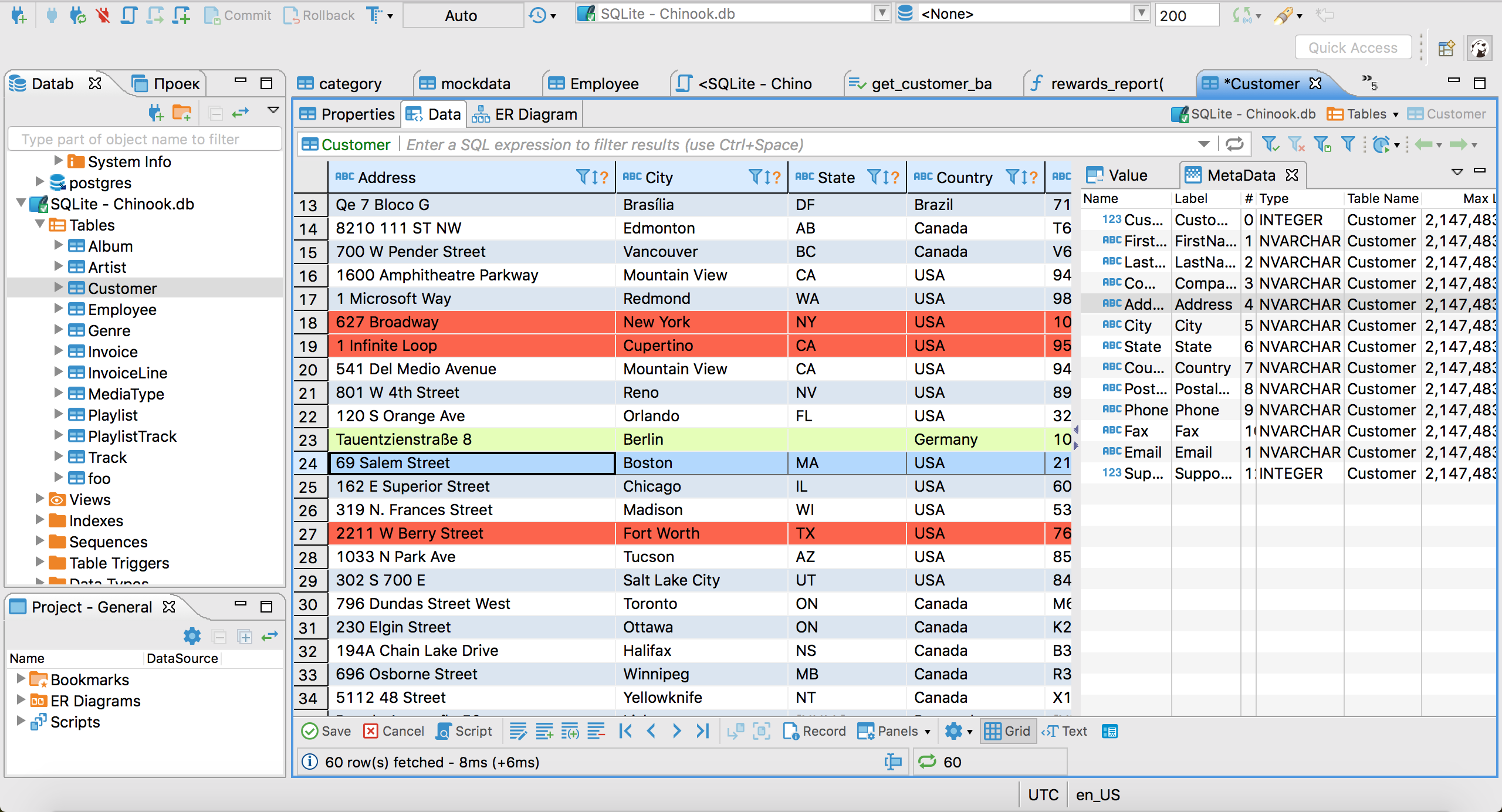
O DBeaver Community é o burro de carga open source das GUIs de SQL. Ele se conecta a praticamente qualquer engine de banco de dados que você conheça: MySQL, PostgreSQL, SQLite, Oracle, SQL Server, MongoDB e dezenas de outros via JDBC.
Ele é realmente gratuito e open source (Apache 2.0), mantido ativamente e lança versões com regularidade. Se você precisa trabalhar com um banco que nenhuma outra ferramenta suporta, provavelmente o DBeaver tem um plugin para ele.
A contrapartida é a interface. O DBeaver é construído sobre a plataforma Eclipse, então tem aquela cara de Eclipse: cheio de recursos, configurável e às vezes intimidador. Se você está vindo do Sequel Pro, a mudança de interface é grande. Mas, se você precisa de amplitude real entre bancos e plataformas, é difícil encontrar algo melhor de graça.
Links do DBeaver
HeidiSQL
Somente Windows
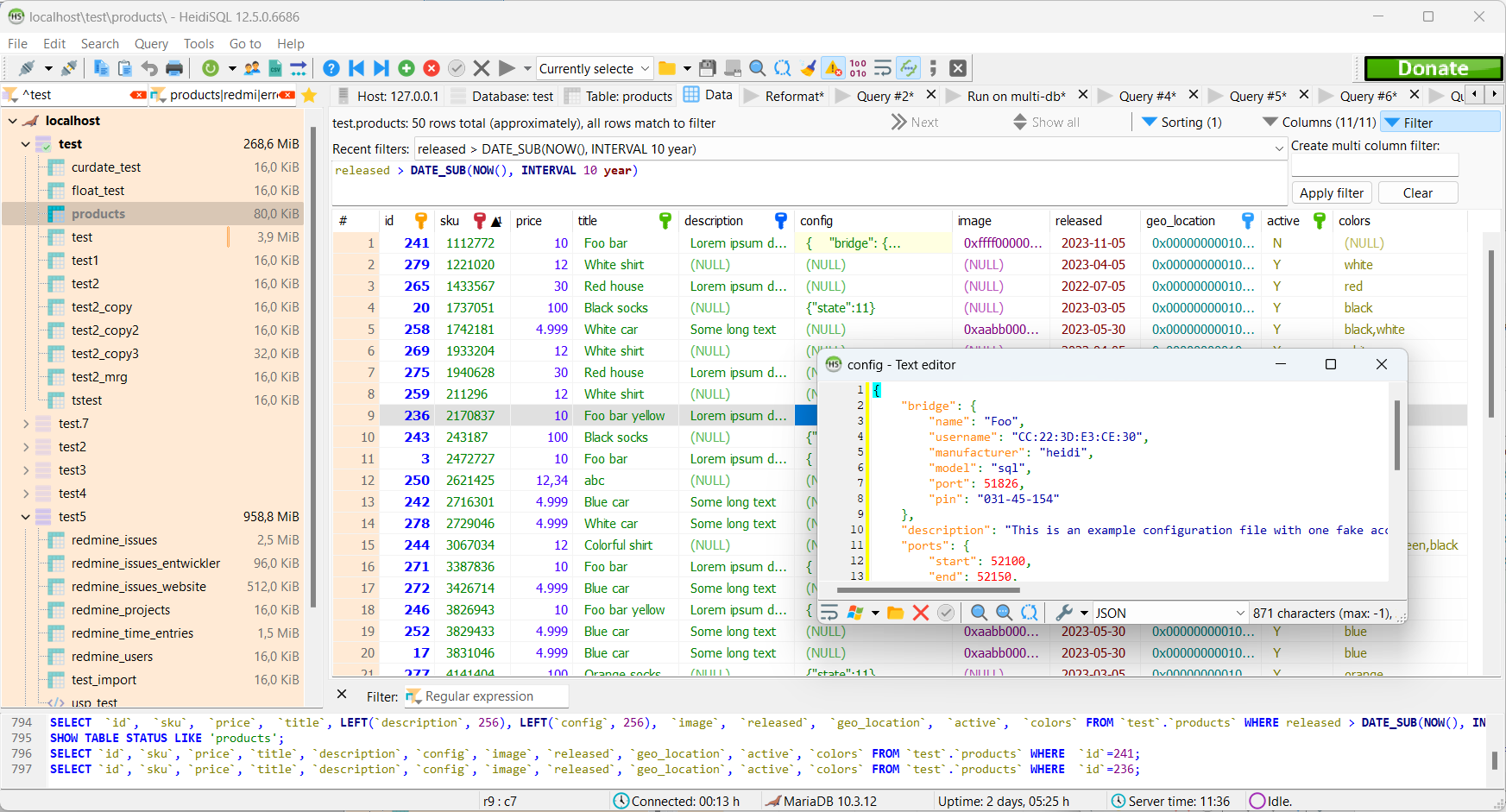
O HeidiSQL é uma GUI sólida para MySQL no Windows desde 2002. Gratuito, open source e mantido ativamente, ele suporta MySQL, MariaDB, SQL Server e PostgreSQL.
Ele não vai ajudar se você usa Mac ou Linux, mas, se você está no Windows e quer algo leve e rápido, com uma interface direta ao ponto, o HeidiSQL é uma escolha comprovada. Ele existe há tempo suficiente para lidar bem com casos extremos e tem uma grande comunidade por trás.
Links do HeidiSQL
MySQL Workbench
Disponível para Windows, MacOS e Linux
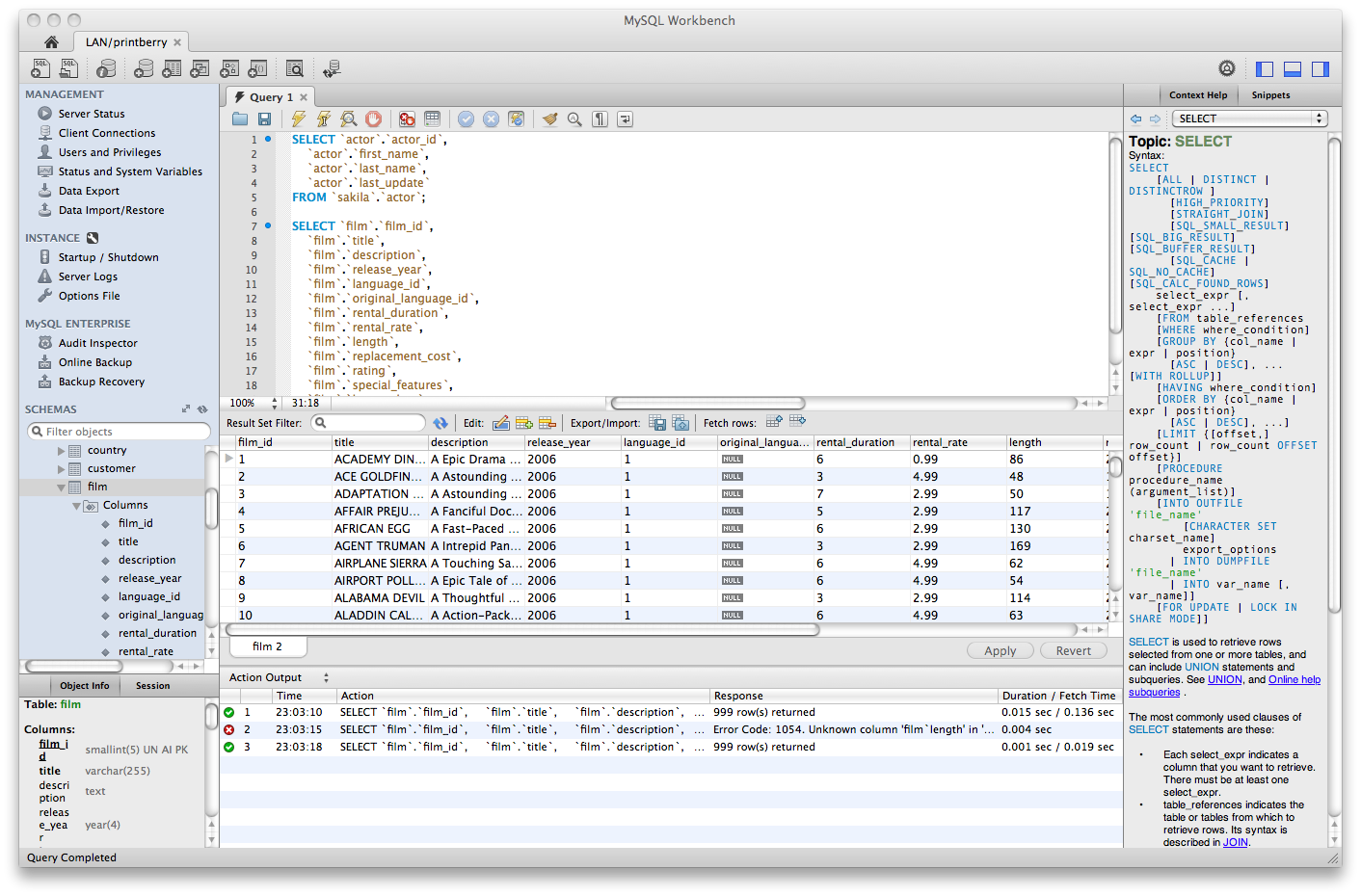
O MySQL Workbench é a GUI oficial da Oracle para MySQL. É gratuito, multiplataforma e cobre modelagem de banco, desenvolvimento de consultas, administração de servidor e migração de dados em uma única ferramenta.
Ele faz muita coisa. Talvez até demais. A interface é carregada, o desempenho com grandes conjuntos de resultados pode ficar lento e ele é específico para MySQL: você não vai usá-lo para PostgreSQL ou SQLite. Mas, se você precisa de uma ferramenta gratuita, oficial e bem suportada especificamente para MySQL em qualquer sistema operacional, ele dá conta do recado.
Observação: o desenvolvimento do MySQL Workbench tem sido intermitente em alguns períodos, e versões mais antigas podem ter problemas de estabilidade em versões mais recentes do macOS. Confira as notas de versão antes de atualizar.
Links do MySQL Workbench
TablePlus
Disponível para Windows, MacOS e Linux
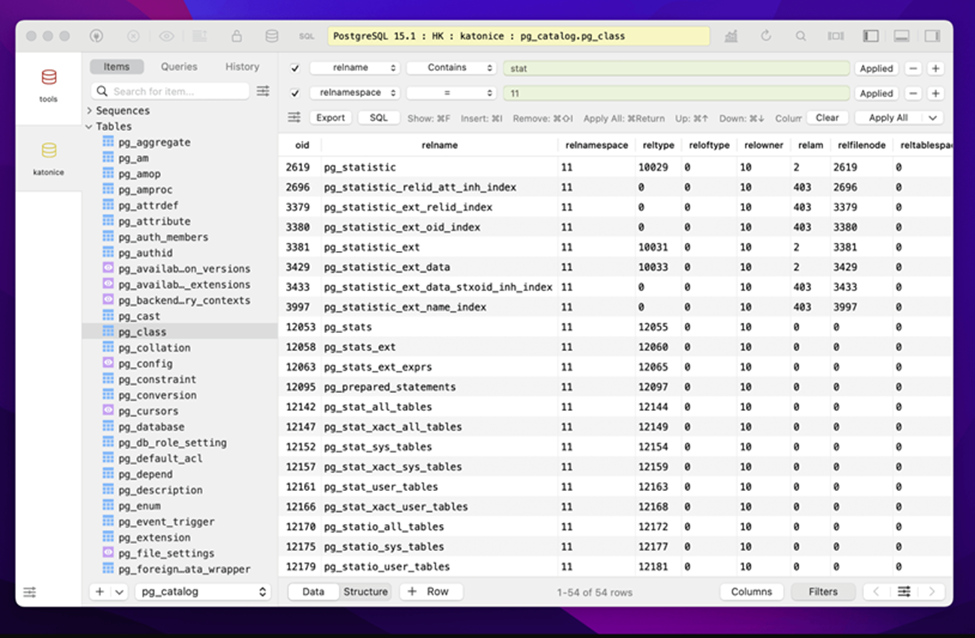
O TablePlus é uma GUI de banco de dados refinada, com cara de app nativo. É rápido, a interface é limpa e suporta uma grande variedade de bancos, incluindo MySQL, PostgreSQL, SQLite, SQL Server, Redis e outros.
O plano gratuito existe, mas é limitado: há restrições no número de abas e conexões abertas, o que funciona bem para uso ocasional, mas fica apertado no dia a dia. O acesso completo exige uma licença paga (compra única; confira o site deles para os preços atuais).
Ele não é open source, e a versão para Linux tem algumas arestas em comparação com a de macOS, mas, para equipes que usam principalmente Mac e querem uma GUI moderna, leve e multibanco, é uma escolha popular.
Links do TablePlus
Uma observação sobre o próprio Sequel Ace
Se você usa macOS e só precisa de MySQL, o Sequel Ace continua sendo uma escolha perfeitamente razoável. O projeto é mantido ativamente, lida corretamente com conexões modernas do MySQL 8 (corrigindo os problemas de autenticação caching_sha2_password que atormentavam o Sequel Pro) e é gratuito e open source. No momento em que você precisar suportar um segundo sistema operacional, outro banco de dados ou uma equipe mista, vale a pena considerar as ferramentas acima.
Conclusão
O Sequel Pro colocou muitos engenheiros no caminho de “uma GUI de banco de dados deve ser simples e não irritante”. Todas as ferramentas desta lista levam esse legado adiante de formas diferentes.
O Beekeeper Studio é o que mais abraça essa filosofia: multiplataforma, multibanco, open source, feito para engenheiros que só querem resolver o trabalho. Mas todas as ferramentas aqui merecem uma olhada, dependendo das suas necessidades específicas.
Se quiser experimentar o Beekeeper, baixe a Community Edition gratuita e veja se ela conquista você:
Leitura relacionada
- Clientes GUI gratuitos para MySQL
- Beekeeper Studio vs Sequel Pro
- Alternativas gratuitas & open source ao DBeaver
- Preços & edições
 Beekeeper Studio é um cliente de banco de dados gratuito e open source
A melhor ferramenta de consultas e edição de SQL que já usei. Tem tudo o que preciso para gerenciar meu banco de dados. - ⭐⭐⭐⭐⭐ Mit
O Beekeeper Studio é rápido, intuitivo e fácil de usar. Ele suporta vários bancos de dados e funciona muito bem no Windows, Mac e Linux.
O que os usuários dizem sobre o Beekeeper Studio
"O Beekeeper Studio substituiu completamente meu antigo fluxo de trabalho com SQL. É rápido, intuitivo e torna o trabalho com banco de dados agradável de novo."
"Já testei muitas GUIs de banco de dados, mas o Beekeeper encontra o equilíbrio perfeito entre recursos e simplicidade. Simplesmente funciona."