About the SQL Data Generator
The SQL Data Generator is a powerful, browser-based tool that creates realistic test data for your database tables.
Whether you're developing applications, testing database performance, or need sample data for demonstrations,
this tool generates high-quality synthetic data that mimics real-world patterns and distributions.
Built with Faker.js, the generator offers 45+ data types
across 8 categories, from basic personal information to complex business data like vehicle VINs, financial records,
and geographic coordinates. All processing happens locally in your browser - your data never leaves your device.
How It Works
The tool uses a sophisticated data generation engine that creates realistic values based on the data types you select.
Here's what happens when you generate data:
-
Schema Definition: Define your table structure by adding columns, selecting data types, and setting null percentages
-
Data Generation: Faker.js creates realistic values for each column based on real-world patterns
-
SQL Output: The tool generates properly formatted INSERT statements for your chosen database dialect
-
Preview & Export: View your data in a preview table and export SQL statements ready for execution
How to Use the Tool
Quick Start with Templates
The fastest way to get started is with our pre-built schema templates. Choose from:
-
👤 Users: Complete user management table with personal information and addresses
-
🛍️ E-commerce Products: Product catalog with pricing, inventory, and descriptions
-
📦 Order Management: Order processing with shipping, payment, and tracking data
-
👔 Employee Records: HR management with job details, salaries, and locations
-
📅 Event Logging: Analytics tracking with user behavior and device information
Custom Schema Building
For custom tables, use the Schema Builder to:
- Add or remove columns as needed
- Choose from 45+ realistic data types including UUIDs, geographic data, and financial information
- Set null percentages to match real-world data patterns (e.g., 70% null for optional fields like "address line 2")
- Configure output options including row count, table name, and database dialect
Data Types Available
The generator includes data types across multiple categories:
-
Personal Information: Names, emails, phone numbers, addresses, dates of birth
-
Business Data: Company names, job titles, departments, product information
-
Financial: Prices, credit cards, currency codes, account numbers
-
Technical: URLs, IP addresses, UUIDs, file names, passwords
-
Geographic: Countries, cities, coordinates, time zones
-
Vehicle Information: Makes, models, VIN numbers
-
Dates & Numbers: Past/future dates, integers, floats with customizable ranges
-
Text Content: Lorem ipsum sentences and paragraphs, color names
Best Practices
Realistic Null Percentages
One key to realistic test data is proper null value distribution. Consider these guidelines:
-
Required fields (0% null): IDs, emails, core business data
-
Common fields (1-10% null): Names, phone numbers, basic addresses
-
Optional fields (20-70% null): Secondary addresses, middle names, optional contact info
Database-Specific Considerations
The tool automatically adjusts SQL types for different databases:
-
PostgreSQL: Uses proper types like UUID, INET, and SERIAL
-
MySQL: Adjusts to VARCHAR, INT AUTO_INCREMENT, and TIMESTAMP
-
SQLite: Simplifies to TEXT, INTEGER, and REAL types
-
SQL Server: Uses NVARCHAR, IDENTITY, and UNIQUEIDENTIFIER
Common Use Cases
Application Development
Generate realistic data for local development environments. Test your application with diverse datasets
that include edge cases, various data lengths, and realistic null patterns.
Database Performance Testing
Create large datasets (up to 10,000 rows per generation) to test query performance, index effectiveness,
and database scaling. Use different data distributions to simulate real-world usage patterns.
Demo and Training Data
Create professional-looking sample data for software demonstrations, training materials, or documentation.
The realistic data helps stakeholders understand your application better than traditional "lorem ipsum" content.
Data Migration Testing
Generate test datasets that match your production schema for safe migration testing. Validate data transformation
logic without risking real customer data.
What to Use Next
After generating your test data, you might find these related tools helpful:
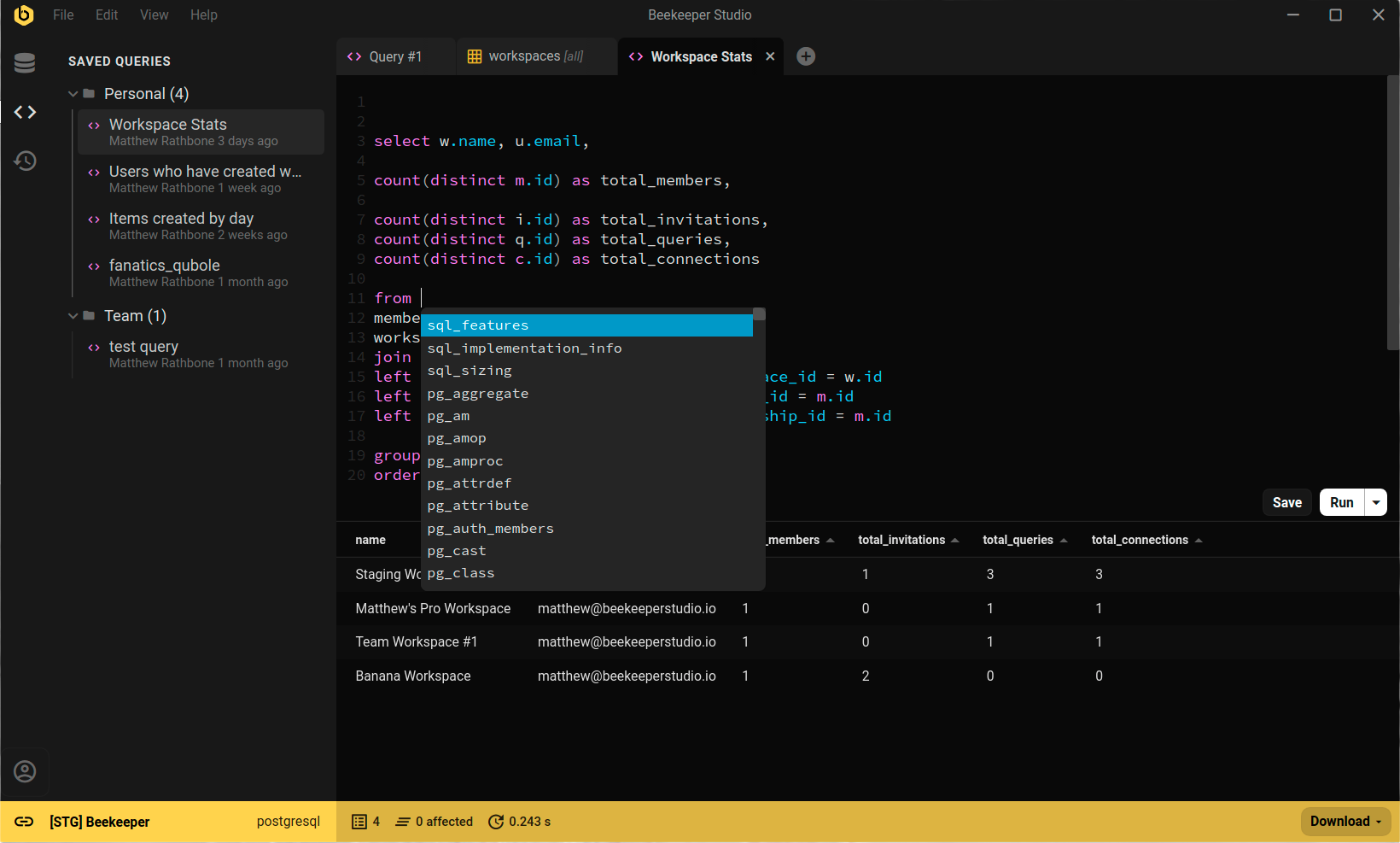
For executing and managing your generated data, consider using a full-featured SQL client like Beekeeper Studio,
which supports all the database types covered by this generator.