The SQL Editor and Database Manager Of Your Dreams
A modern, easy to use, and good looking SQL client for MySQL, Postgres, SQLite, SQL Server, Firebird, and more. Oh, it's also open source :-).
Trusted by engineers at


























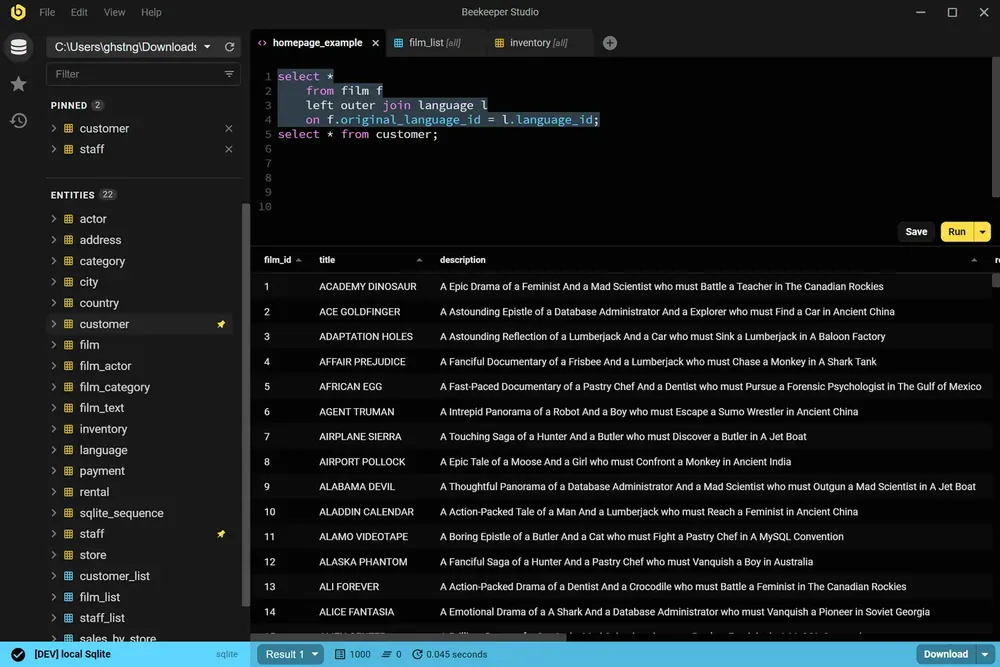
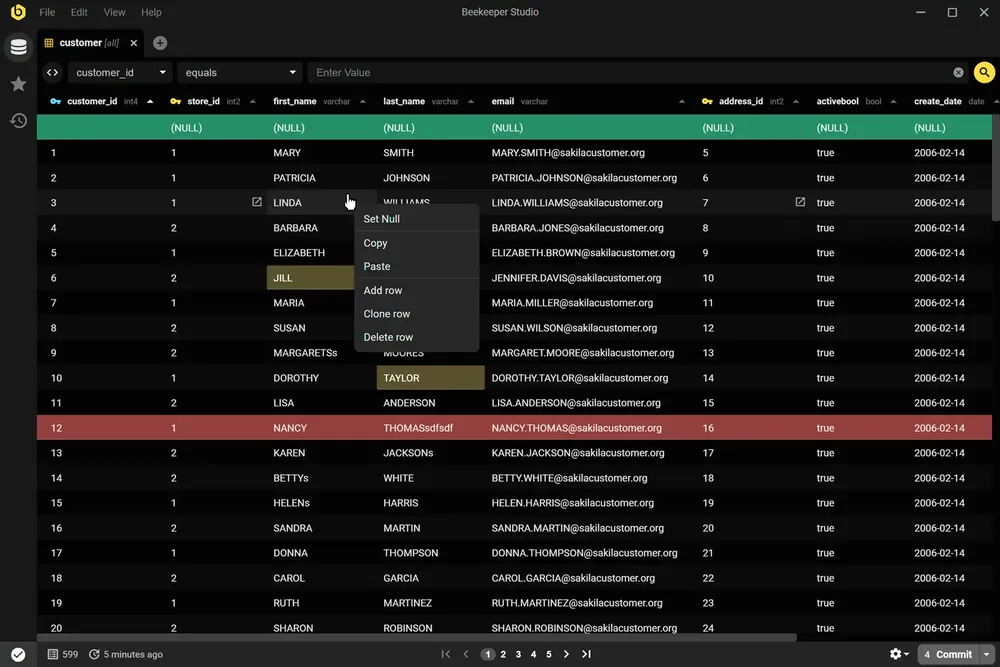
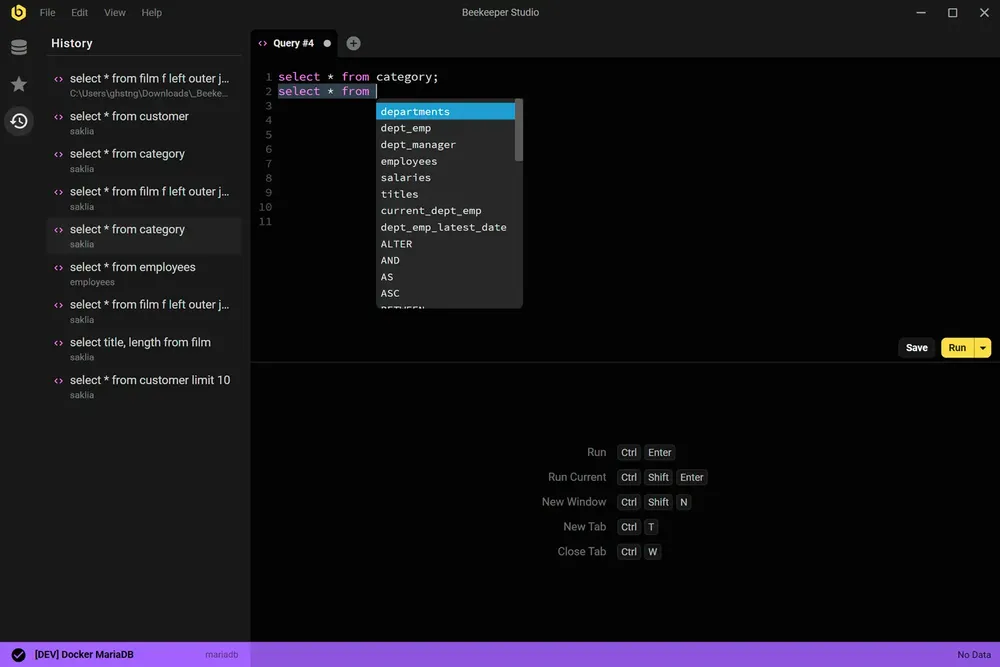
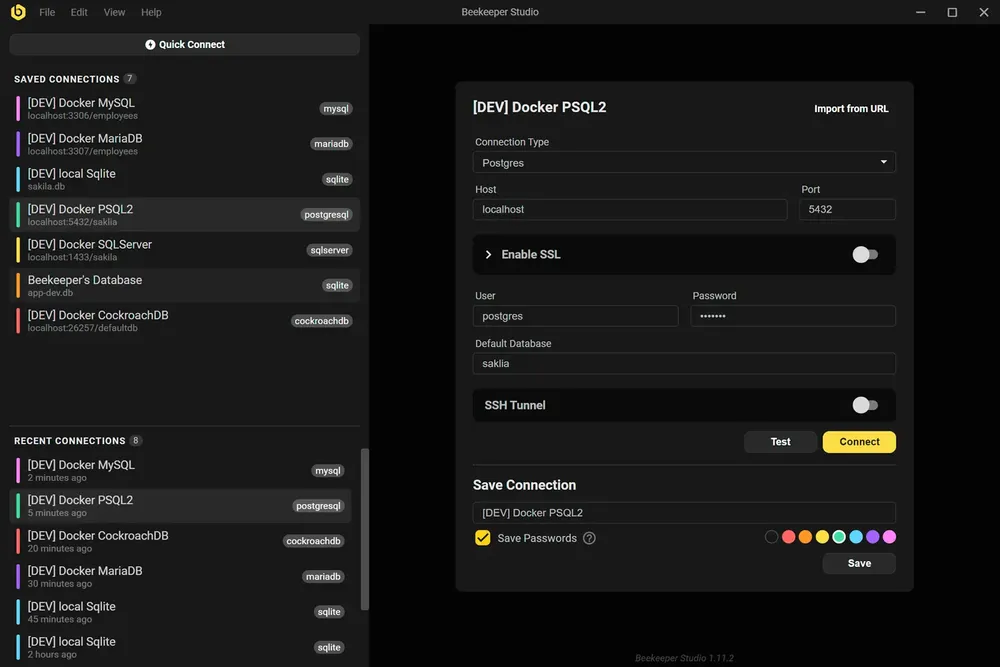
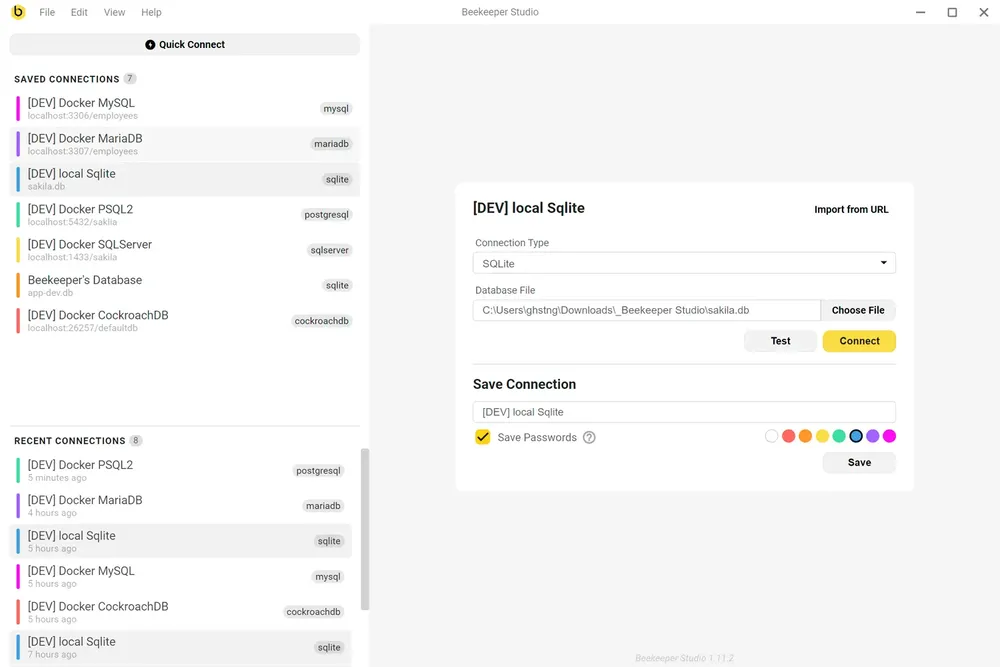

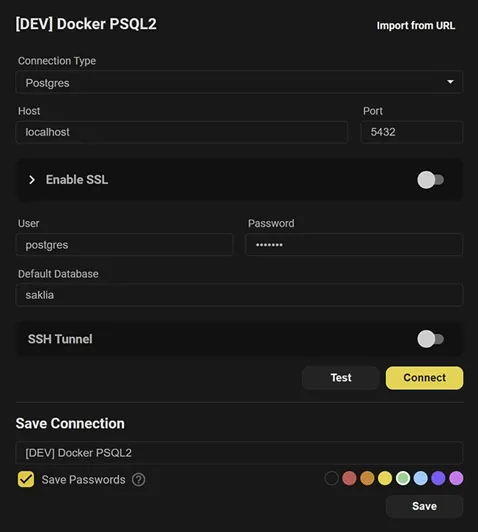
Encrypt your connection with SSL, or tunnel through SSH. Save a connection password and Beekeeper Studio will encrypt it.


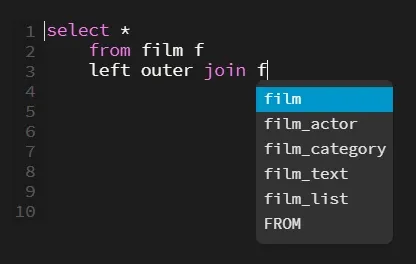
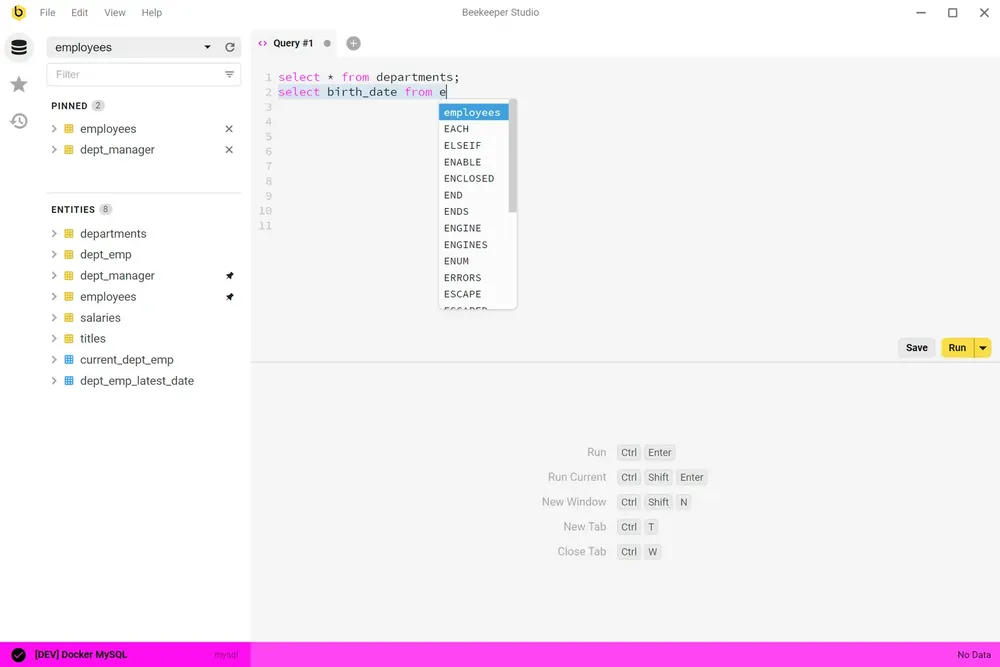
Our built-in editor provides syntax highlighting and auto-complete suggestions for your tables so you can work quickly and easily. Organize your saved queries and connections into folders to keep things tidy.
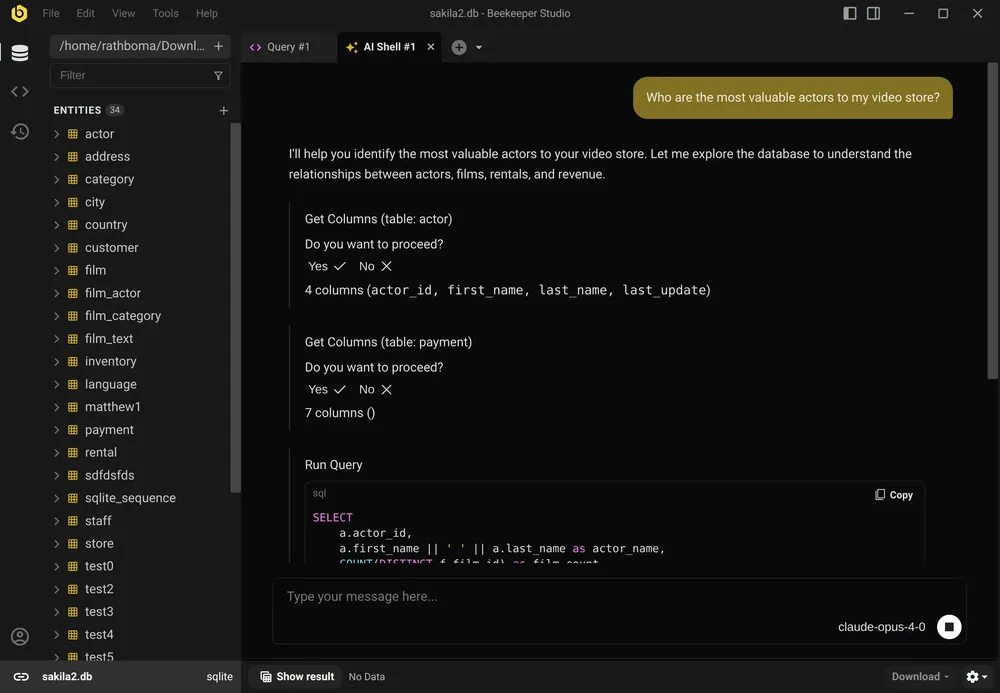
Beekeeper's AI Shell connects your database with your favorite AI model. The AI Shell can explore your schema, run SQL (with permission) and check its work with real data.


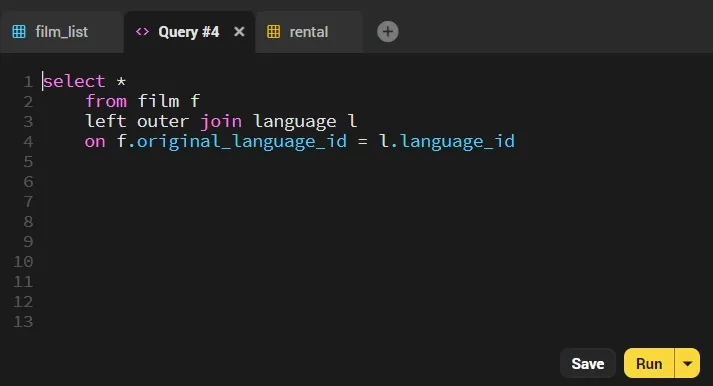
Feel free to open dozens of tabs and work quickly without having to switch windows thank's to Beekeeper's unwavering commitment to app speed and ease-of-use.
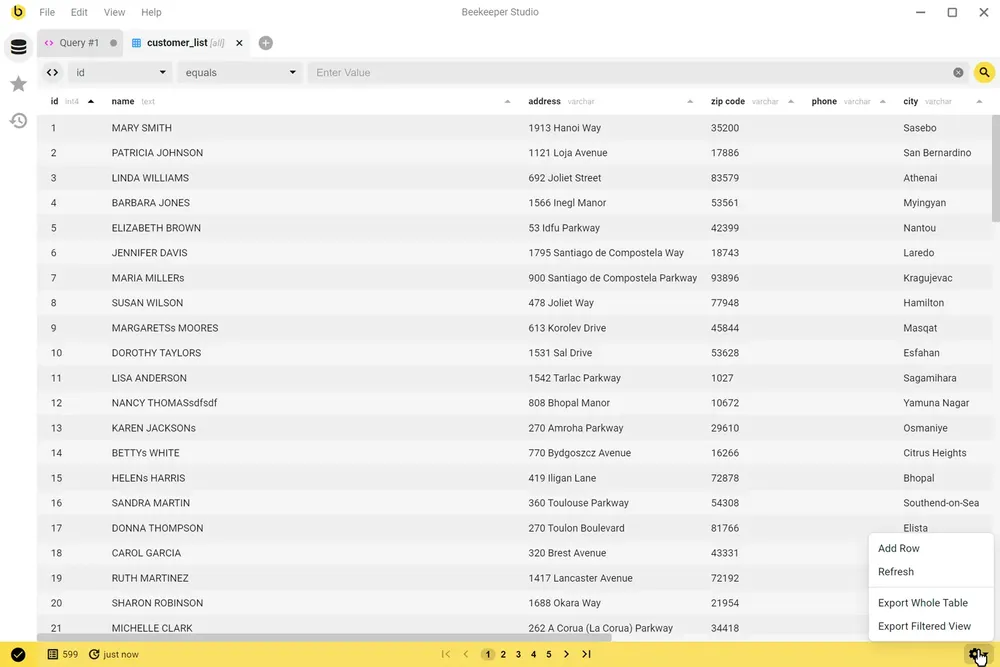
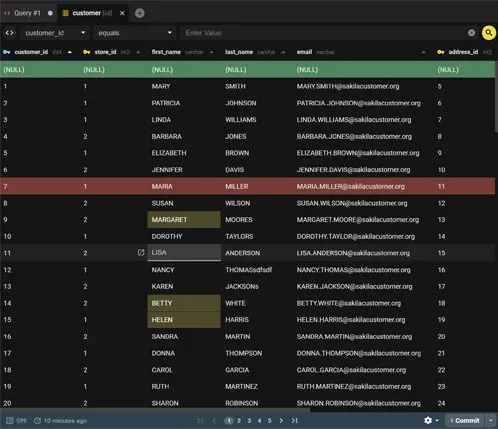
Open tables in a spreadsheet-like interface to browse and edit, or modify cells directly in your SQL query results with a single click. No context switching required to fix a typo or solve a customer problem. Edit JSON with highlighting and syntax checking (even when it's stored as TEXT).

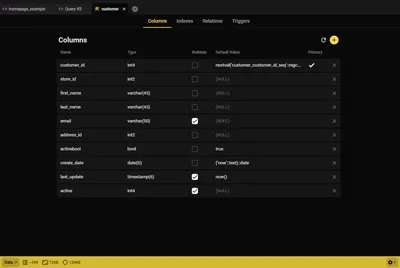
Beekeeper's table creator lets you create and modify table structures in just a few clicks, you can even add indexes and foreign keys.
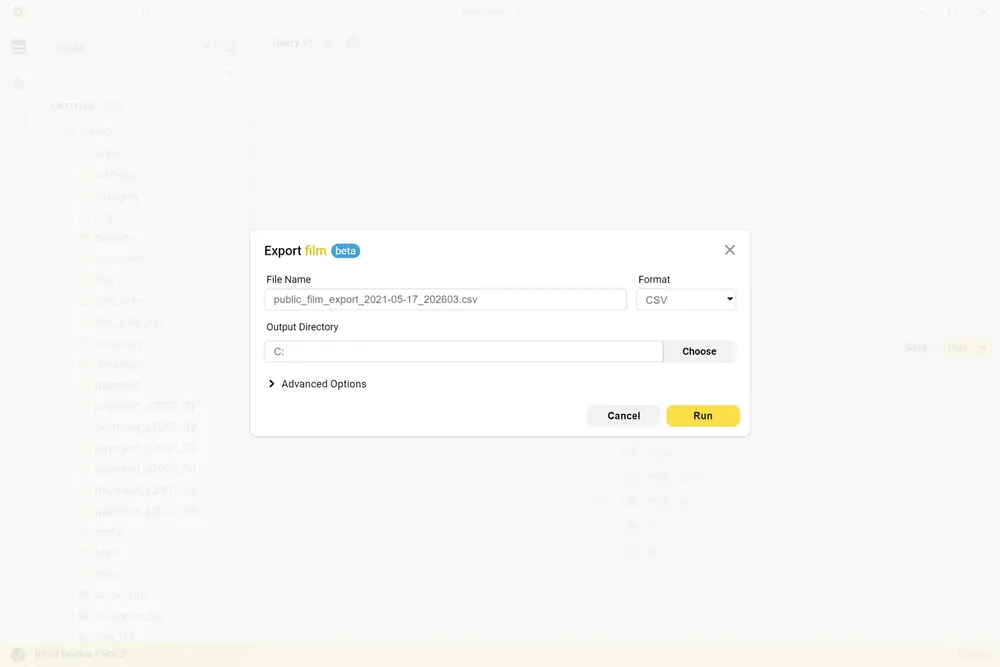
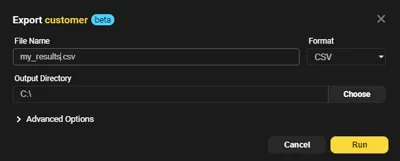
Create a table from a CSV, or export to CSV, JSON, JSONL, and SQL with just a few clicks. Optionally apply filters to export only the data you need.
Sync your connections and saved queries across devices, then share them with your whole team in a shared team folder. Everyone stays up to date, and onboarding a new teammate takes minutes, not days.
Workspace data is encrypted at rest and in transit, and we never see the rows you query.
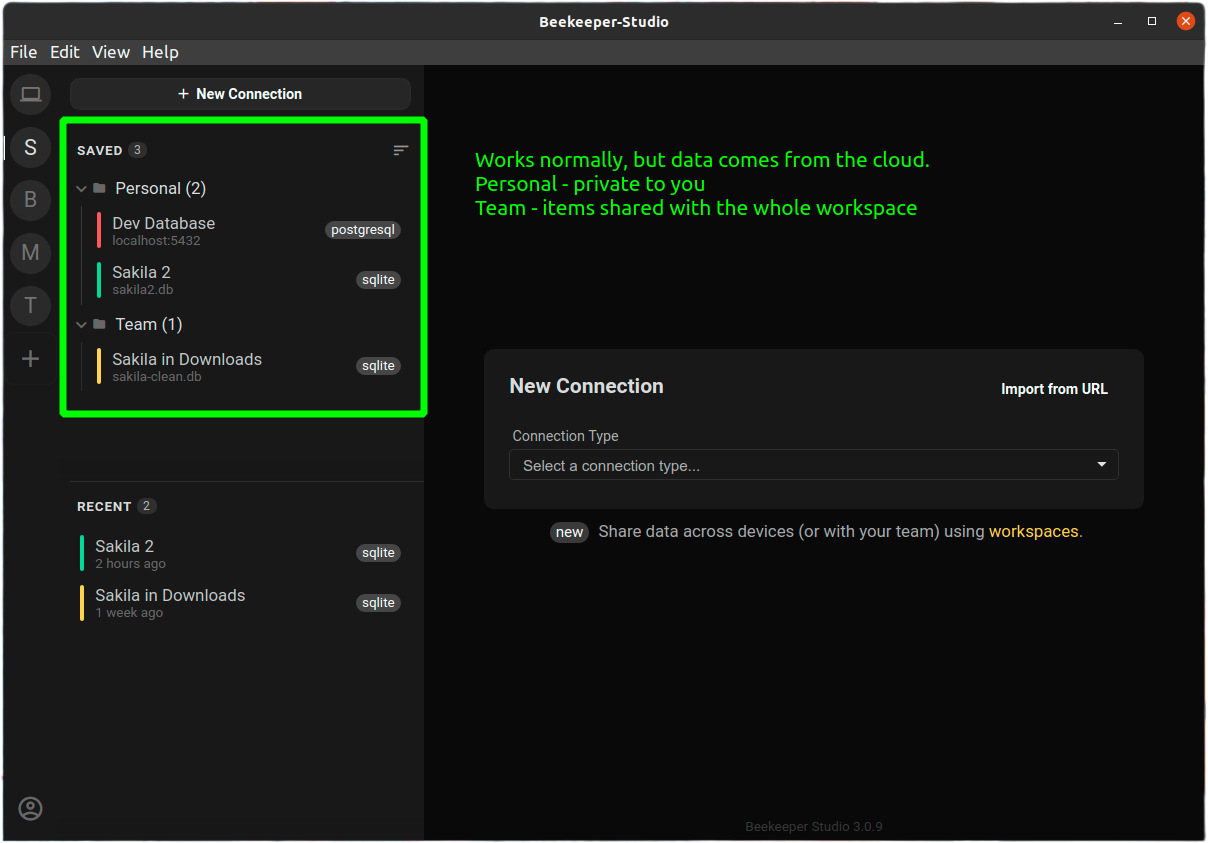
The cloud workspace feature that lets me save my connections in different ‘Teams’ is actually huge and something almost no competitor has.
Our users tell us that Beekeeper's clean and intuitive interface makes using databases fun again.
translate This text was written by a third party and translated automatically. Read the original in English
Guys, WOW,
I have been using the AI to interact with my database today and I am thoroughly impressed.
I am genuinely curious about how you managed to make it generate queries so quickly and accurately.
Ive been asking some pretty complex questions but still, all my inquiries got a response. Freaking dope
We’ve used a ton of database IDE’s over the years. To have this consistent, clean and elegant interface in any operating system saves time and money throughout the development process. Highly recommend you give a try.
I use this BD client every day, and it’s been a great experience. The user interface is sleek and easy to navigate, and the performance is top-notch—everything runs smoothly without any hitches. The best part, however, is the excellent support team that’s always quick to resolve any issues. Highly recommend for anyone looking for a reliable and efficient BD client!
I was looking for easy interface alternative for TablePlus and I ended up in finding BeeKeeper. Its awesome lightweight and full of features. Loved it!!
I just love this tool and instantly brought the pro version after trying it. Fast, multi platform as I use Mac and Linux. Supports various different dbs. And is open source and more importantly cares about what its users want and not some management
I never truly understood how model design works until I started using this to query and view database! I am grateful for this in my journey. I recommend it for someone learning Django + sqlite since that is only what I have used it for so far.
Beekeeper Studio is BY FAR the most user-friendly DB GUI out there! I started using it a year ago and now our whole team bought a license. The multi-DB support is simply awesome as I use 4 different types of databases on a regular basis. Plus it works on Windows and Mac.
I’ve used many different DB clients over the past 10 years but they were all lacking in some regard so I gave a Beekeeper a try and I immediately knew that this is the one. Beekeeper is so much better than any other client that its not even close. Clean and modern UI, fast, intuitive. It has made my development a lot easier and faster.
Being a Linux user, you get your selection of DB client tools like DB Visualizer with cutting edge UI / UX experiences fresh from ’90s built on Java. With Beekeeper Studio, Linux is a first class citizen with a native app that is beautiful, lightweight, full featured and fast. Best DB tool on Linux by a country mile.
I’m new to database management. Having a tool like BeeKeeper Studio is very helpful to me, as I’m learning on how to use this tool. I used other software in the past. They were not as flexible as this one, and sometimes, there was no mac version.
I found the tool very well designed and easy to use.
Migrated from dbeaver. Mainly due to simple and intuitive GUI interface. Such a simple and powerfull tool.
Beautiful, fast, clean, logical.
Fabulous tool, the most practical IDE I’ve found to date for Postgres and MySql db admin - it just works, no fuss :-)
Our efficiency for managing our SQL code is a 2-3x improvement using Beekeeper compared to before.
I’m not sure I know what we would be doing without Beekeeper, probably coming up with file based sharing system with checkout permissions on a SharePoint which would be amazingly painful.
Unlike pgAdmin, Beekeeper is remarkably simple to use yet not lacking in features–and the price is right! The database backup feature is particularly useful. Just great software.
Switched from DBeaver - absolutely in love with Beekeeper Studio’s zen-like interface! The multi-tab workflow and quick table editing save me hours weekly. It’s the SQL client that sparks joy while managing databases 🐝✨
this is awesome and very useful to me 😎🔥🔥
I chose this program after years of using phpMyAdmin—it feels like stepping into a world of higher quality; here, I truly felt that the user is genuinely cared for. The concept itself, the implementation, the practical experience—I am sincerely grateful to Matthew for all of it.
Beekeeper studio is by far the best free tool I’ve used for db navigation. It handles querying and DDL exploration with ease, and the whole experience is just a breeze.
oh hell yeah! hands down the fastest patch from a report I’ve ever filed. just another reason why I tell anyone who will listen to use beekeeper. thanks!
Our mission is to create open source software in order to improve database accessibility for everyone the world over.
Our commitments to you: