Oracle SQL Developer Alternative - Intuitive Oracle Client
A modern Oracle SQL Developer alternative for developers who use Oracle alongside other databases. Cross-platform, no Java IDE feel.

In my role I cover all legacy code, and brand new code, using MSSQL/Mariadb/Oracle/Postgres and sqlite, I think I have now found the tool that covers all my needs in one tool. - Chris Pink, MD BhebeConsulting.co.uk
Beekeeper Studio is a fast, modern client for developers who use Oracle, usually alongside Postgres, MySQL, SQL Server, or whatever else the job requires. Same app, same UI, same keybindings across every database.
Like Oracle SQL Developer, Beekeeper has solid Oracle support. Unlike SQL Developer, it isn’t a heavyweight Java IDE: it opens fast, the UI doesn’t feel like 2008, and it’s not Oracle-only.
Oracle support is part of the commercial edition, available here with a free trial.
SQL Developer is Oracle’s official IDE for Oracle databases. Comprehensive, deeply Oracle-aware, with PL/SQL debugging, data modeler, migration tooling, the full kit. If you’re a full-time Oracle DBA on a Windows box, that depth probably earns its keep.
For most developers who use Oracle (rather than administer it), the depth is friction. Heavy Java app, sluggish on modern displays, more buttons than sense, and entirely Oracle-focused, which is awkward when half your work is in another database.
Use Oracle SQL Developer if you need PL/SQL debugging, the data modeler, or the Oracle-specific admin tooling, and you don’t mind the Java IDE feel.
Use Beekeeper Studio if you write Oracle queries (and probably Postgres / MySQL / MSSQL queries too) and want one fast, modern client across all of them.
I use Postgres, MySQL, SQLite, Oracle and MS SQL as an engineer and Beekeeper does the lot with a very smooth and spacious natural intuitive interface. - Neil Gulati
I built Beekeeper Studio because I got fed up with overly complex database apps that I had to re-learn every time I used them. I wanted something fast and light that felt like VSCode or Sublime Text, but for SQL.
Spoiler: I couldn't find a good app that fit my criteria, so I built one. That's why Beekeeper Studio exists today.
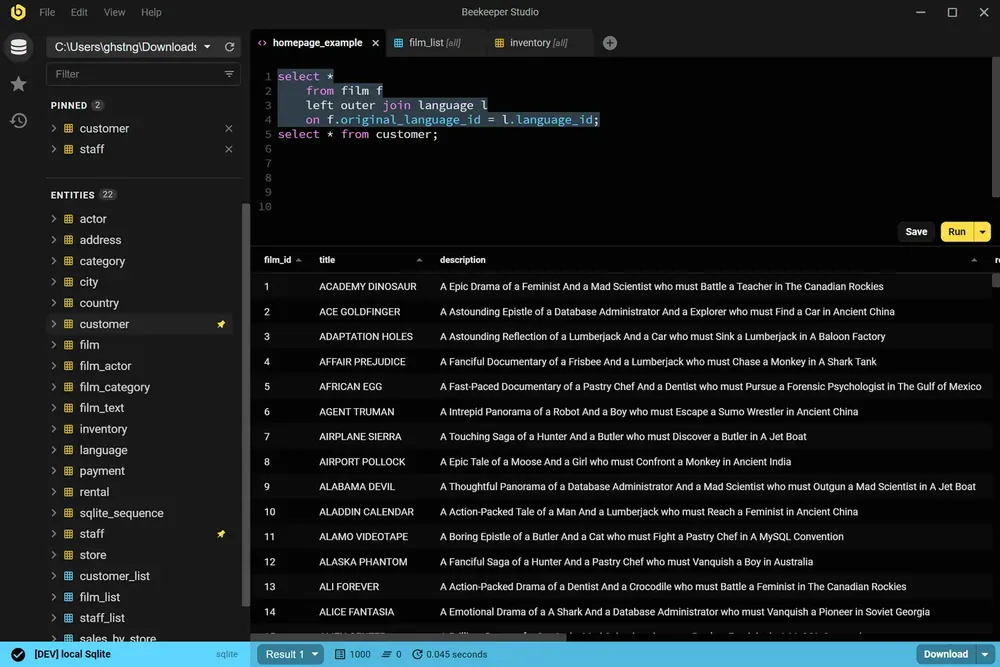
Beekeeper Studio has a fast, modern UI that feels like it was built this century. Open it, connect, and start running queries. No tutorial required.
Beekeeper Studio fits right in. I didn’t have to take hours to figure out how to properly use it, and it was a seamless addition to my toolkit. - CS (research)
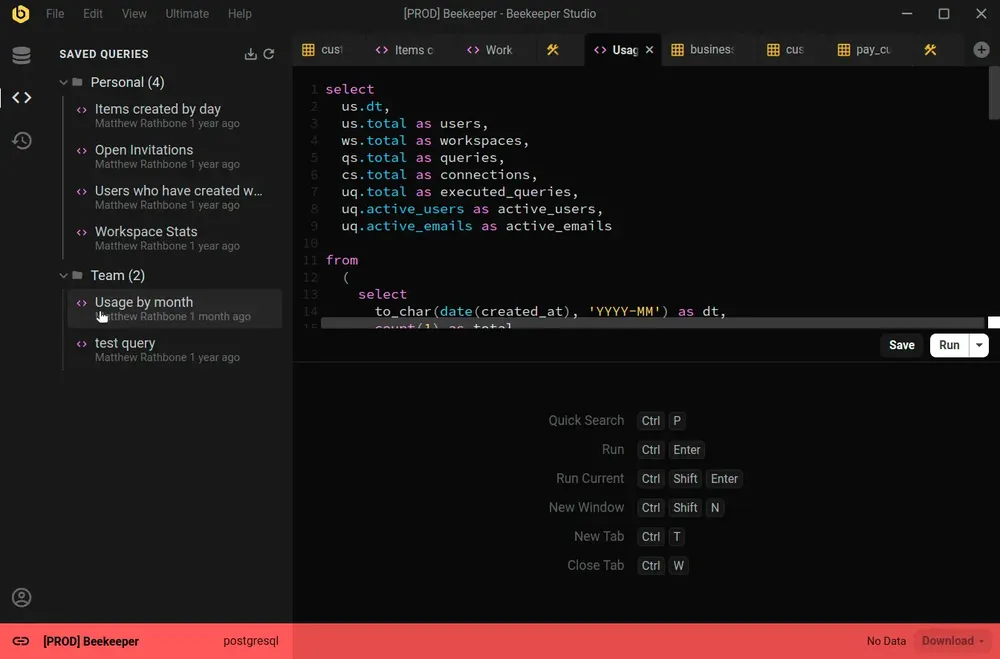
Beekeeper Studio supports a wide range of databases, such as SQLite, Postgres, and even Oracle. Easily identify different environments by color coding each connection, and the whole app will change to match when you connect.
Nice support for multiple environments (I label prod red, dev yellow, localhost green). - Chander, Motion
Beekeeper Studio works the same on MacOS, Windows, and Linux. Like you, we tinker with all types of computers, so we want our software to be top-notch, even especially on Linux.
I work on a combination of Mac and Linux and the ability to have feature parity and the same application on both platforms is outstanding. - Brian Loomis, Principal Engineer, Nikola Motor
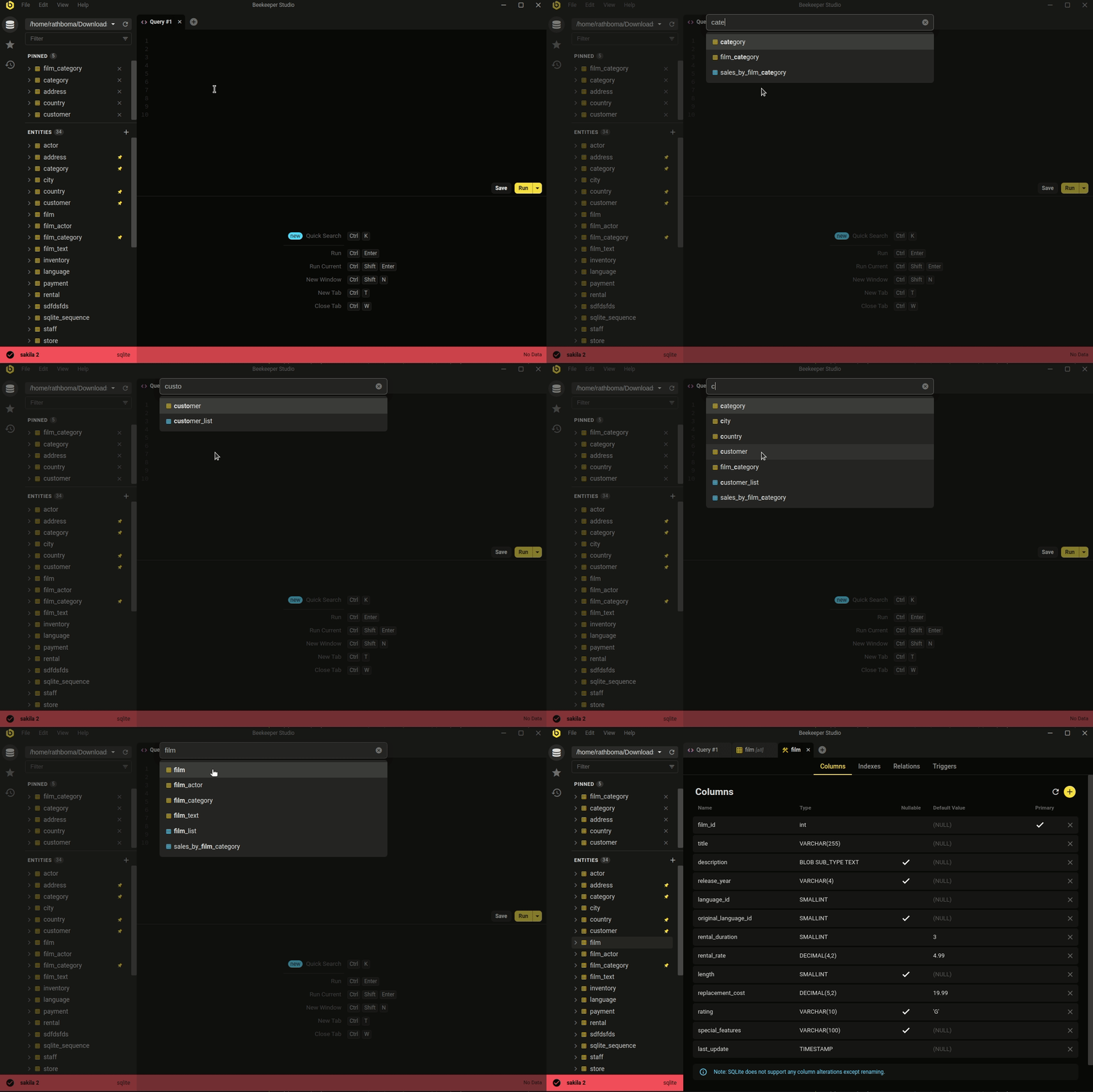 Ctrl/Cmd+P - quicksearch your database and saved queries
The minimal, modern aesthetic isn't the whole story. Beekeeper covers the day-to-day database work most developers actually do.
Whether you're looking to quickly and easily edit data, write SQL like a pro, create & modify tables, or even share queries with coworkers, Beekeeper Studio has you covered.
Beekeeper Studio’s attention to design (both visual and functionalities) helps ease the work. - Long
Our users tell us that Beekeeper's clean and intuitive interface makes using databases fun again.
Guys, WOW,
I have been using the AI to interact with my database today and I am thoroughly impressed.
I am genuinely curious about how you managed to make it generate queries so quickly and accurately.
Ive been asking some pretty complex questions but still, all my inquiries got a response. Freaking dope
I’ve used many different DB clients over the past 10 years but they were all lacking in some regard so I gave a Beekeeper a try and I immediately knew that this is the one. Beekeeper is so much better than any other client that its not even close. Clean and modern UI, fast, intuitive. It has made my development a lot easier and faster.
We’ve used a ton of database IDE’s over the years. To have this consistent, clean and elegant interface in any operating system saves time and money throughout the development process. Highly recommend you give a try.
Switched from DBeaver - absolutely in love with Beekeeper Studio’s zen-like interface! The multi-tab workflow and quick table editing save me hours weekly. It’s the SQL client that sparks joy while managing databases 🐝✨
Being a Linux user, you get your selection of DB client tools like DB Visualizer with cutting edge UI / UX experiences fresh from ’90s built on Java. With Beekeeper Studio, Linux is a first class citizen with a native app that is beautiful, lightweight, full featured and fast. Best DB tool on Linux by a country mile.
this is awesome and very useful to me 😎🔥🔥
Beekeeper Studio is BY FAR the most user-friendly DB GUI out there! I started using it a year ago and now our whole team bought a license. The multi-DB support is simply awesome as I use 4 different types of databases on a regular basis. Plus it works on Windows and Mac.
Our efficiency for managing our SQL code is a 2-3x improvement using Beekeeper compared to before.
I’m not sure I know what we would be doing without Beekeeper, probably coming up with file based sharing system with checkout permissions on a SharePoint which would be amazingly painful.
Unlike pgAdmin, Beekeeper is remarkably simple to use yet not lacking in features–and the price is right! The database backup feature is particularly useful. Just great software.
I use this BD client every day, and it’s been a great experience. The user interface is sleek and easy to navigate, and the performance is top-notch—everything runs smoothly without any hitches. The best part, however, is the excellent support team that’s always quick to resolve any issues. Highly recommend for anyone looking for a reliable and efficient BD client!
I’m new to database management. Having a tool like BeeKeeper Studio is very helpful to me, as I’m learning on how to use this tool. I used other software in the past. They were not as flexible as this one, and sometimes, there was no mac version.
I found the tool very well designed and easy to use.
I was looking for easy interface alternative for TablePlus and I ended up in finding BeeKeeper. Its awesome lightweight and full of features. Loved it!!
Free to download, no signup or credit card required.