Postico Alternative for MacOS, Windows, and Linux
Beekeeper Studio is the cross-platform, multi-database successor to Postico. Same focus on clean UX, but works on Linux and Windows too.

Hi, I’m Matthew. I started Beekeeper Studio in 2020 because I was frustrated that no database manager for Linux or Windows was as fun or easy to use as Postico was on the Mac. I run all three operating systems regularly, so cross-platform parity matters to me, and I think it really shows in the app.
Beekeeper Studio was perfect when I began using all three major OSes regularly. - Jeff Hertzler
Like Postico, Beekeeper Studio prioritizes a clean, modern, easy-to-use interface. Unlike Postico, it works on Mac, Linux, and Windows, and it speaks more than just Postgres: MySQL, SQL Server, SQLite, Oracle, and a lot more.
Beekeeper Studio is open source on GitHub. The free Community Edition covers most Postgres workflows; paid tiers unlock things like import/export and team workspaces. All purchases support continued open source development.
If you only use Postgres on a Mac, Postico works fine. The reason most people switch to Beekeeper is one of two: they pick up Linux or Windows machines (often work-issued), or they start touching MySQL / SQL Server / SQLite alongside Postgres. Beekeeper covers both cases out of the box.
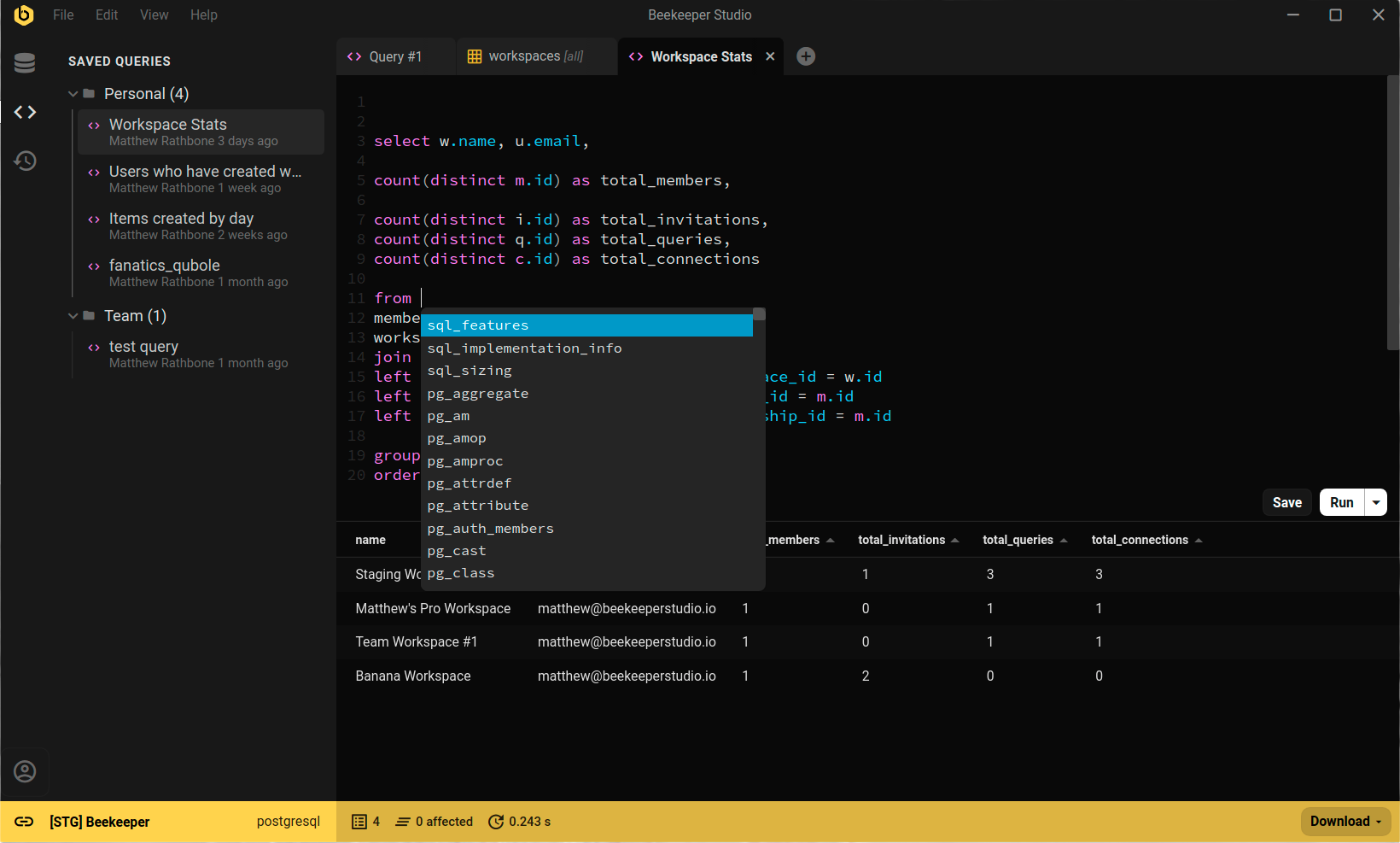
Transitioning from Postico was a significant upgrade for me. - Wei Lun, Software Engineer at GovTech Singapore
I built Beekeeper Studio because I got fed up with overly complex database apps that I had to re-learn every time I used them. I wanted something fast and light that felt like VSCode or Sublime Text, but for SQL.
Spoiler: I couldn't find a good app that fit my criteria, so I built one. That's why Beekeeper Studio exists today.
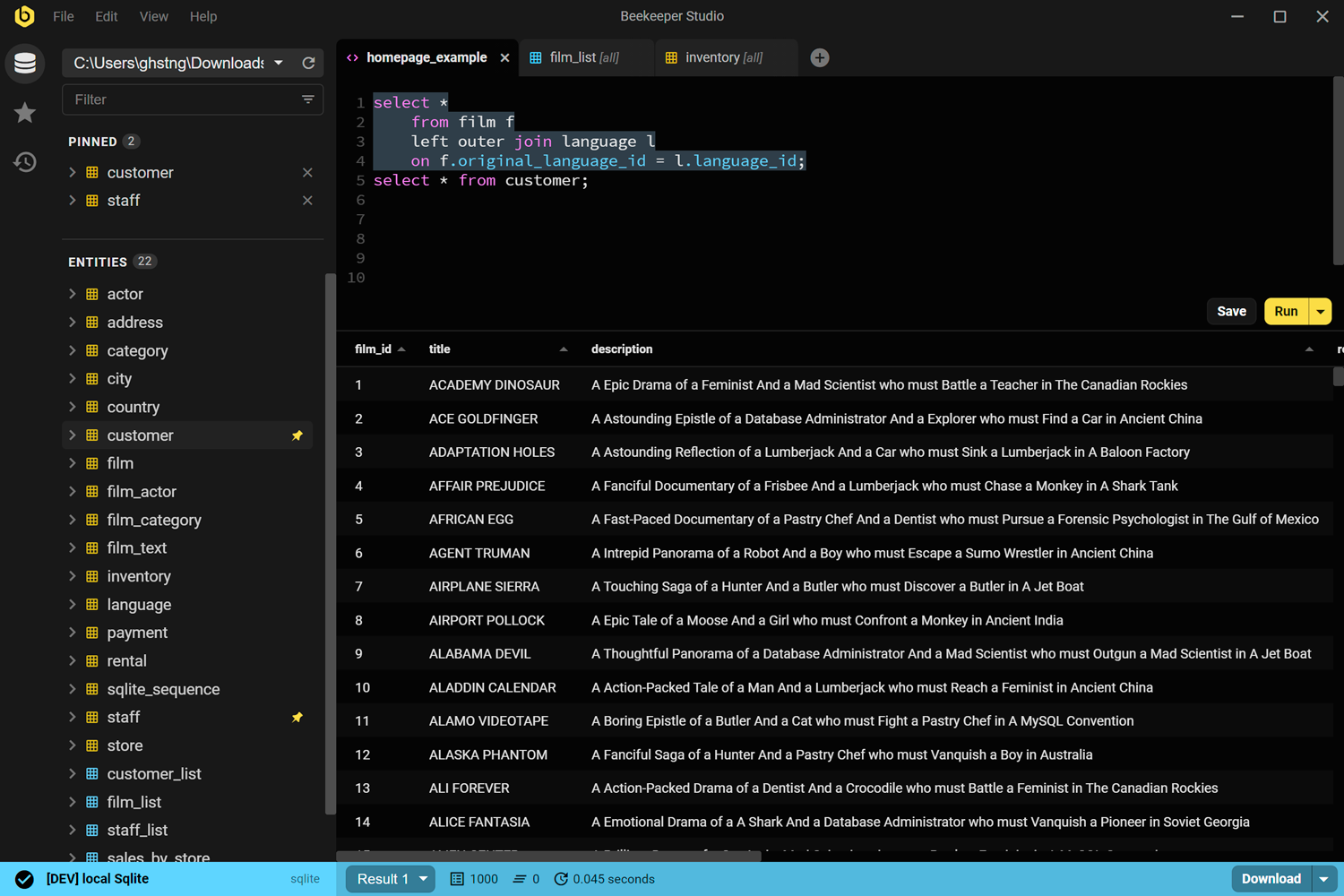
Beekeeper Studio has a fast, modern UI that feels like it was built this century. Open it, connect, and start running queries. No tutorial required.
Beekeeper Studio fits right in. I didn’t have to take hours to figure out how to properly use it, and it was a seamless addition to my toolkit. - CS (research)
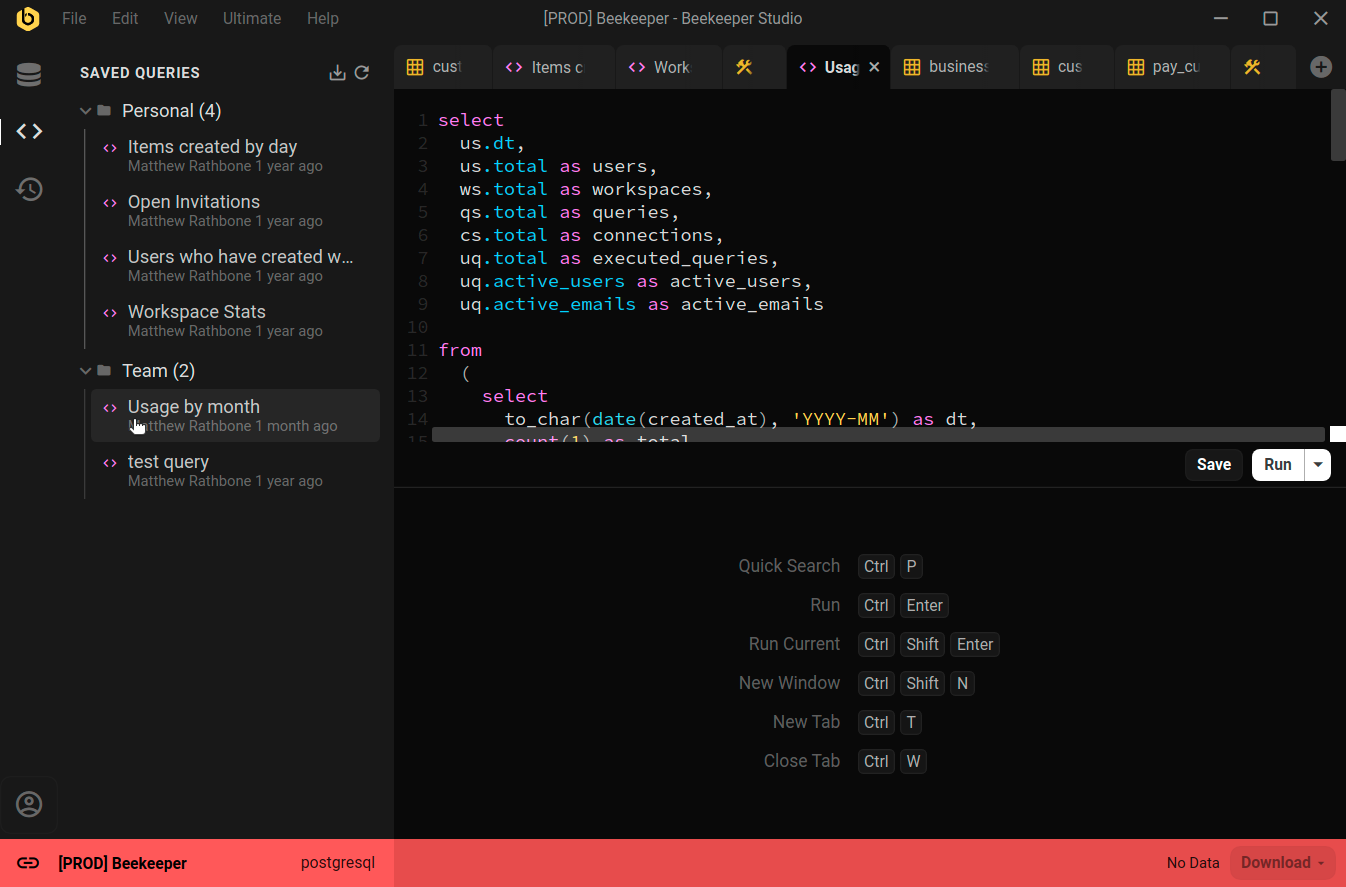
Beekeeper Studio supports a wide range of databases, such as SQLite, Postgres, and even Oracle. Easily identify different environments by color coding each connection, and the whole app will change to match when you connect.
Nice support for multiple environments (I label prod red, dev yellow, localhost green). - Chander, Motion
Beekeeper Studio works the same on MacOS, Windows, and Linux. Like you, we tinker with all types of computers, so we want our software to be top-notch, even especially on Linux.
I work on a combination of Mac and Linux and the ability to have feature parity and the same application on both platforms is outstanding. - Brian Loomis, Principal Engineer, Nikola Motor
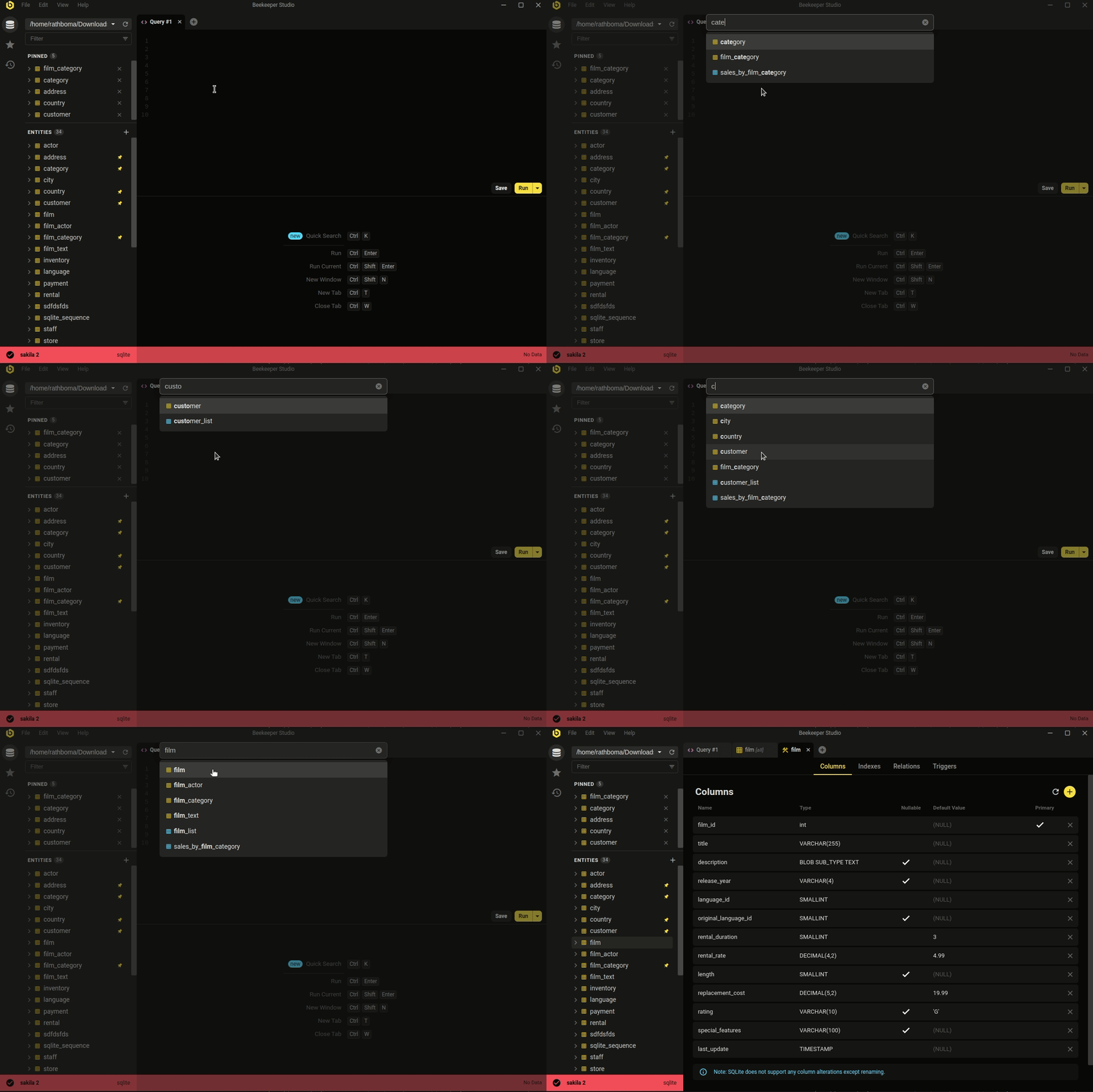 Ctrl/Cmd+P - quicksearch your database and saved queries
The minimal, modern aesthetic isn't the whole story. Beekeeper covers the day-to-day database work most developers actually do.
Whether you're looking to quickly and easily edit data, write SQL like a pro, create & modify tables, or even share queries with coworkers, Beekeeper Studio has you covered.
Beekeeper Studio’s attention to design (both visual and functionalities) helps ease the work. - Long
Free to download, no signup or credit card required.