
menu
save_alt Download

JSON to SQL Converter

Turn JSON into INSERT, UPDATE, or CREATE TABLE statements for any database.

lock100% in browser

About this converter

Turn JSON, like API responses, exports, and config files, into SQL you can run. Point it at an array of objects and it maps every key to a column, infers sensible types, and writes the statements for your dialect.

storage

Four dialects

PostgreSQL, MySQL, SQLite, and SQL Server. Each gets the right quoting, types, and auto-increment syntax.

data_object

Nested data

Objects and arrays become JSONB or JSON where supported, and TEXT where they aren't, so no data is lost.

lock

No nonsense

100% client-side code which means your JSON never touches our servers, so it's safe for sensitive data. Plus - no ads, trackers, or other BS to deal with.

Frequently Asked Questions

Can I convert nested JSON objects to SQL?

Yes. Nested objects and arrays are stored as JSON/JSONB in databases that support them (PostgreSQL, MySQL) and as TEXT in those that don’t (SQLite, older SQL Server).

How does the tool determine column types?

It reads the values in your JSON and maps them: whole numbers become INT (or BIGINT when they’re too big for INT), other numbers become DOUBLE, strings become VARCHAR(255) or TEXT, booleans map to each database’s boolean type, objects and arrays become JSON types, and ISO date strings become DATE or TIMESTAMP. The primary key field from the output settings (id by default) becomes the table’s primary key. You can change any column’s type on the Columns tab of the output settings.

What's the difference between individual and batch inserts?

Individual mode writes one INSERT statement per row. Batch mode combines rows into a single INSERT with multiple value sets, which is more efficient for large datasets. It starts a fresh INSERT every 1,000 rows, the most SQL Server accepts in one statement.

Is my data secure when using this tool?

Yes. Every conversion runs in your browser, so your JSON is never uploaded to our servers. Plus there are no trackers or ads to spy on you.

How are primary keys and auto-increment handled?

With CREATE TABLE, the tool detects the primary key and applies the right syntax per dialect:

  • PostgreSQL: SERIAL PRIMARY KEY
  • MySQL: INT AUTO_INCREMENT PRIMARY KEY
  • SQL Server: INT IDENTITY(1,1) PRIMARY KEY
  • SQLite: INTEGER PRIMARY KEY

The inserts that follow keep your existing ids. For SQL Server they’re wrapped in SET IDENTITY_INSERT ... ON, and for PostgreSQL the sequence is moved past the highest id so new rows don’t collide.

What's the largest JSON I can convert?

Since everything runs locally, the limit is your device’s memory. Paste it in or upload a .json file: the output pane previews the first 500 rows, and Copy and .sql always include every row. For multi-megabyte files, use batch insert and turn off prettify for the best performance.

Does it handle dates and times?

Yes. Strings in YYYY-MM-DD format map to DATE, and strings with a time component map to TIMESTAMP (or the closest equivalent for your chosen database). Timestamps ending in Z or a UTC offset become TIMESTAMPTZ in PostgreSQL and DATETIMEOFFSET in SQL Server, so the time zone isn’t lost.

Can I target a database that isn't listed?

The output is broadly compatible. Use MySQL as a starting point for MariaDB or BigQuery, and PostgreSQL for Oracle, then adjust any syntax specifics afterward.

Can I convert a CSV file to SQL too?

Yes, with our CSV to SQL converter. It works the same way for the same four databases, and adds CSV options like delimiter detection and header rows.

Why do you offer a free tool? What's in it for you?

Honestly we like making free useful things. We make Beekeeper Studio, a database GUI for MacOS, Linux, and Windows that is open source and has a beefy and powerful free community edition. We also run SQL Easy, a free platform for learning SQL. At some level we hope you try our other products, but don’t care that much if you do - just enjoy the converter!

Make SQL fun again

Have you tried Beekeeper Studio, our fast, good-looking SQL editor and database manager for Mac, Windows, and Linux? It's open source and there's a beefy free community edition too. My favorite parts:

  • check_circle View any row as JSON
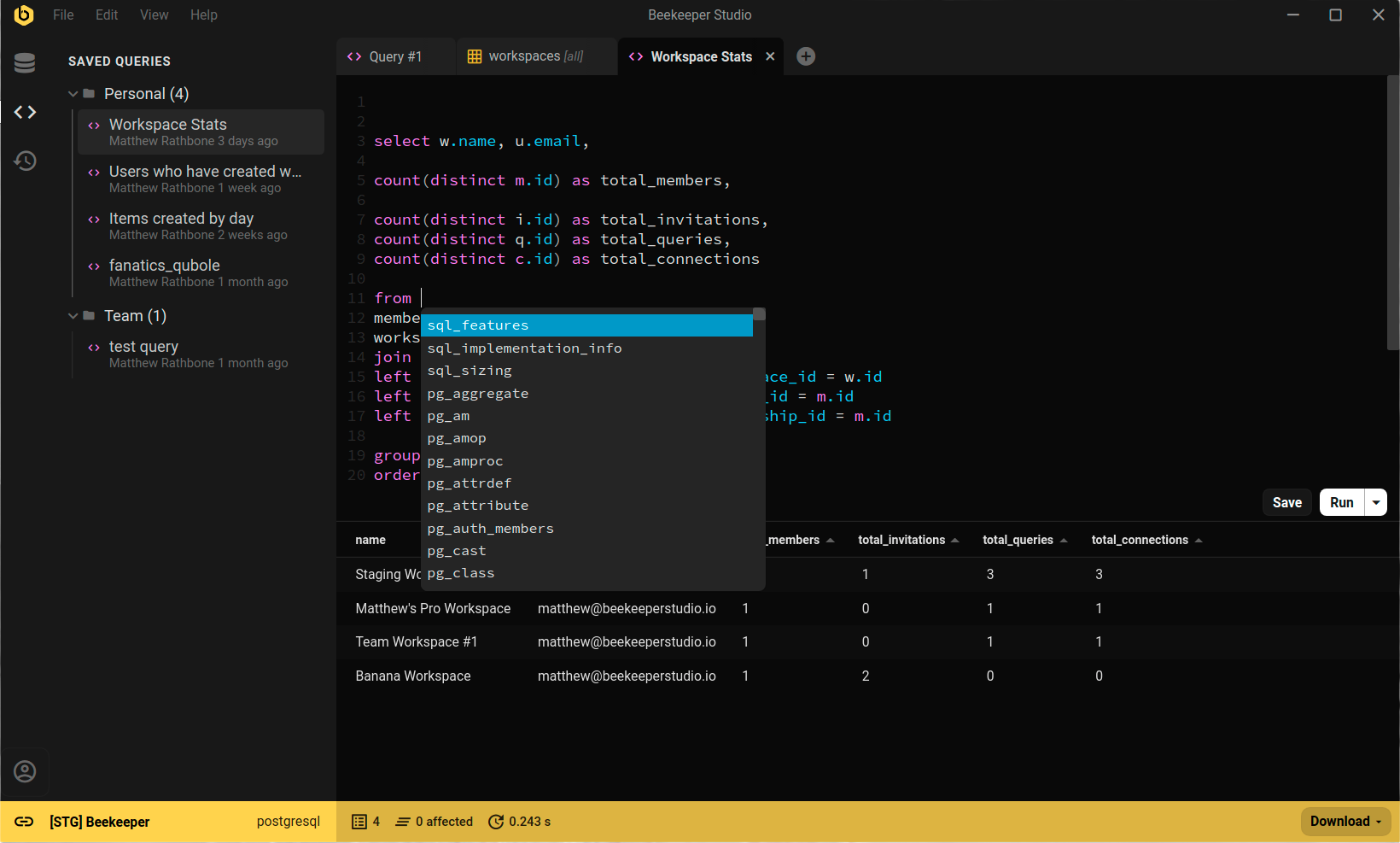
  • check_circle Query editor with autocomplete and highlighting
  • check_circle Open source, with a free Community Edition
Beekeeper Studio running a query against PostgreSQL

Beekeeper Studio's Mission

Our mission is to create open source software in order to improve database accessibility for everyone the world over.

Our commitments to you:
  • 😍 Great Feels - Using our software should make you feel warm and fuzzy inside because it is so nice to use.
  • 🔒 Respects Privacy - No creepy ad-tracking or selling your personal information. By default we don’t even know when you install the app, it’s none of our business!
  • 💾 Works Offline - You will never need an internet connection to use the app (why should you?)
  • 🌍 Inclusive - We are 100% inclusive and have a code of conduct. Diversity and inclusivity are good for Beekeeper, the tech community, and the world.
  • 💪 Open Source - We will always provide a feature-full community edition under an OSI approved license.