
menu
save_alt 다운로드

JSON to SQL Converter

Turn JSON into INSERT, UPDATE, or CREATE TABLE statements for any database.

lock100% in browser

About this converter

Turn JSON, like API responses, exports, and config files, into SQL you can run. Point it at an array of objects and it maps every key to a column, infers sensible types, and writes the statements for your dialect.

storage

Four dialects

PostgreSQL, MySQL, SQLite, and SQL Server. Each gets the right quoting, types, and auto-increment syntax.

data_object

Nested data

Objects and arrays become JSONB or JSON where supported, and TEXT where they aren't, so no data is lost.

lock

Private by default

Every conversion runs client-side. Your JSON never touches a server, so it's safe for sensitive data.

Frequently Asked Questions

Can I convert nested JSON objects to SQL?

Yes. Nested objects and arrays are stored as JSON/JSONB in databases that support them (PostgreSQL, MySQL) and as TEXT in those that don't (SQLite, older SQL Server).

How does the tool determine column types?

It reads the values in your JSON and maps them: numbers become INT or DECIMAL, strings become VARCHAR(255) or TEXT, booleans map to each database's boolean type, objects and arrays become JSON types, and ISO date strings become DATE or TIMESTAMP. Fields named id or ending in _id are treated as primary keys.

What's the difference between individual and batch inserts?

Individual mode writes one INSERT statement per row. Batch mode combines every row into a single INSERT with multiple value sets, which is more efficient for large datasets, though some clients cap the number of rows.

Is my data secure when using this tool?

Completely. Every conversion runs in your browser. Your JSON is never uploaded, so it's safe even for sensitive data.

How are primary keys and auto-increment handled?

With CREATE TABLE, the tool detects the primary key and applies the right syntax per dialect:

  • PostgreSQL: SERIAL PRIMARY KEY
  • MySQL: INT AUTO_INCREMENT PRIMARY KEY
  • SQL Server: INT IDENTITY(1,1) PRIMARY KEY
  • SQLite: INTEGER PRIMARY KEY
What's the largest JSON I can convert?

Since everything runs locally, the limit is your device's memory. For multi-megabyte files, use batch insert and turn off prettify for the best performance.

Does it handle dates and times?

Yes. Strings in YYYY-MM-DD format map to DATE, and strings with a time component map to TIMESTAMP (or the closest equivalent for your chosen database).

Can I target a database that isn't listed?

The output is broadly compatible. Use MySQL as a starting point for MariaDB or BigQuery, and PostgreSQL for Oracle, then adjust any syntax specifics afterward.

Do more than convert, actually run it

Beekeeper Studio is a fast, good-looking SQL editor and database manager for Mac, Windows, and Linux. Paste the SQL you just generated, run it, and browse the results, all in one place.

  • check_circle Native JSON editing and exploration
  • check_circle Query editor with autocomplete and highlighting
  • check_circle Open source, with a free Community Edition
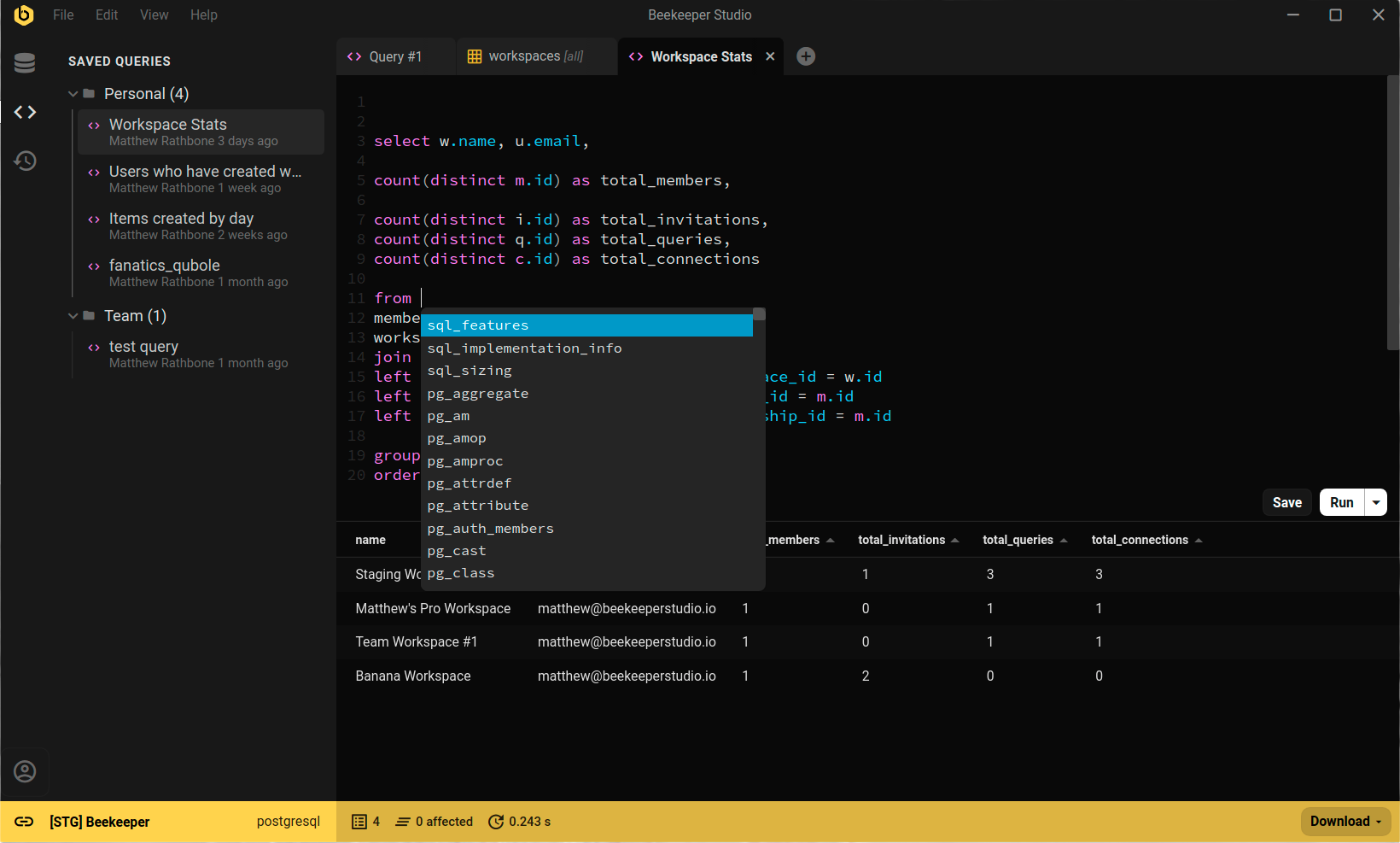
Beekeeper Studio running a query against PostgreSQL

Beekeeper Studio의 미션

우리의 미션은 전 세계 모든 사람들의 데이터베이스 접근성을 향상시키기 위한 오픈 소스 소프트웨어를 만드는 것입니다.

여러분에 대한 우리의 약속:
  • 😍 훌륭한 경험 - 우리 소프트웨어를 사용하면 너무 좋아서 마음이 따뜻해질 것입니다.
  • 🔒 개인정보 보호 - 섬뜩한 광고 추적이나 개인 정보 판매가 없습니다. 기본적으로 앱을 설치해도 우리는 알지 못합니다. 우리가 알 필요가 없으니까요!
  • 💾 오프라인 작동 - 앱을 사용하는 데 인터넷 연결이 필요 없습니다 (왜 필요하겠어요?)
  • 🌍 포용적 - 우리는 100% 포용적이며 행동 강령을 가지고 있습니다. 다양성과 포용성은 Beekeeper, 기술 커뮤니티, 그리고 세상에 좋습니다. 행동 강령.
  • 💪 오픈 소스 - 우리는 항상 OSI 승인 라이선스 하에 완전한 기능의 커뮤니티 에디션을 제공할 것입니다. OSI approved.