Interface facile à utiliser
Découvre un éditeur SQL vraiment moderne, qui soigne chaque détail.

Beekeeper Studio donne l’impression d’avoir été conçu par des développeurs qui utilisent vraiment des outils de base de données. Avant, je jonglais entre DBeaver et Prisma Studio, mais maintenant Beekeeper gère tout dans un workspace clair et intuitif. Il fait vite devenu incontournable dans mon quotidien.
On a conçu Beekeeper Studio pour qu’il soit rapide, réactif et parfaitement adapté aux écrans 4k. Mais surtout, on l’a conçu pour qu’il soit facile à utiliser.
Si tu es coincé dans un outil en ligne de commande, ou dans une interface graphique avec plus de boutons que tu ne peux en compter, et que tu n’en peux plus, tu vas adorer Beekeeper Studio.
Interface à onglets familière - Si tu as l’habitude d’outils comme VSCode, tu te sentiras tout de suite chez toi avec Beekeeper Studio. Une vraie gestion des onglets rend la navigation bien plus simple.
Design moderne et intuitif - Notre interface s’efface pour te laisser te concentrer sur tes données. Pas de surcharge avec des tas de boutons, d’icônes ou d’onglets inutiles.
Toujours superbe - Beekeeper Studio est conçu pour être superbe sur n’importe quel écran, d’un portable 13” à un moniteur 4k. Nos modes clair et sombre sont faits sur mesure pour la cohérence et la lisibilité.
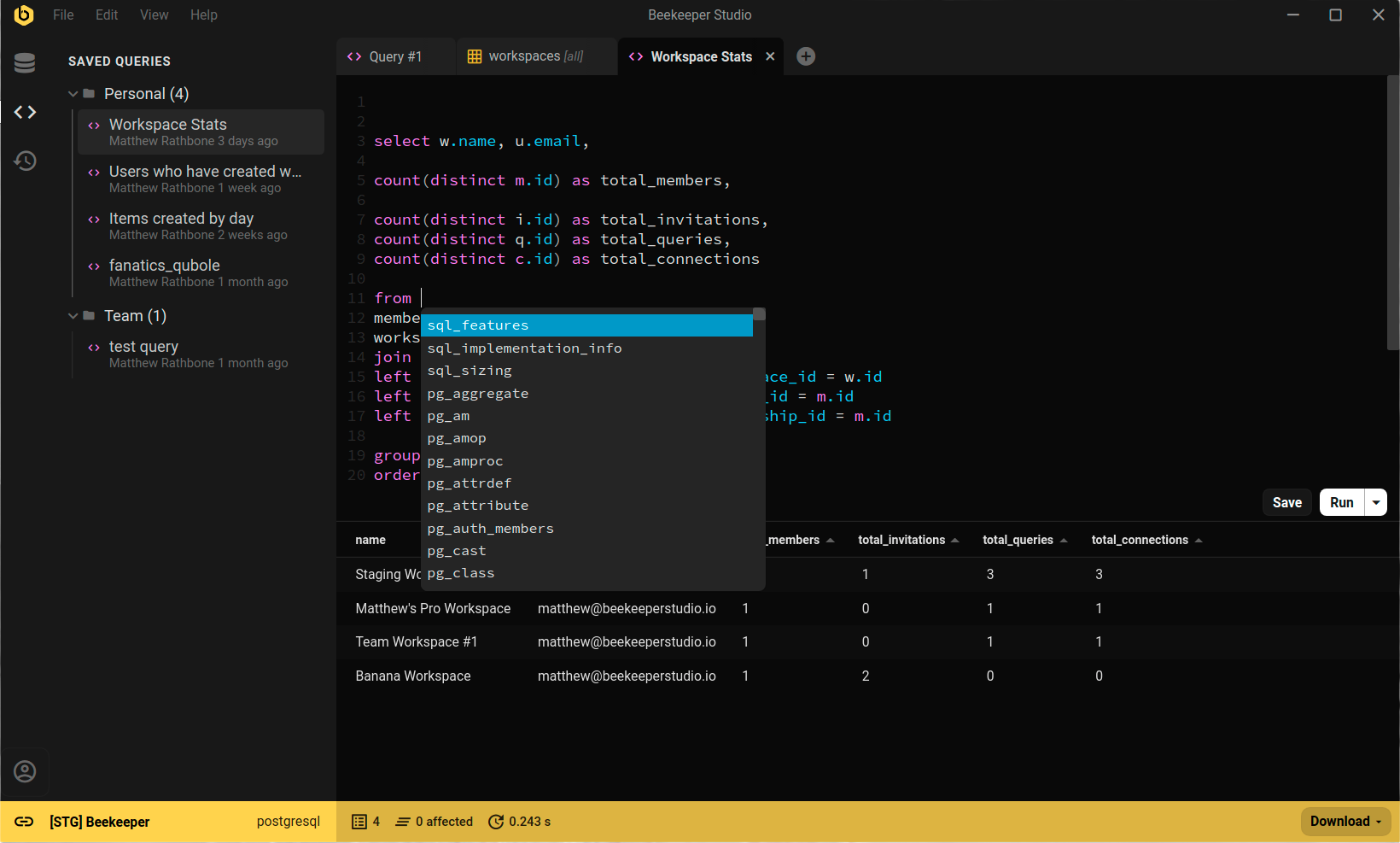
Beekeeper Studio est plus interactif que la moyenne des interfaces de base de données.
Recherche rapide - Appuie sur Ctrl/Cmd+P pour ouvrir le menu de recherche rapide. Tape pour trouver par correspondance approximative n’importe quel tableau, vue ou requête enregistrée. Appuie simplement sur Enter pour l’ouvrir.
Clés étrangères cliquables - Clique sur la valeur d’une clé étrangère dans n’importe quel tableau pour voir les données référencées dans un nouvel onglet. Ça marche exactement comme tu t’y attends.
Liens de données personnalisés - Utilise les Query Magics pour créer des liens vers d’autres tableaux dans les résultats de requête. Clique sur le lien pour voir les données référencées dans un nouvel onglet.
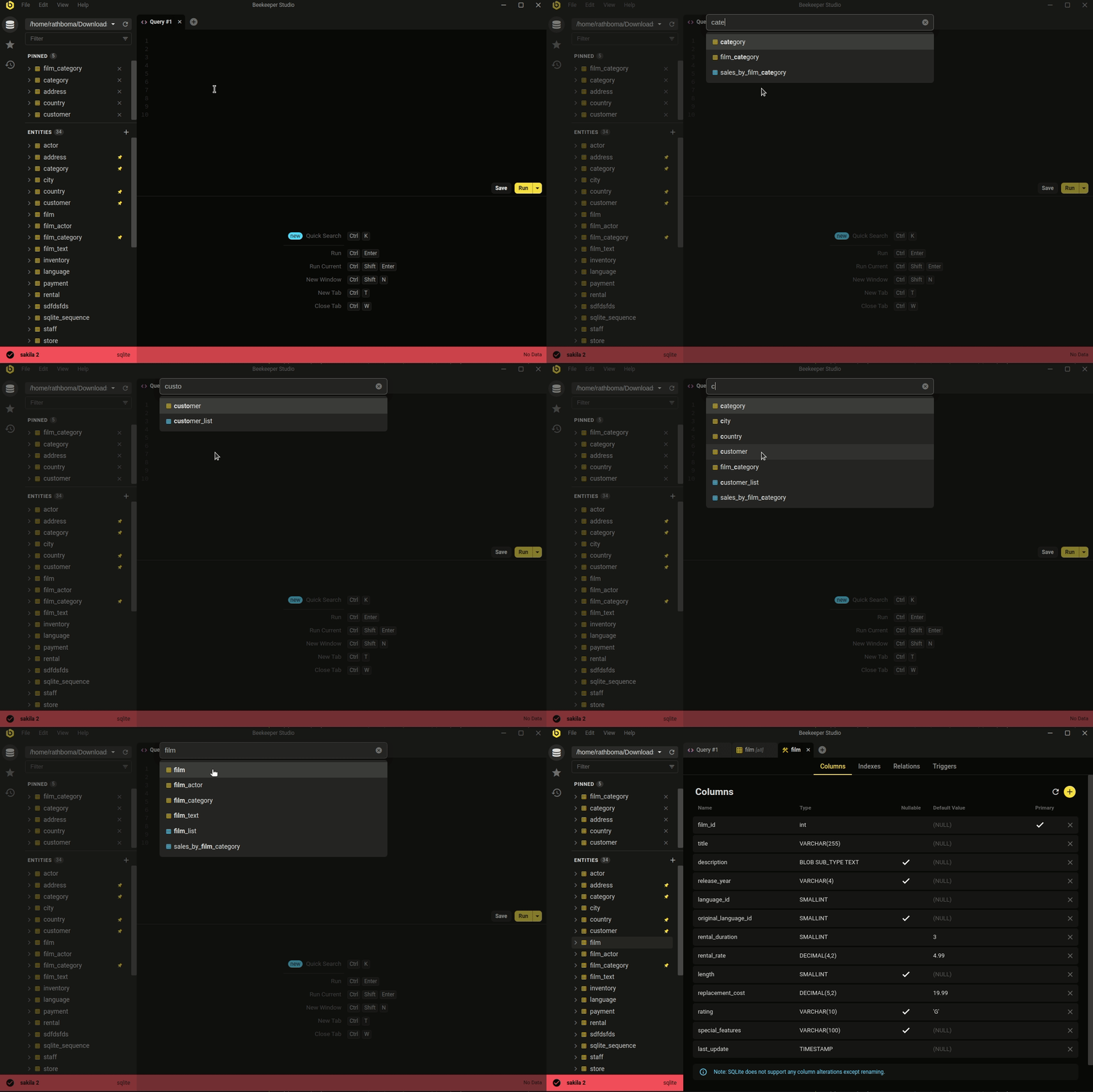
Cette fonctionnalité et bien d’autres sont incluses dans toute licence Beekeeper Studio active. Télécharge Beekeeper Studio pour commencer.