

Beekeeper Studio is a fast and easy to use DB browser for SQLite. It is available for MacOS, Linux, and Windows.
 Beekeeper Studio È Una GUI per Database Gratuita e Open Source
Il miglior strumento per query SQL ed editor che abbia mai usato. Fornisce tutto ciò di cui ho bisogno per gestire il mio database. - ⭐⭐⭐⭐⭐ Mit
Beekeeper Studio è veloce, intuitivo e facile da usare. Beekeeper supporta molti database e funziona benissimo su Windows, Mac e Linux.
How to Open a DB File
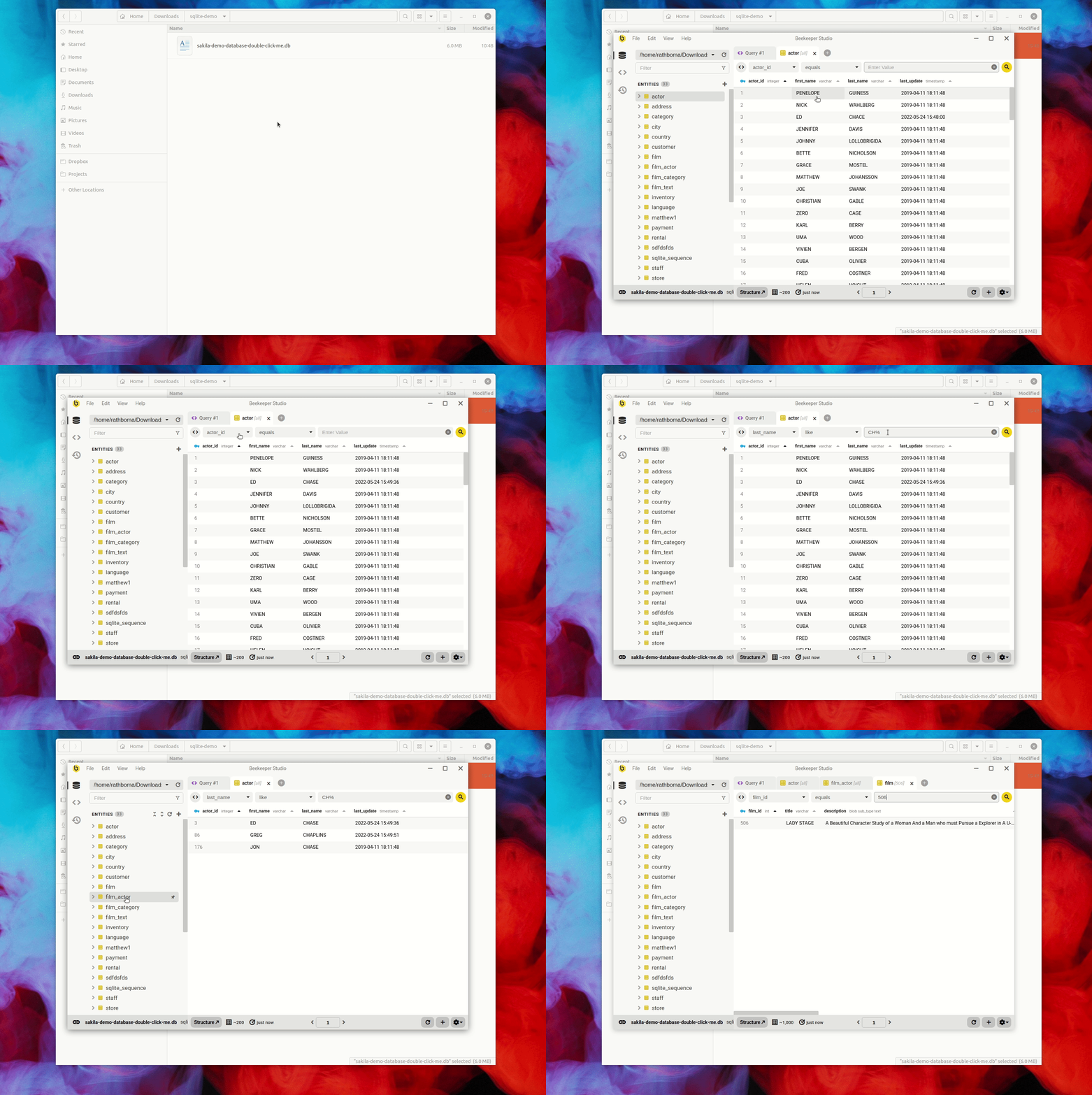
With Beekeeper Studio installed simply double click a .db file to open it. You can also open it from the command line:
- MacOS
open finances.db - Linux
xdg-open finances.db
How To Show Tables in SQLite
With your database opened, you can see all of your tables in the left sidebar.
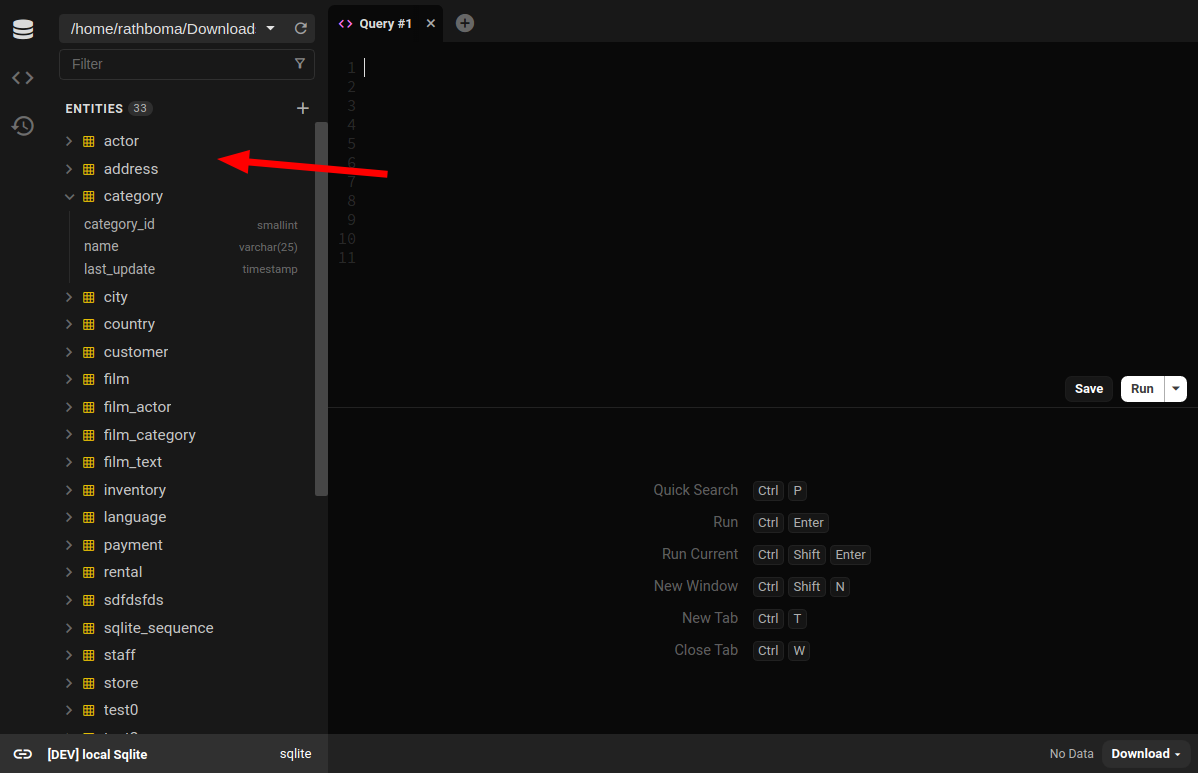
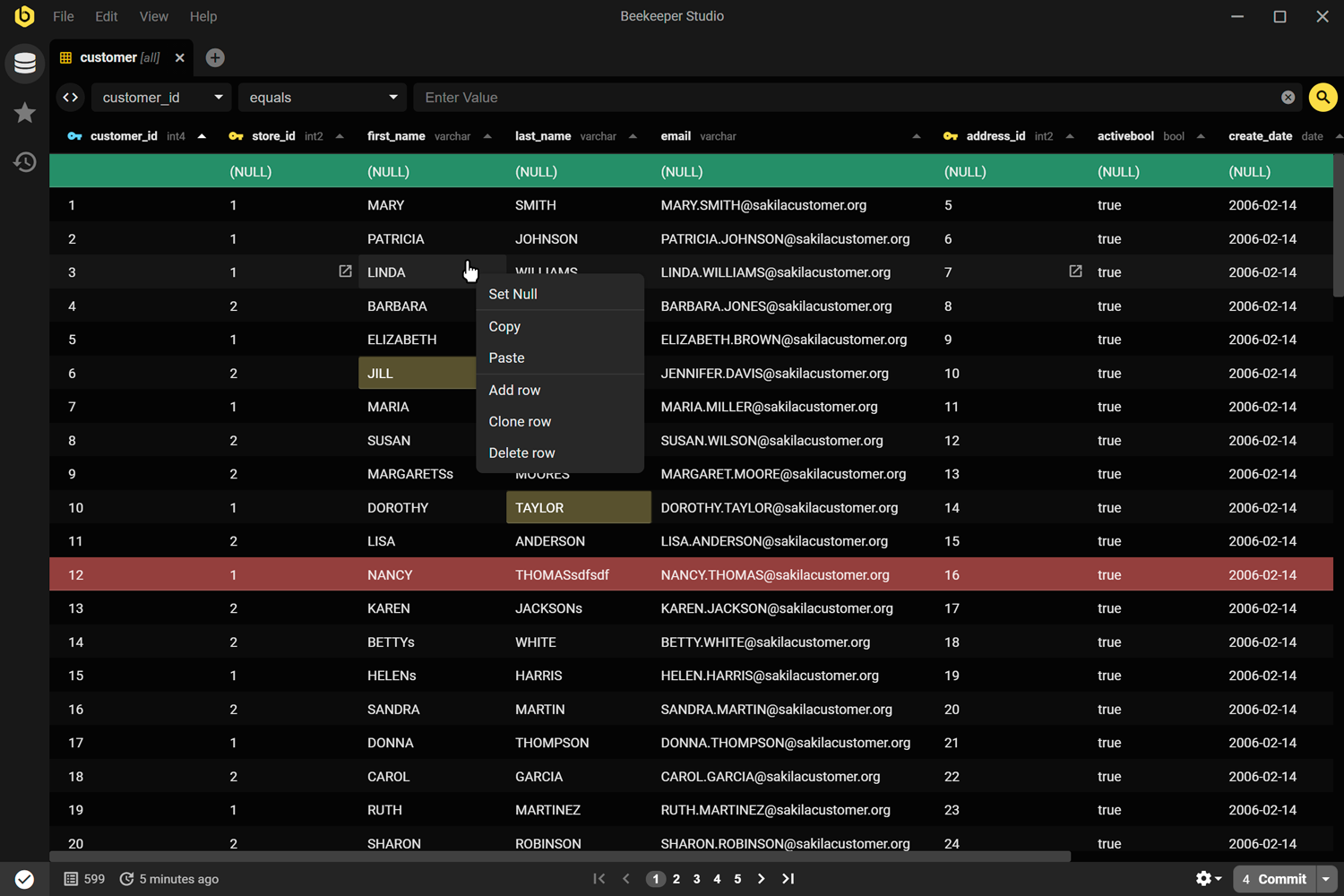
- Double click the table to open it and edit the table data in the UI.
- Right click the table and choose
structureto see the table structure and alter column types, indexes, and relations
Create Table for SQLite
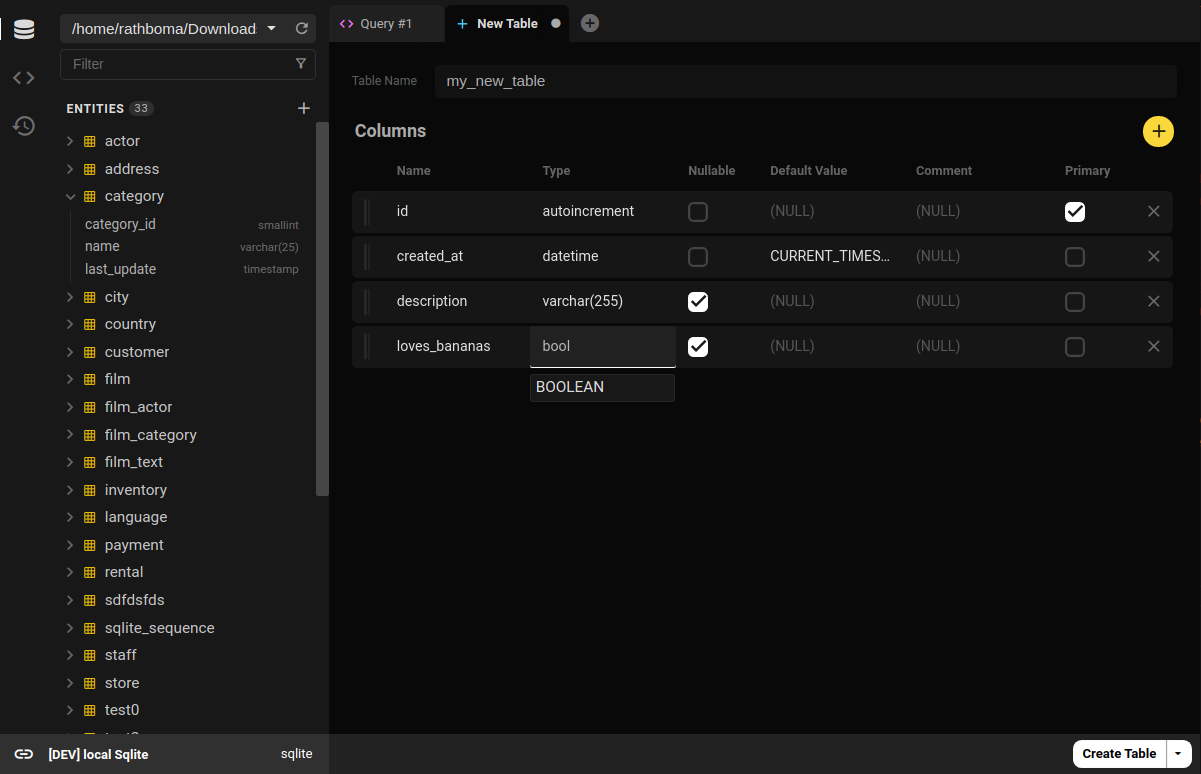
Beekeeper Studio also provides a full featured visual table builder, so no need to remember SQLite create table syntax. Simply click the (+) button at the top of the table list to create a table using the table creation UI.
Execute SQLite Scripts
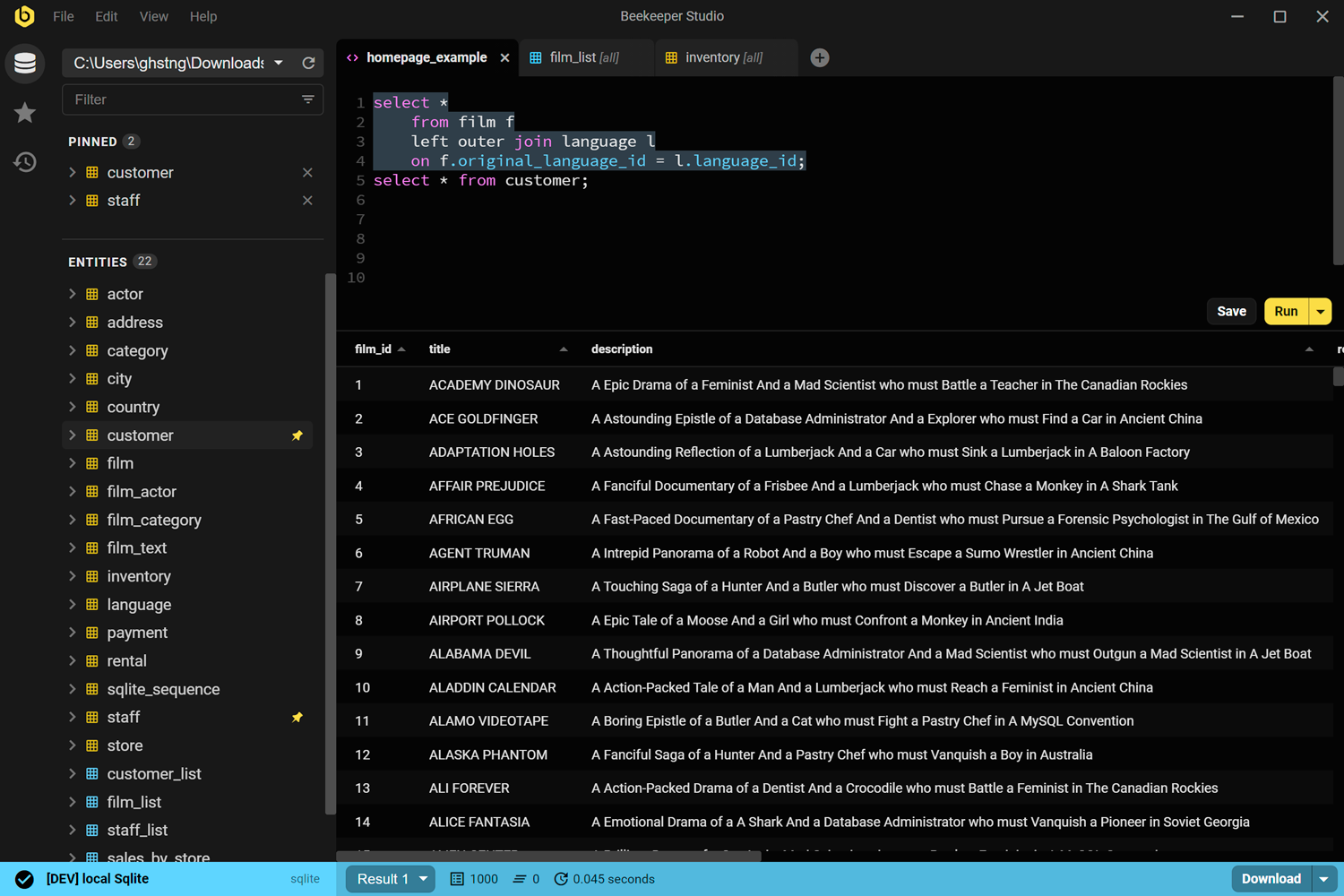
Pop open a new table and easily execute SQL, tab back and forth with your other views quickly and easily.
SQLite Browser
Browse, edit, and update your SQlite database in realtime with Beekeeper Studio, the cleanest and easiest to use SQLite DB Browser available. Oh, Beekeeper Studio is also open source and free 🎉.
Learn more about Beekeeper Studio for SQLite, or download for free


