 Beekeeper Studio
Beekeeper Studio é um cliente GUI para DynamoDB moderno e amigável. Nossos usuários dizem que o Beekeeper Studio é o cliente GUI para DynamoDB mais intuitivo e fácil de usar disponível.
O Beekeeper Studio cuida dos detalhes: por exemplo, se você colar uma URL do DynamoDB no Beekeeper Studio, simplesmente funciona (tm)
O Beekeeper é o melhor cliente de banco de dados que já usei em mais de 20 anos programando profissionalmente. Recomendo DE CORAÇÃO. É excelente, sempre. - Daniel Morris, CTO, Cubitts
O Beekeeper Studio traz o Amazon DynamoDB para a mesma interface rápida e amigável que nossos usuários adoram em todos os outros bancos de dados. Abra uma tabela em uma visualização de planilha familiar, filtre itens e edite dados inline — sem ficar pulando entre abas do console da AWS.
Escreva consultas PartiQL nas suas tabelas do DynamoDB direto no Beekeeper Studio, com destaque de sintaxe e uma grade de resultados limpa e ordenável. É a linguagem de consulta compatível com SQL que você já conhece, apontada direto para seus dados NoSQL.
O Beekeeper Studio resolve credenciais da AWS da mesma forma que a AWS CLI — chaves de acesso IAM, perfis de credenciais nomeados ou sua sessão existente da AWS CLI funcionam sem configuração extra. Desenvolvendo localmente? Aponte o Beekeeper Studio para o DynamoDB Local usando um endpoint personalizado.
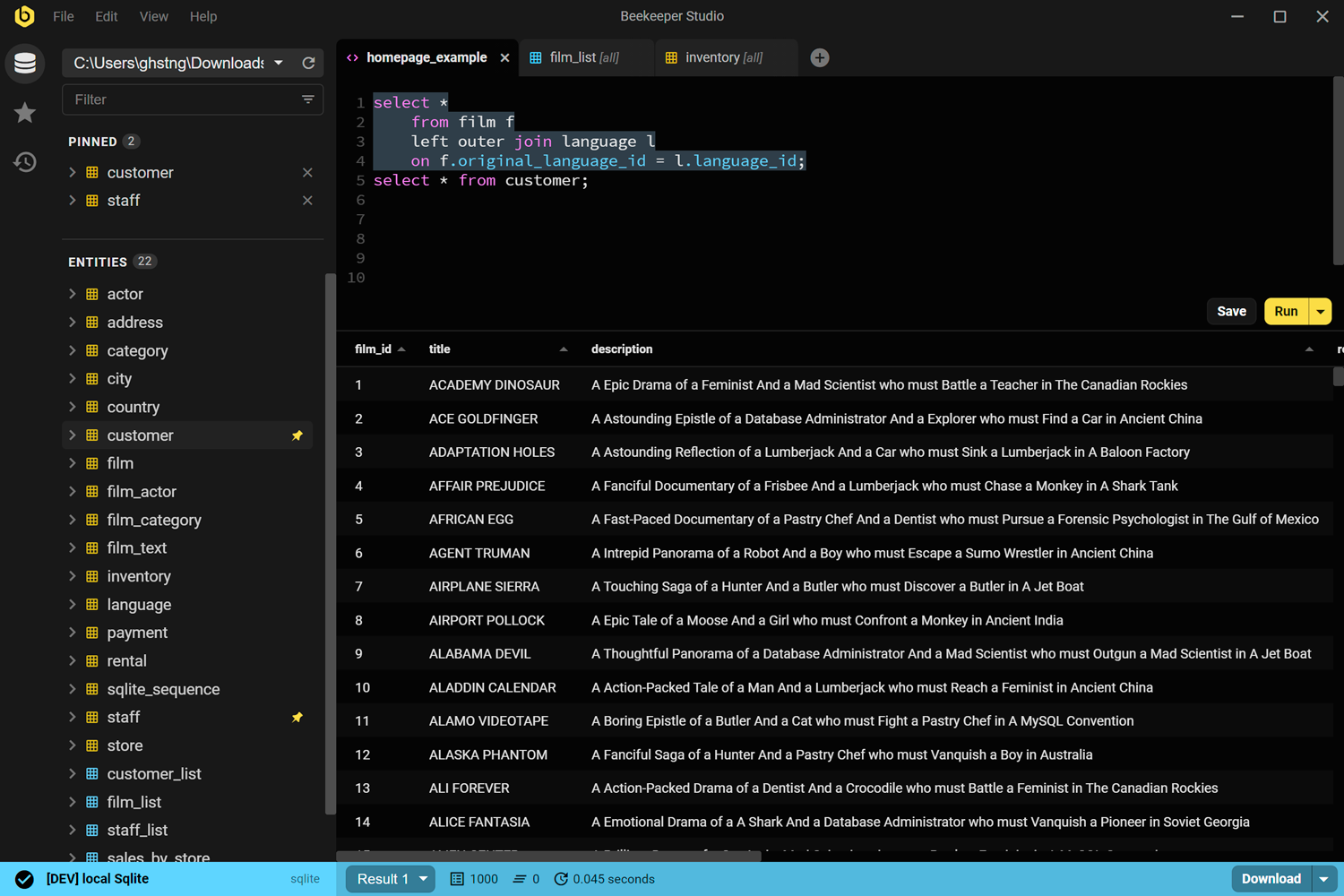
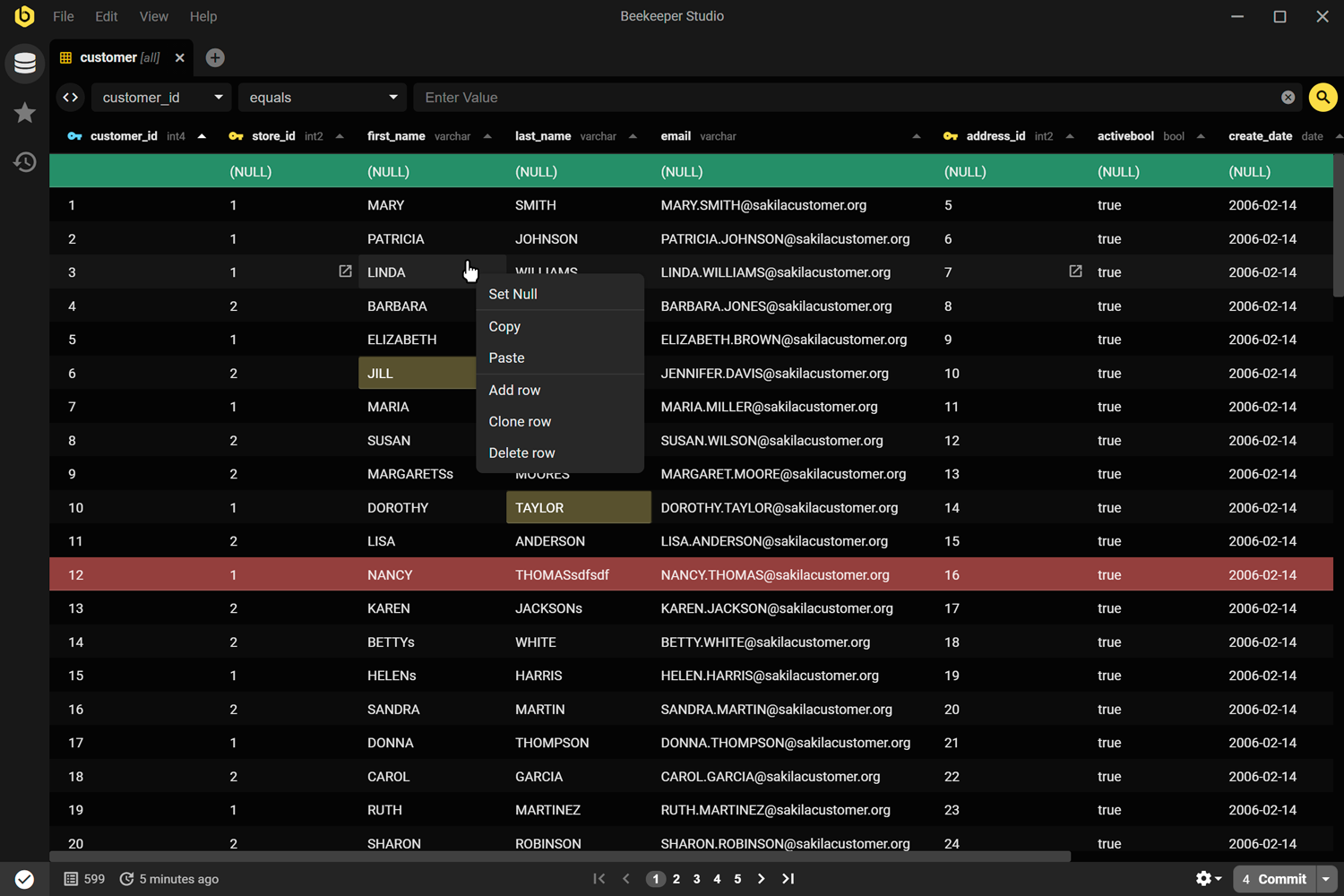
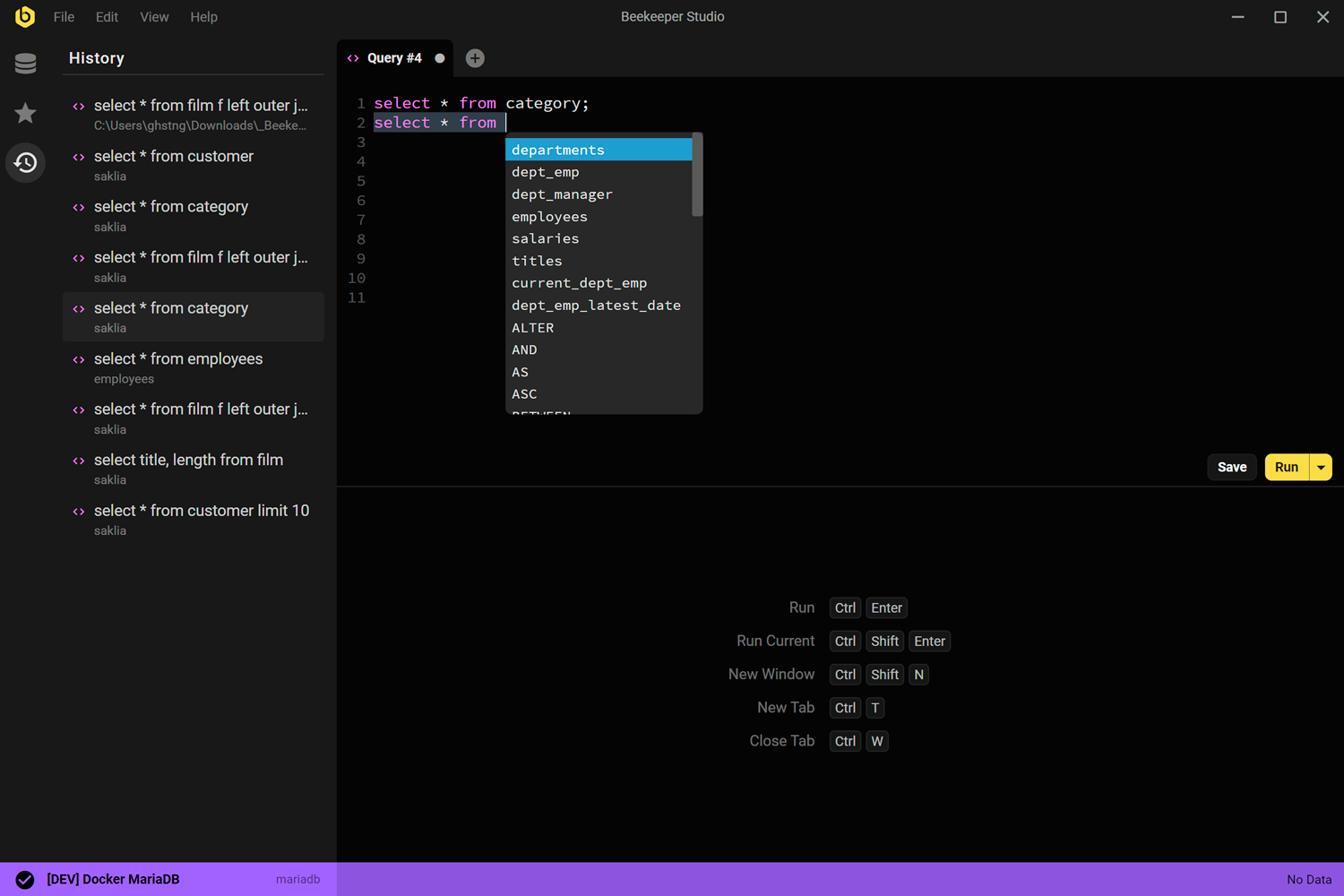
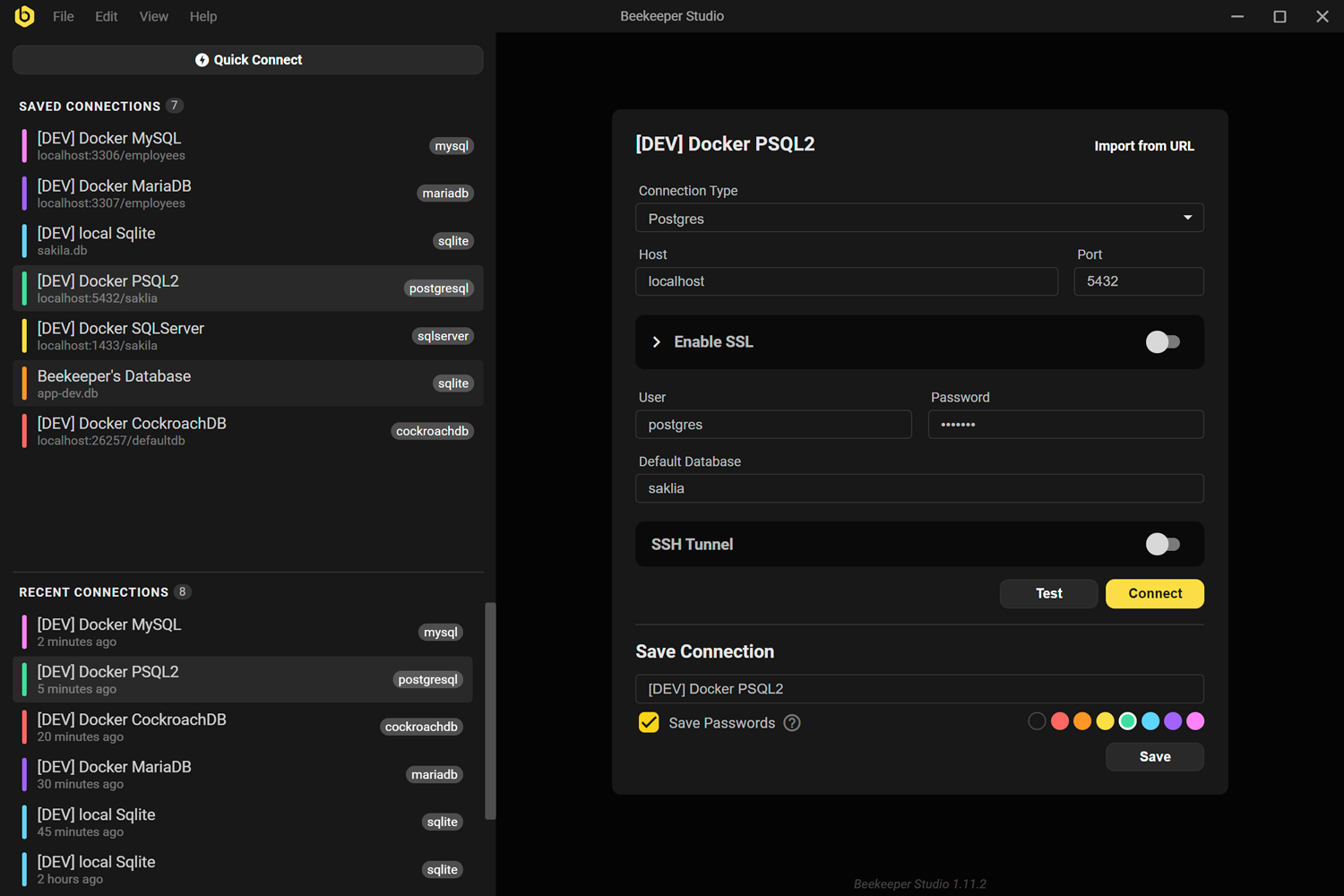
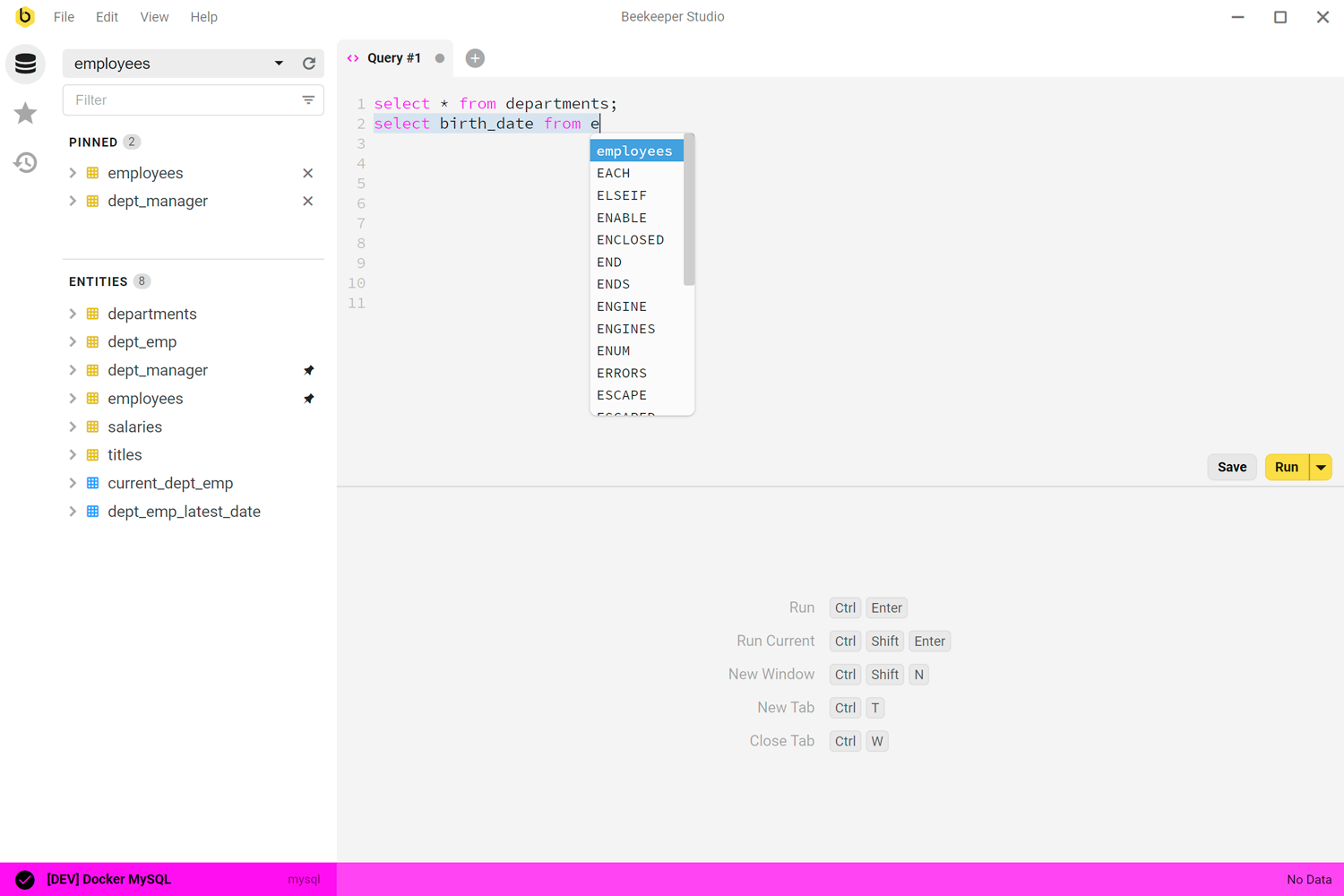
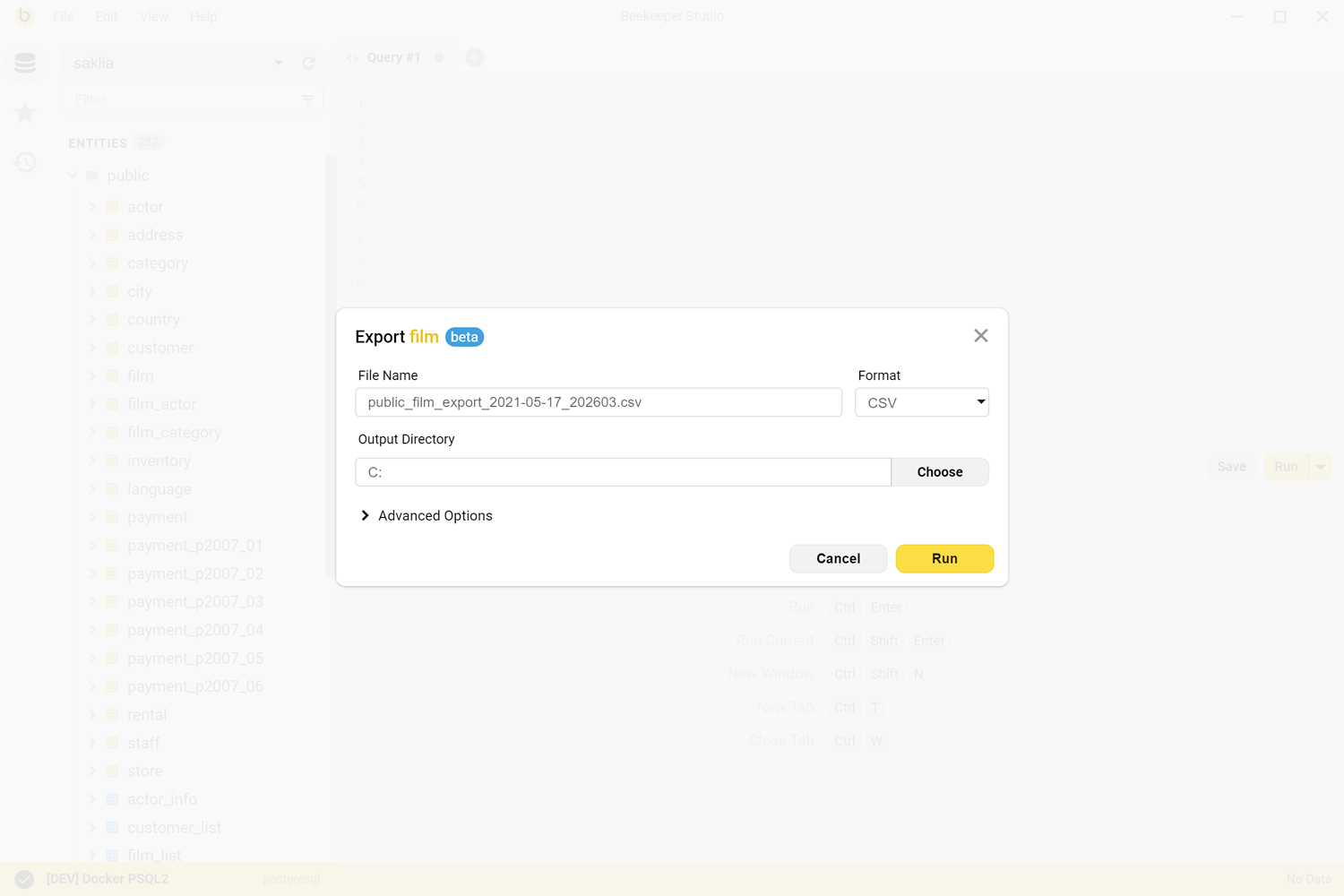
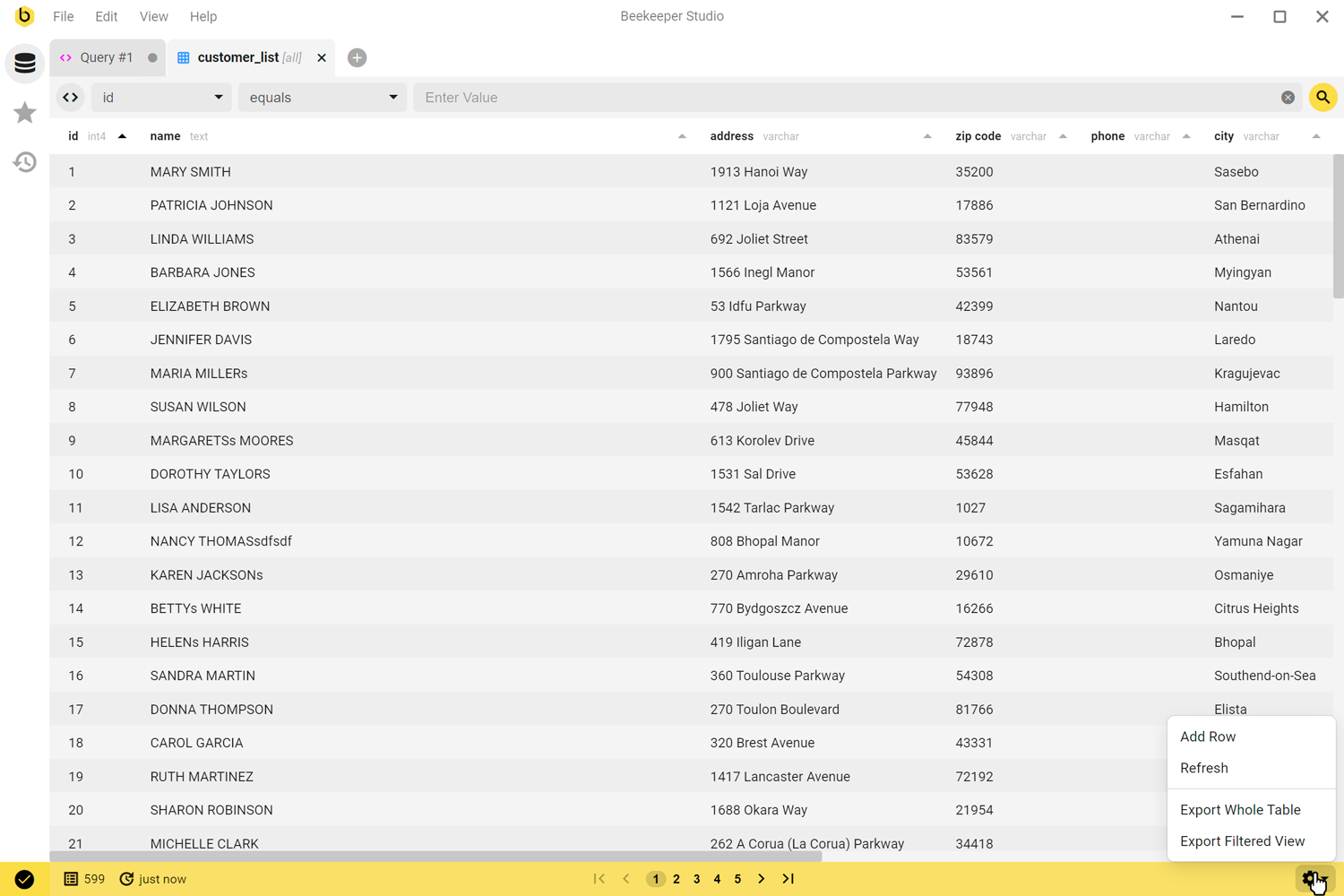
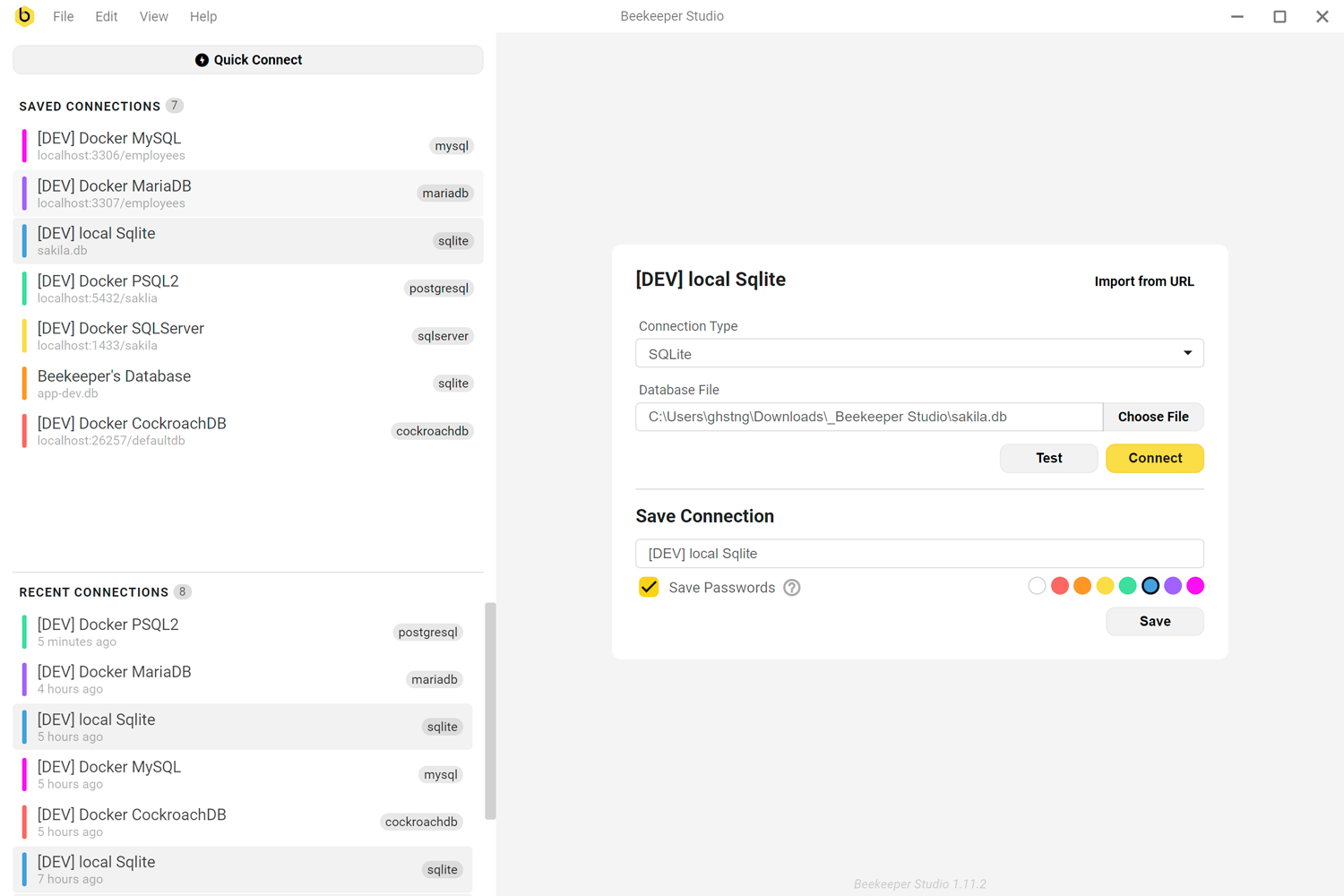
O Beekeeper Studio foi projetado principalmente para ser uma GUI de banco de dados fácil de usar. Caprichamos nos detalhes para deixar o app o mais intuitivo possível.
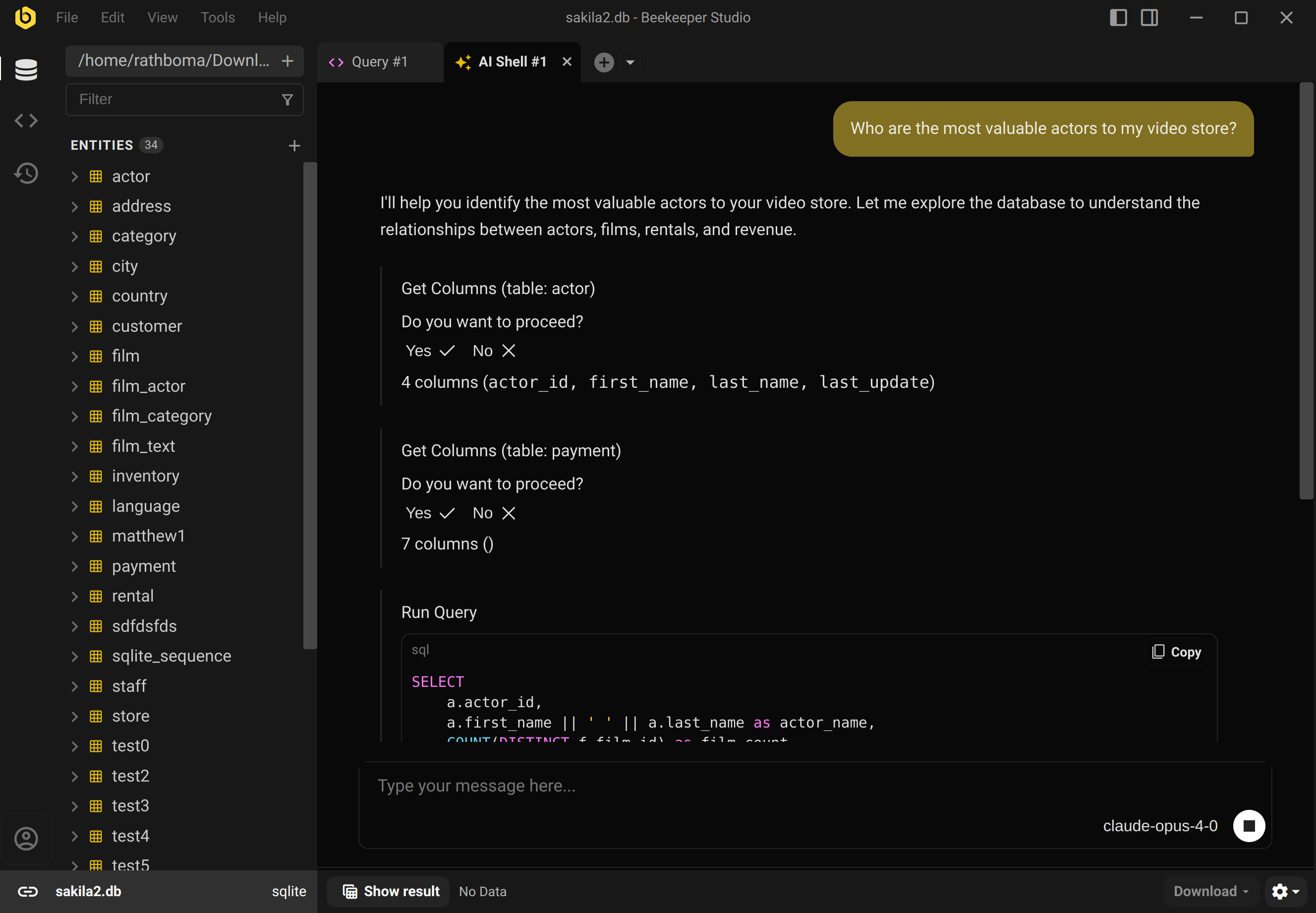
Basta fazer perguntas sobre seus dados e o AI Shell do Beekeeper responde. O AI Shell é esperto: ele pode explorar seu banco de dados, executar consultas (com permissão) e conferir o próprio trabalho usando dados reais. Sem precisar ficar guiando ou ajustando nada. Saiba mais.
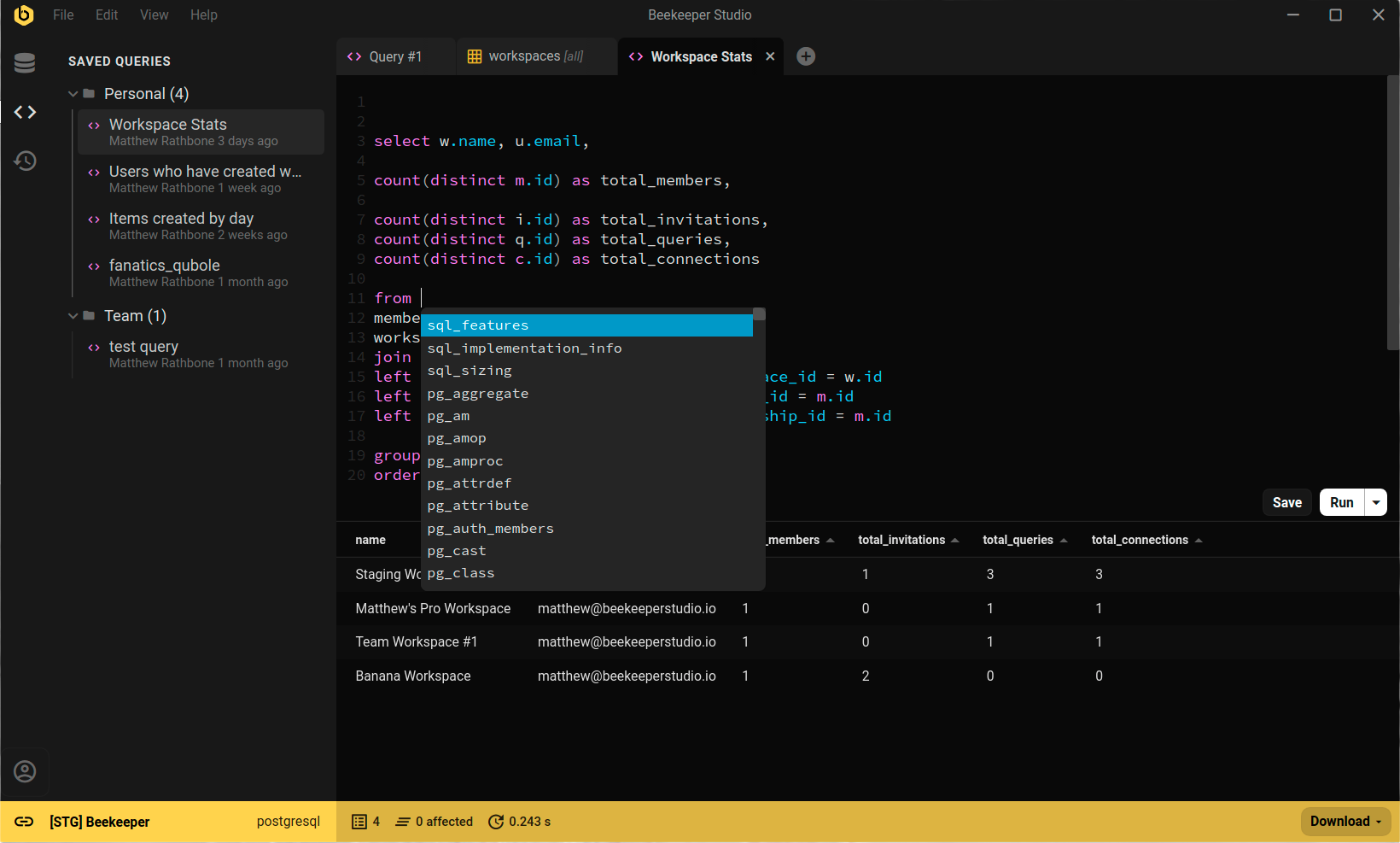
O editor de consultas do Beekeeper Studio é poderoso, mas fácil de usar. Para começar a escrever SQL, abra uma nova aba e comece a digitar – como no seu editor de texto de sempre. Saiba mais.
Abra qualquer tabela em uma planilha que torna rápido e fácil navegar, filtrar, editar e excluir os dados da tabela. Também inclui: chaves estrangeiras clicáveis, exportação de dados e editores com destaque de sintaxe. Saiba mais
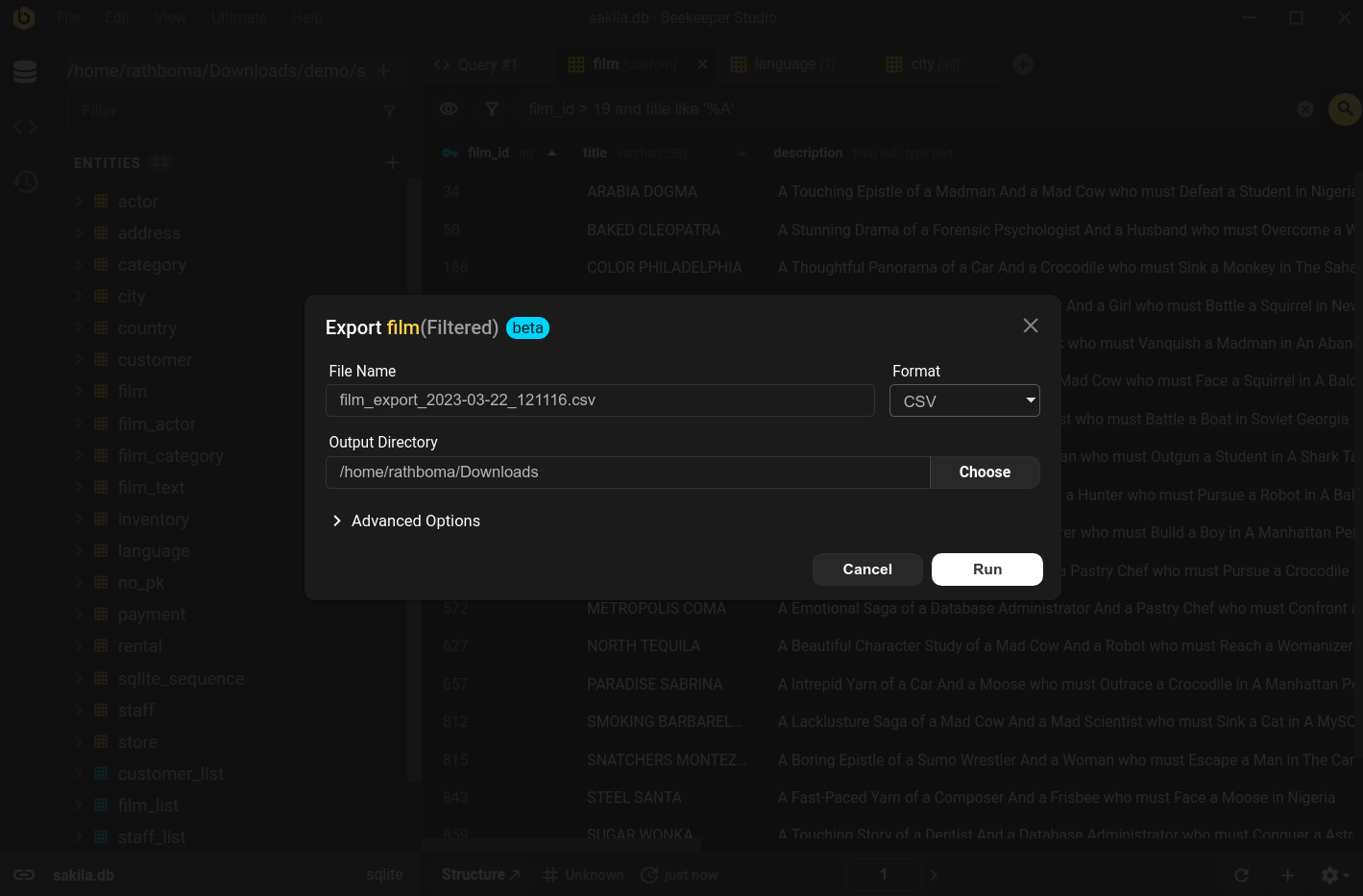
Pegue qualquer tabela, view ou resultado de consulta e exporte para CSV, Excel ou JSON em dois cliques. Saiba mais
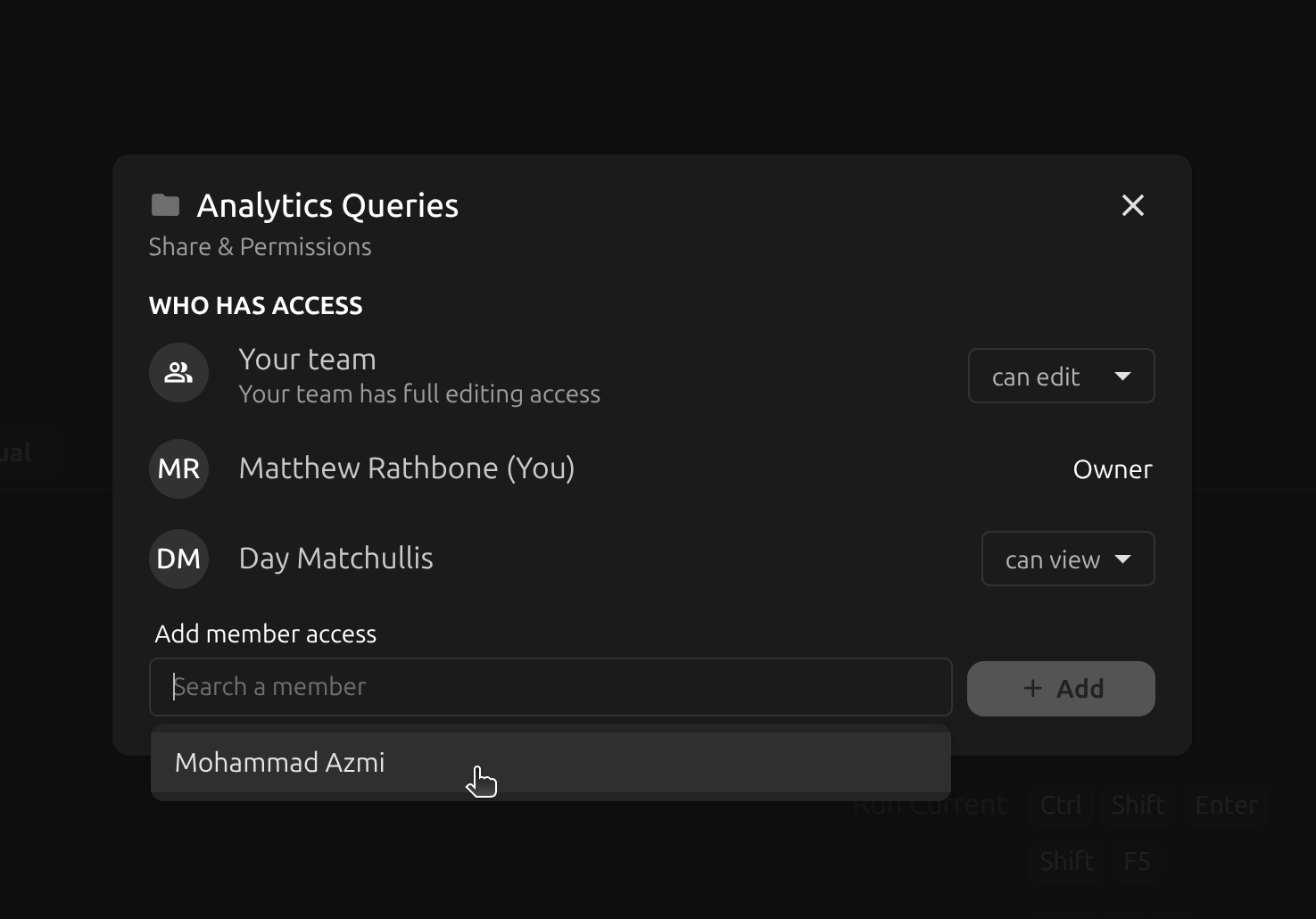
Os Workspaces de equipe do Beekeeper permitem trabalhar facilmente em várias máquinas e compartilhar conexões e consultas com seus colegas. Todos os dados são criptografados em repouso e em trânsito, então suas informações ficam sempre seguras. Saiba mais.
Configure facilmente diferentes grupos de compartilhamento organizando os dados em pastas e compartilhando cada pasta com um grupo diferente.
O Beekeeper Studio é limpo, fluido e simplesmente funcionou - ⭐⭐⭐⭐⭐ Mike
O Beekeeper Studio tem 100% de paridade de recursos entre Linux, MacOS e Windows. Então, não importa de qual sistema operacional você trabalhe (ou jogue), você pode usar todos os nossos recursos para DynamoDB com total compatibilidade multiplataforma, sem concessões. Usamos um framework de desenvolvimento multiplataforma para garantir a melhor experiência de cliente GUI para DynamoDB, seja no MacOS, Windows ou Linux.
O Beekeeper Studio também funciona muito bem em Chromebooks, Raspberry Pi 3+ e talvez até naquela torradeira ou geladeira curiosa (se rodar Linux).
Quando troquei o Mac pelo Linux em tempo integral, o mais difícil foi encontrar apps substitutos. O Beekeeper foi um sopro de ar fresco: não só funciona no Linux, como parece um cidadão de primeira classe! - Mike Kelly, CTO da MemberVault
O Beekeeper Studio está disponível para Windows, para você consultar, editar e gerenciar seus bancos DynamoDB com facilidade. O download do Beekeeper Studio para Windows está disponível na nossa página de download como instalador, arquivo .exe portátil ou pacote MSI para equipes de TI. O Beekeeper Studio suporta Windows 10+ em PCs x64 e ARM64; mais informações estão disponíveis na nossa documentação do Windows.
O Beekeeper Studio se integra perfeitamente ao ambiente MacOS para consultar, editar e gerenciar o DynamoDB. O app do Beekeeper Studio para MacOS está disponível na página de downloads. O Beekeeper Studio suporta Macs com Intel e Apple silicon. Mais informações estão disponíveis na nossa página de documentação do MacOS.
A GUI para DynamoDB do Beekeeper Studio tem paridade total de recursos no Linux. O Linux é um sistema de primeira classe para a equipe do Beekeeper Studio, e achamos que é a melhor forma de editar, consultar e gerenciar seu banco DynamoDB. O Beekeeper Studio funciona muito bem em todas as principais distribuições, incluindo Ubuntu, Fedora e Arch. Você pode obter o cliente Linux do Beekeeper Studio na nossa página de download. Saiba mais na nossa documentação do Linux.
O Beekeeper Studio é feito por mim, Matthew Rathbone, e uma pequena equipe de desenvolvedores em meio período. Criamos software com o qual nos importamos. Não fazemos parte de uma grande corporação nem temos um grande investidor nos bastidores assinando cheques. Ao contrário de muitos concorrentes bem financiados, todo o código do Beekeeper Studio está disponível no GitHub, e também publicamos uma versão gratuita completa do Beekeeper Studio para quem não pode pagar pelas edições pagas. Nossa missão é tornar bons softwares acessíveis a todos. Cada compra apoia diretamente a nós e nosso compromisso contínuo com o open source.
Espero que você goste de usar o Beekeeper Studio tanto quanto nós gostamos de criá-lo.
O Amazon DynamoDB é um banco de dados NoSQL de chave-valor e documentos, totalmente gerenciado e serverless, criado para aplicações que precisam de desempenho consistente na casa de poucos milissegundos em qualquer escala. Ele cuida de escalonamento automático, backups e replicação para que você possa focar nos seus dados em vez da infraestrutura. Saiba mais sobre o DynamoDB no site oficial.
Nossos usuários dizem que a interface limpa e intuitiva do Beekeeper torna o uso de bancos de dados divertido de novo.