 Beekeeper Studio
 is a modern and friendly DynamoDB GUI client. Our users tell us that Beekeeper Studio is the most intuitive, and easy to use DynamoDB GUI client available.
Beekeeper Studio cares about the details, for example, if you paste a DynamoDB url into Beekeeper Studio it will just work (tm)
Beekeeper is the best database client I have ever used, in my 20+ years of professional coding. Would WHOLEHEARTEDLY recommend. It’s so good, all the time.
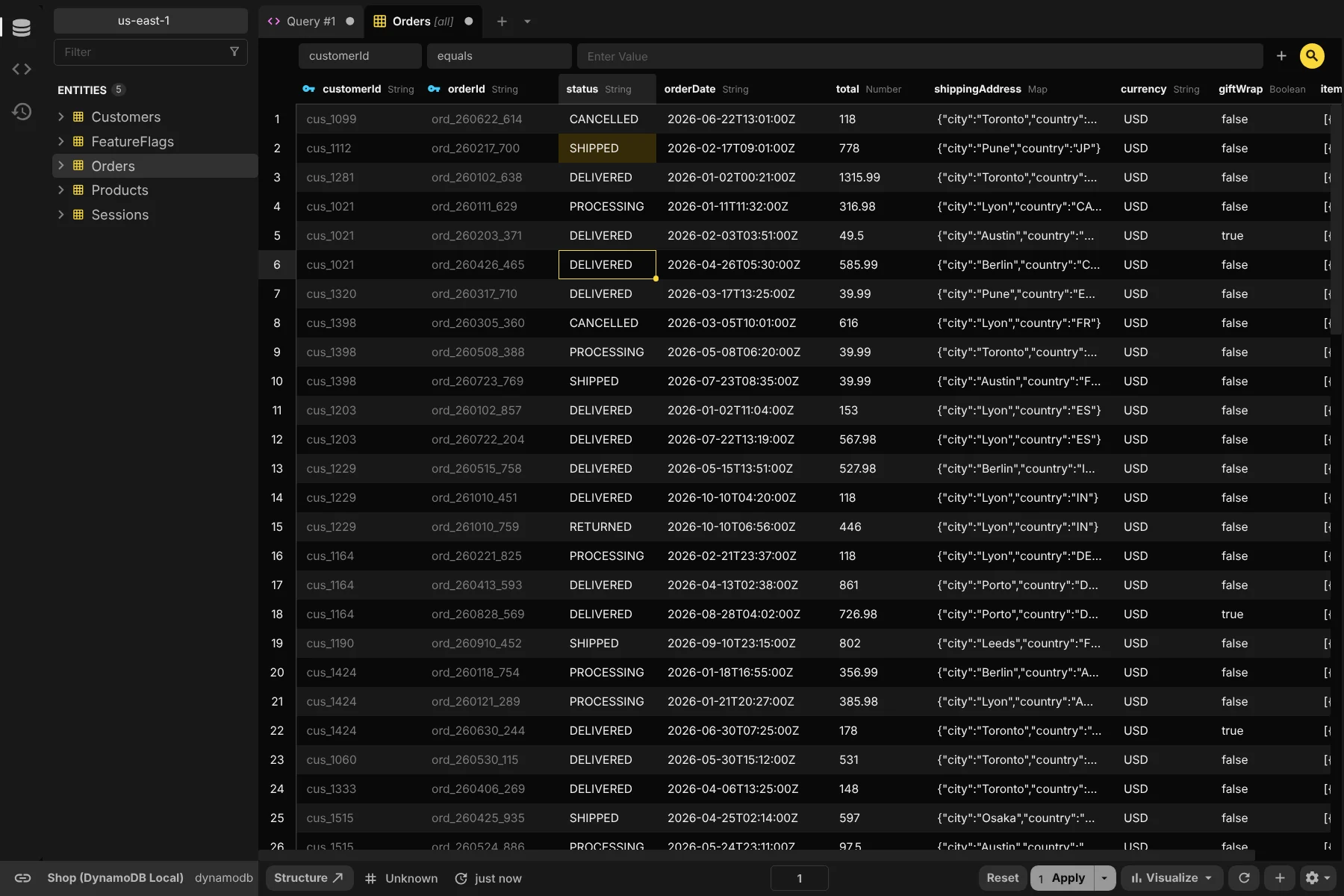
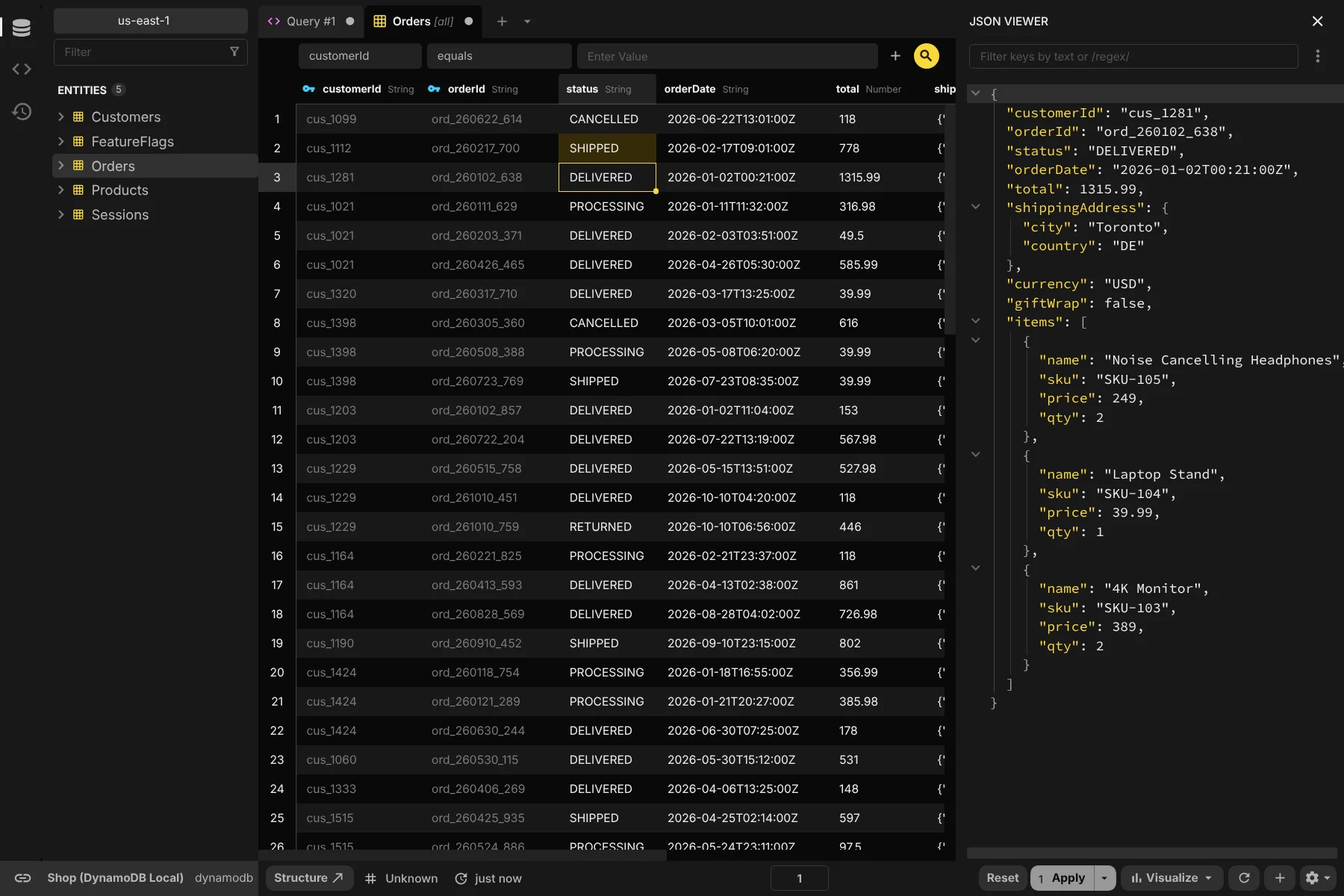
Beekeeper Studio brings Amazon DynamoDB into the same fast, friendly interface our users love for every other database. Open a table in a familiar spreadsheet view, filter items, and edit data inline — no jumping between AWS console tabs required.
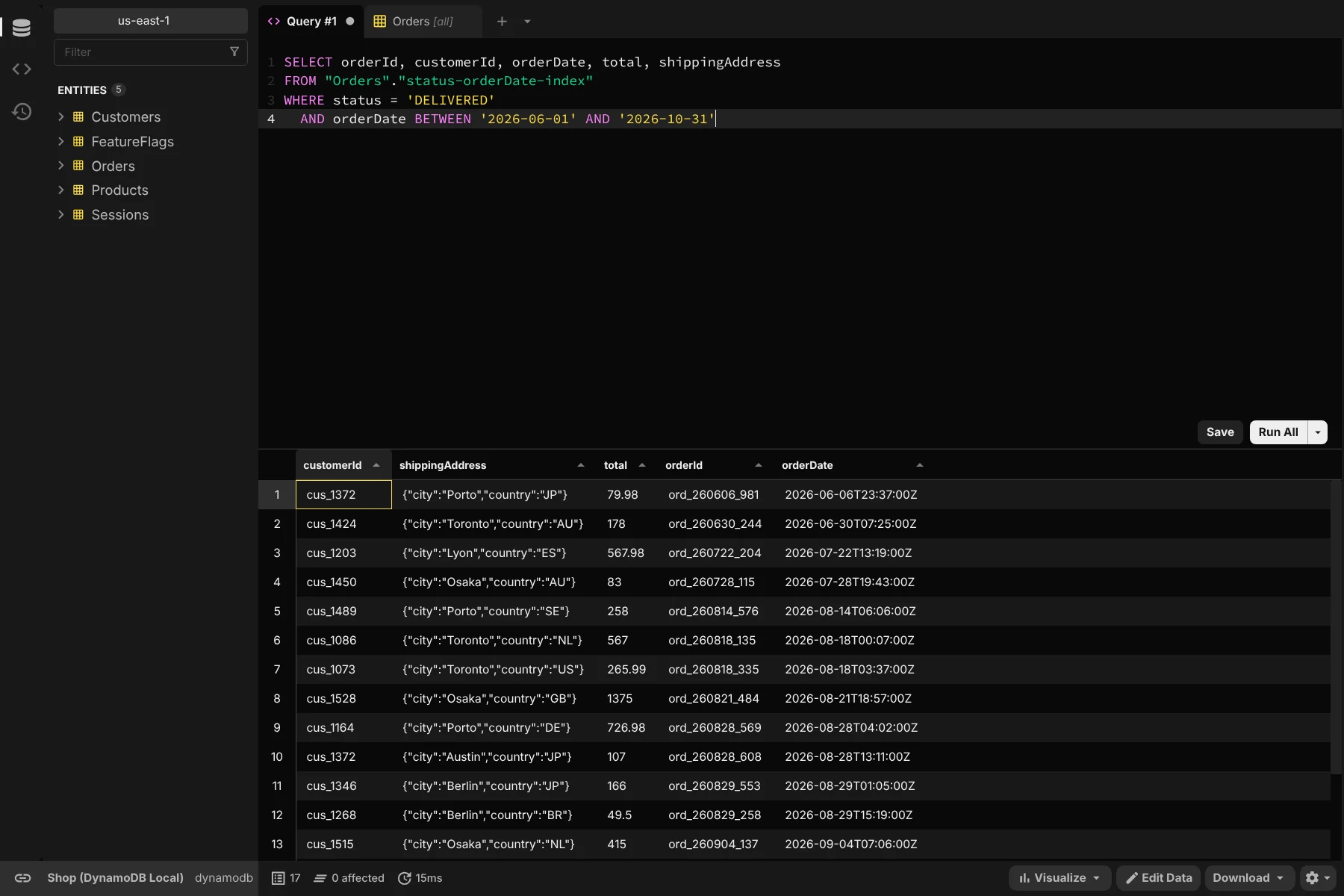
Write PartiQL queries against your DynamoDB tables right inside Beekeeper Studio, with syntax highlighting and a clean, sortable results grid. It’s the SQL-compatible query language you already know, pointed straight at your NoSQL data.
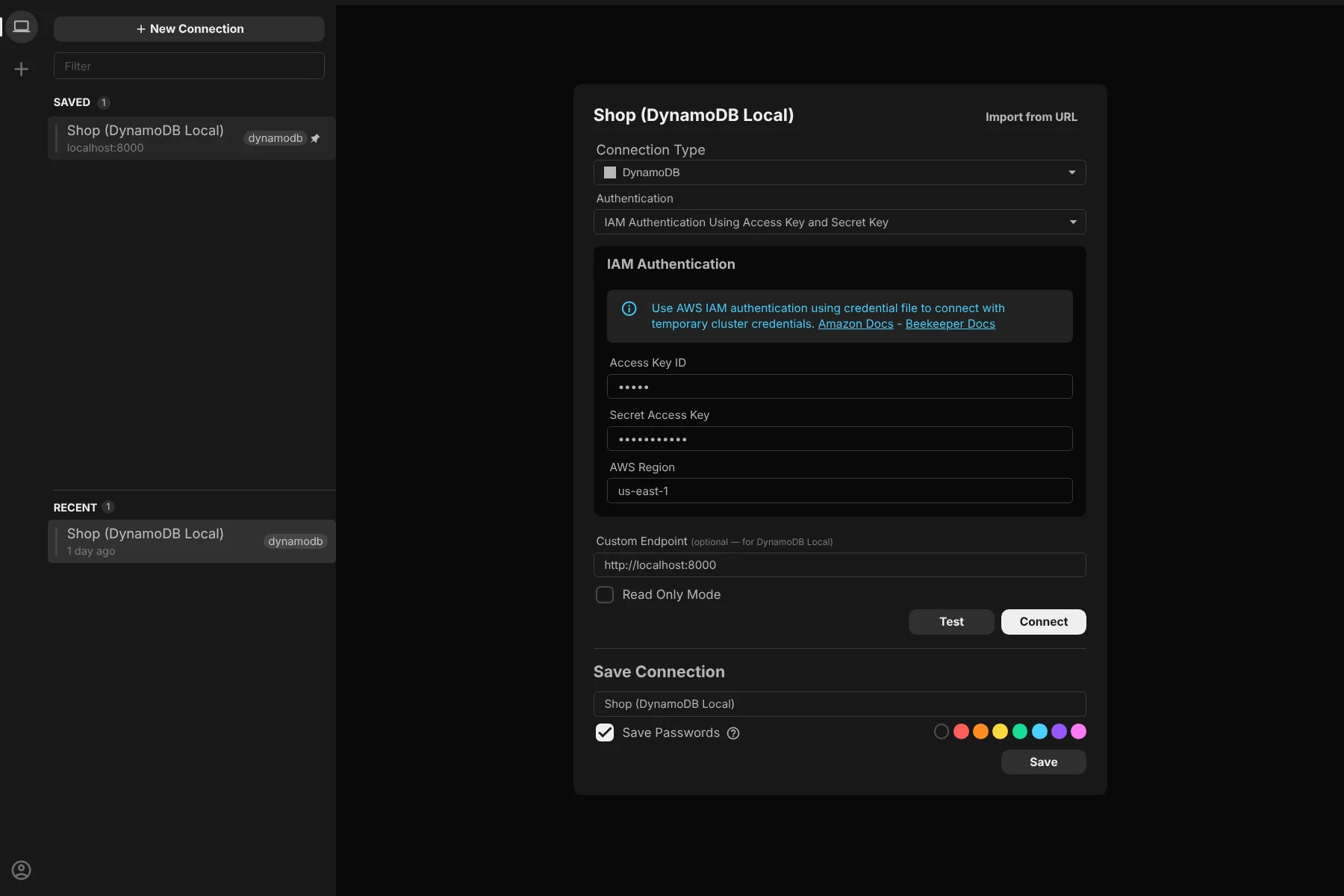
Beekeeper Studio resolves AWS credentials the same way the AWS CLI does — IAM access keys, named credential profiles, or your existing AWS CLI session all work out of the box. Developing locally? Point Beekeeper Studio at DynamoDB Local using a custom endpoint.
Beekeeper Studio is designed primarily to be an easy to use database GUI. We really sweat the details to make the app as intuitive as possible.
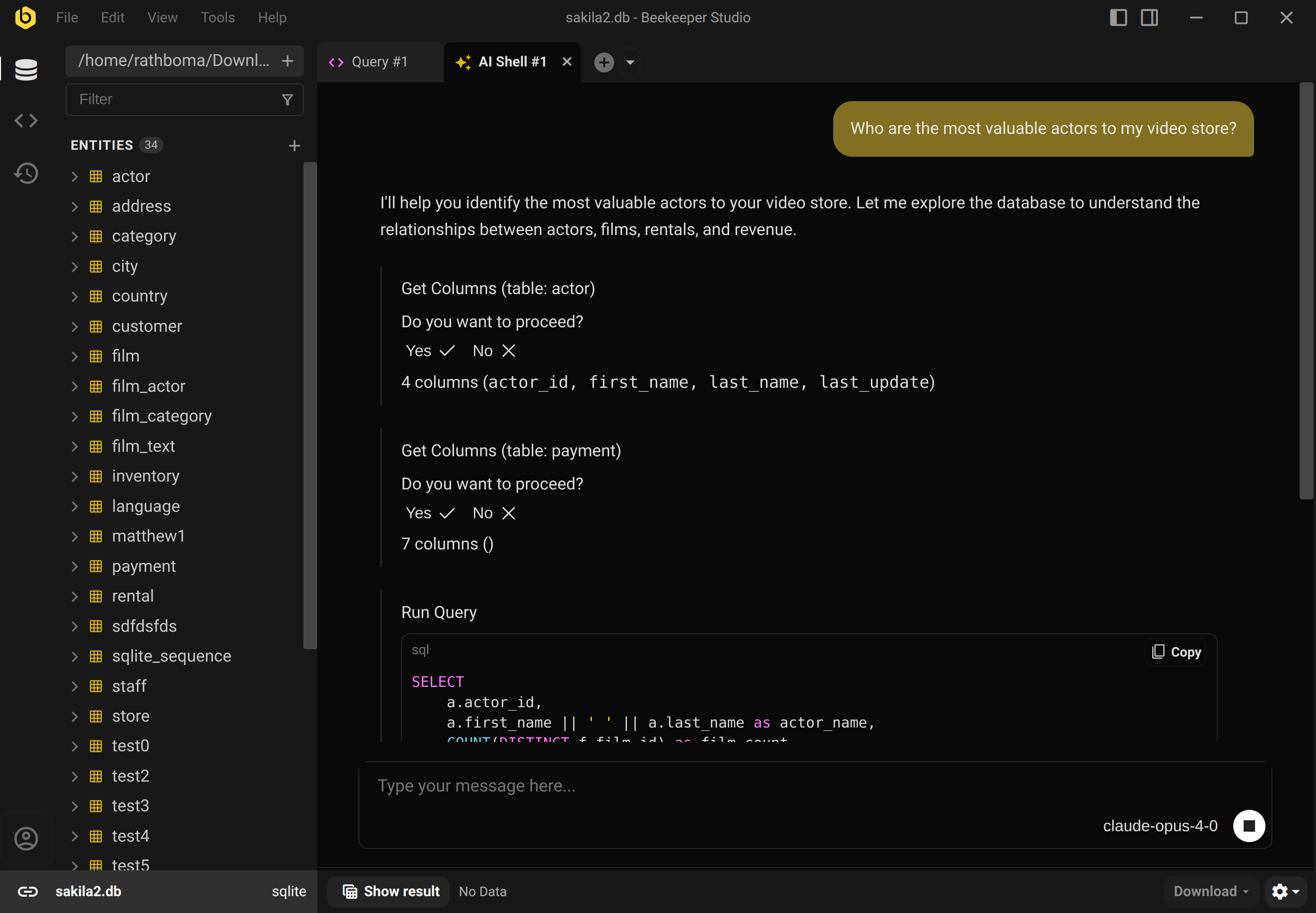
Simply ask questions about your data and Beekeeper’s AI Shell will answer them. The AI shell is smart - it can explore your database, run queries (with permission) and double check its work using real data. No hand holding or futzing around required. Learn more.
Beekeeper Studio’s query editor is powerful, but easy to use. To start writing SQL, pop open a new tab and begin typing – just like in your regular text editor. Learn more.
Open any table in a spreadsheet that makes it quick and easy to navigate, filter, edit, and delete your table data. Also included: clickable foreign keys, data export, and syntax-highlighted editors. Learn more
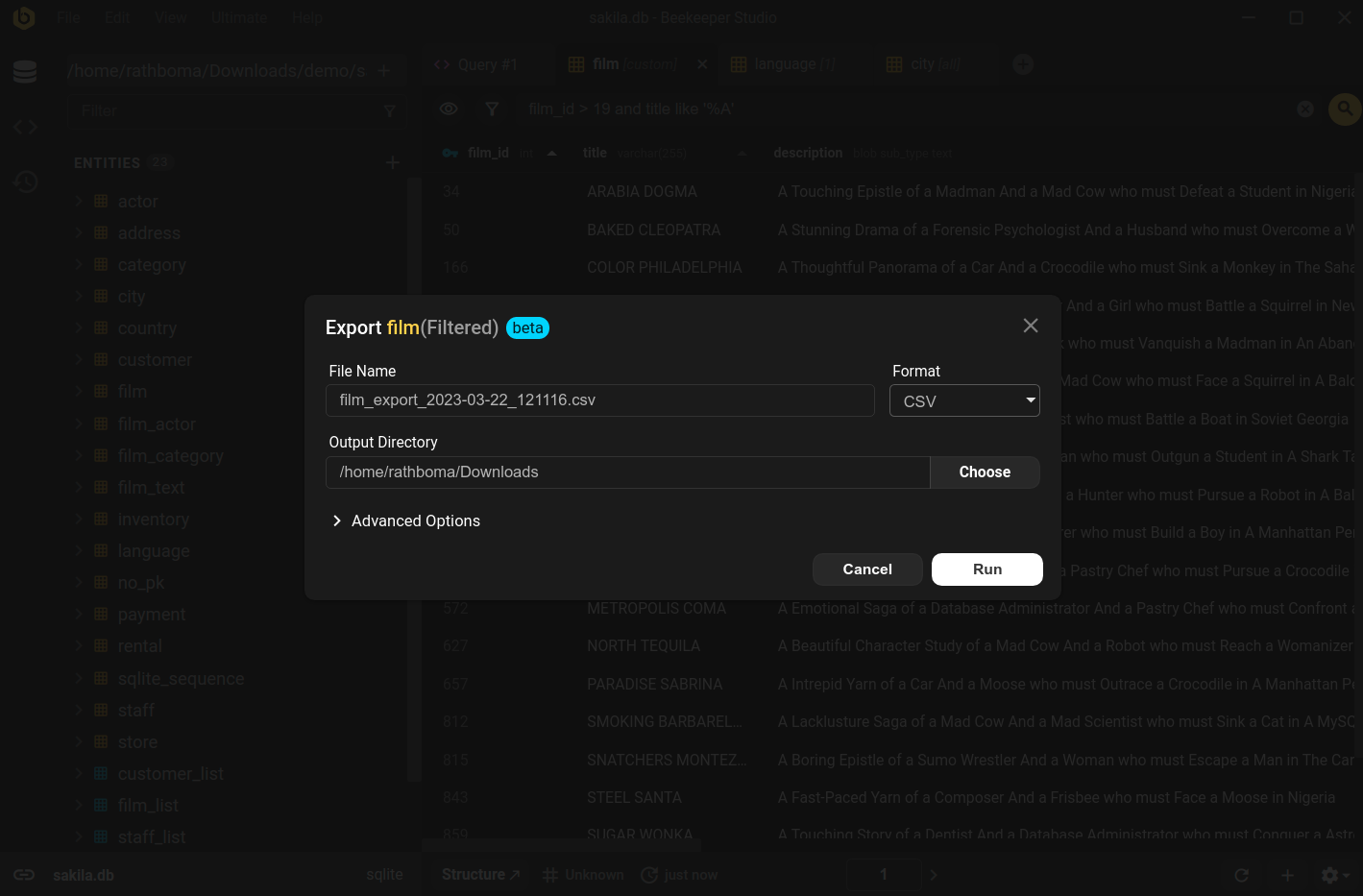
Take any table, view, or query result and export it to CSV, Excel, or JSON in two clicks. Learn more
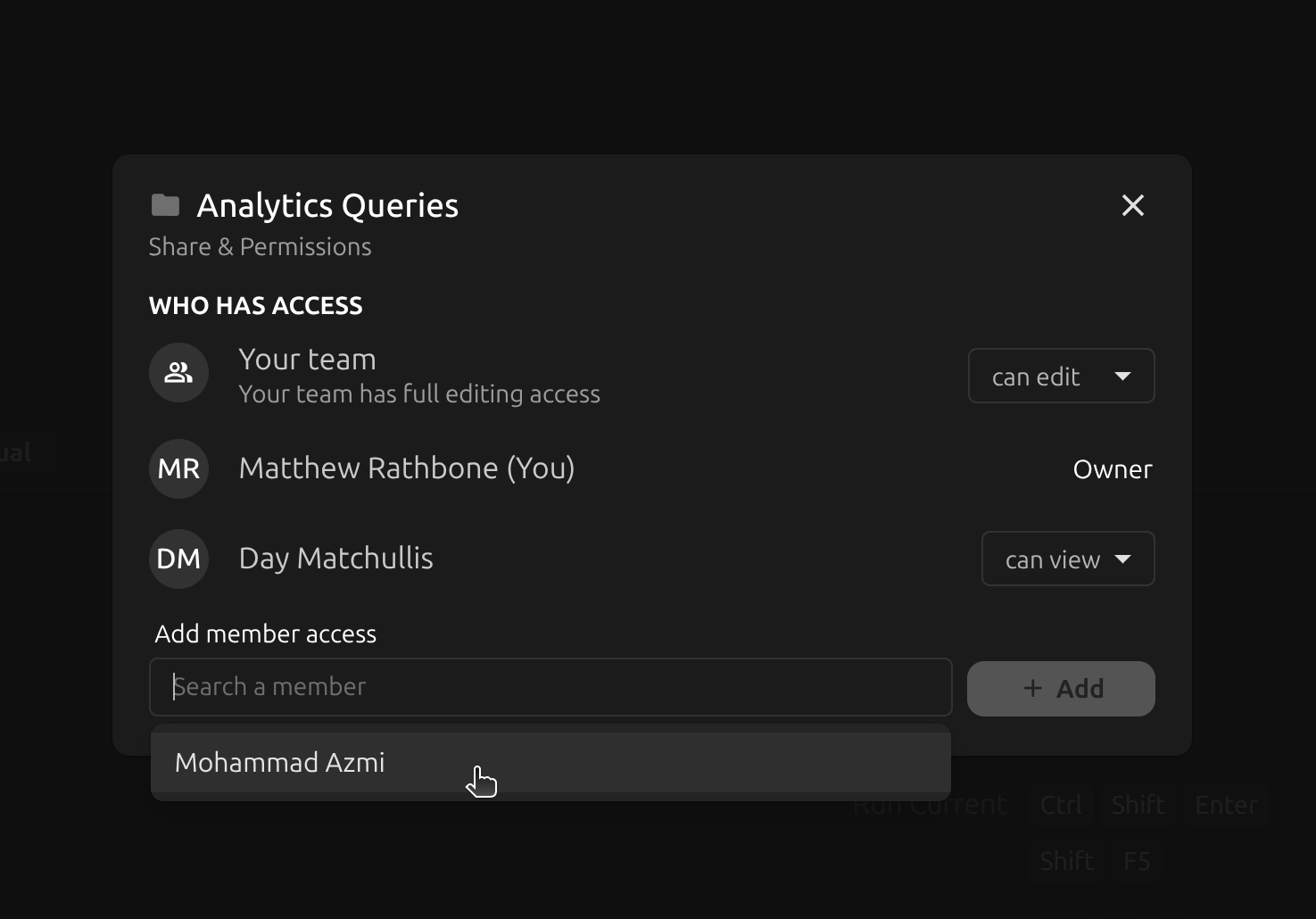
Beekeeper’s Team Workspaces let you easily work across multiple machines and share connections and queries with your colleagues. All data is encrypted at rest and in transit, so your information always stays secure. Learn more.
Easily set up different sharing groups by organizing data into folders and sharing each folder with a different group.
Beekeeper Studio was clean, smooth and just worked.
Beekeeper Studio has 100% feature parity across Linux, MacOS, and Windows. So no matter which operating system you work (or play) from, you can use all of our DynamoDB features with complete cross-platform compatibility, no compromises. We use a cross-platform app development framework to make sure that you get the best DynamoDB GUI client experience, regardless of whether you use MacOS, Windows, or Linux.
Beekeeper Studio also works great on Chromebooks, Raspberry Pi 3+, and maybe even the odd toaster or fridge (if they run Linux).
When I switched to using Linux full time from Mac, the hardest thing was finding replacement apps. Beekeeper has been a breath of fresh air, and not only works on Linux, but feels like a first class citizen!
Beekeeper Studio is available for Windows, so you can easily query, edit, and manage your DynamoDB databases. Beekeeper Studio's Windows download is available from our download page as an installer, a portable .exe file, or an MSI package for IT teams. Beekeeper Studio supports Windows 10+ on both x64 and ARM64 PCs, more information is available in our Windows documentation.
Beekeeper Studio integrates seamlessly into the MacOS environment for querying, editing, and managing DynamoDB. Beekeeper Studio's MacOS app is available the downloads page. Beekeeper Studio supports both Intel and Apple silicon Macs. More information is available on our MacOS documentation page.
Beekeeper Studio's DynamoDB GUI has full feature parity on Linux. Linux is a first-class OS to the Beekeeper Studio team, and we think it's the best way to edit, query, and manage your DynamoDB database. Beekeeper Studio works great on all major distributions, including Ubuntu, Fedora, and Arch. You can get Beekeeper Studio's linux client on our download page. Learn more on our Linux docs.
Beekeeper Studio is built by me, Matthew Rathbone and a small team of part-time developers. We build software we care about. We're not part of a big corporation, and we don't have a large investor in the background writing checks. Unlike many of our well-funded competitors, all of Beekeeper Studio's code is available on GitHub, and we also publish a full-featured free version of Beekeeper Studio for those who can't afford the paid editions. We're on a mission to make good software available to everyone. Every purchase directly supports us and our ongoing commitment to open source.
I hope you enjoy using Beekeeper Studio as much as we enjoy making it.
Amazon DynamoDB is a fully managed, serverless NoSQL key-value and document database built for applications that need consistent, single-digit millisecond performance at any scale. It handles automatic scaling, backups, and replication so you can focus on your data instead of your infrastructure. Learn more about DynamoDB on the official website.
Our users tell us that Beekeeper's clean and intuitive interface makes using databases fun again.
translate This text was written by a third party and translated automatically. Read the original in English
Guys, WOW,
I have been using the AI to interact with my database today and I am thoroughly impressed.
I am genuinely curious about how you managed to make it generate queries so quickly and accurately.
Ive been asking some pretty complex questions but still, all my inquiries got a response. Freaking dope
Unlike pgAdmin, Beekeeper is remarkably simple to use yet not lacking in features–and the price is right! The database backup feature is particularly useful. Just great software.
Switched from DBeaver - absolutely in love with Beekeeper Studio’s zen-like interface! The multi-tab workflow and quick table editing save me hours weekly. It’s the SQL client that sparks joy while managing databases 🐝✨
I use this BD client every day, and it’s been a great experience. The user interface is sleek and easy to navigate, and the performance is top-notch—everything runs smoothly without any hitches. The best part, however, is the excellent support team that’s always quick to resolve any issues. Highly recommend for anyone looking for a reliable and efficient BD client!
Excellent SQL Editor and Database Manager. The most intuitive I have used.
this is awesome and very useful to me 😎🔥🔥
I was looking for easy interface alternative for TablePlus and I ended up in finding BeeKeeper. Its awesome lightweight and full of features. Loved it!!
Beekeeper Studio is BY FAR the most user-friendly DB GUI out there! I started using it a year ago and now our whole team bought a license. The multi-DB support is simply awesome as I use 4 different types of databases on a regular basis. Plus it works on Windows and Mac.
Our efficiency for managing our SQL code is a 2-3x improvement using Beekeeper compared to before.
I’m not sure I know what we would be doing without Beekeeper, probably coming up with file based sharing system with checkout permissions on a SharePoint which would be amazingly painful.
We’ve used a ton of database IDE’s over the years. To have this consistent, clean and elegant interface in any operating system saves time and money throughout the development process. Highly recommend you give a try.
Being a Linux user, you get your selection of DB client tools like DB Visualizer with cutting edge UI / UX experiences fresh from ’90s built on Java. With Beekeeper Studio, Linux is a first class citizen with a native app that is beautiful, lightweight, full featured and fast. Best DB tool on Linux by a country mile.
I fell in love with Beekeeper Studio! I am used to work with HeidiSql or MySql Workbench since I started programming. But getting to know Beekeeper Studio was a game changing in my daily routine. What I find most important is the connection between the owner of the product and the customer. He sends us messages everyone via e-mail to get know more about our needs and difficulties. He gives us updates so we can stay up-to-date with the most recent news and features of the software. It is kinda hard not to fall in love with such a great experience offered by Beekeeper Studio.
I’m new to database management. Having a tool like BeeKeeper Studio is very helpful to me, as I’m learning on how to use this tool. I used other software in the past. They were not as flexible as this one, and sometimes, there was no mac version.
I found the tool very well designed and easy to use.
Another chip for Beekeeper, the Azure SSO is so easy to use!! DBForge sucks! Had to go find an application/client-id in order to get it to work, where as with Beekeeper it’s seamless.
I am in the process of migrating my entire team away from SQL Server authentication and user/pass for pg to now use Entra SSO.
I’ve used many different DB clients over the past 10 years but they were all lacking in some regard so I gave a Beekeeper a try and I immediately knew that this is the one. Beekeeper is so much better than any other client that its not even close. Clean and modern UI, fast, intuitive. It has made my development a lot easier and faster.
Working in production Beekeeper helped me to work more confidently.
Now I focus only on what matters—on the “what,” not the “how.”
Fantastic and futuristic IDE
Had an issue. Quick support. Wasn’t even a problem in Beekeeper Studio but of the database engine improperly installed. A new user of Beekeeper, but with the amazing above and beyond support; will be using for a long time.
I chose this program after years of using phpMyAdmin—it feels like stepping into a world of higher quality; here, I truly felt that the user is genuinely cared for. The concept itself, the implementation, the practical experience—I am sincerely grateful to Matthew for all of it.
Migrated from dbeaver. Mainly due to simple and intuitive GUI interface. Such a simple and powerfull tool.