
Introducción
Versión corta: usa \l o \list para listar todas las bases de datos en psql. Sin embargo, esto solo muestra la información más básica de cada base de datos. Si necesitas más detalle sobre cada una, sigue leyendo.
Paso 1: Asegúrate de tener acceso a ‘psql’
Primero, asegúrate de tener acceso a la utilidad de línea de comandos de PostgreSQL, psql. Para iniciar psql, abre tu terminal y escribe:
psql -U username -d dbname
Reemplaza username con el nombre de usuario de tu rol de PostgreSQL y dbname con cualquier base de datos a la que el usuario tenga acceso. Si estás accediendo a la base de datos predeterminada de PostgreSQL para la configuración inicial, puedes usar postgres como dbname.
Paso 2: Listar bases de datos
Una vez dentro de la interfaz de psql, listar todas las bases de datos es muy sencillo. Usa el siguiente comando:
\l
o
\list
Estos comandos muestran una lista de todas las bases de datos junto con sus propietarios, codificación, configuración de collation y privilegios de acceso. Este es un ejemplo de cómo podría verse la salida:
                                 List of databases
   Name    |  Owner   | Encoding |   Collate   |    Ctype    |   Access privileges
-----------+----------+----------+-------------+-------------+-----------------------
 postgres  | postgres | UTF8     | en_US.UTF-8 | en_US.UTF-8 |
 template0 | postgres | UTF8     | en_US.UTF-8 | en_US.UTF-8 | =c/postgres          +
           |          |          |             |             | postgres=CTc/postgres
 template1 | postgres | UTF8     | en_US.UTF-8 | en_US.UTF-8 | =c/postgres          +
           |          |          |             |             | postgres=CTc/postgres
 mydb      | dbuser   | UTF8     | en_US.UTF-8 | en_US.UTF-8 |
Cómo entender la salida
- Name: El nombre de la base de datos.
- Owner: El rol propietario de la base de datos.
- Encoding: Esquema de codificación de caracteres que usa la base de datos.
- Collate: Orden de collation (es decir, cómo se ordenan las cadenas).
- Ctype: Clasificación de caracteres (p. ej., letra, dígito).
- Access privileges: Privilegios de acceso personalizados, si los hay.
Agrega un ‘+’ para obtener más información
Psql usa + junto con otros comandos para mostrar una versión ampliada de la salida del comando. Es especialmente útil cuando quieres información más detallada o cuando la salida predeterminada es demasiado compacta o aparece recortada.
Para listar tablas, ejecuta \l+ y verás información adicional de cada base de datos
Este comando muestra detalles adicionales de cada base de datos, como:
- Size: El espacio físico en disco que ocupa la base de datos.
- Description: Cualquier comentario que se haya agregado a la base de datos.
Listar roles y permisos con ‘\du’
El comando \du muestra la lista de roles de la base de datos PostgreSQL junto con sus privilegios asociados.
La salida incluirá columnas como:
- Role name
- Attributes: Lista atributos globales como permisos de inicio de sesión, estado de superusuario, herencia de roles, etc.
- Member of: Otros roles de los que forma parte este rol.
Listar información de tablespaces con ‘\db’
El comando \db ofrece información sobre los tablespaces, que son las ubicaciones de almacenamiento donde las bases de datos PostgreSQL guardan sus archivos.
Esto mostrará detalles de cada tablespace, incluyendo:
- Name: El nombre del tablespace.
- Owner: El rol de PostgreSQL propietario del tablespace.
- Location: La ruta del directorio del tablespace en el disco.
- Size: El tamaño del tablespace.
Obtener información detallada de bases de datos desde ‘pg_catalog.pg_database’
PostgreSQL guarda los metadatos de todas las bases de datos en el catálogo del sistema pg_catalog.pg_database. Consultar este catálogo te da detalles completos sobre las bases de datos.
Ejemplo de consulta SQL
Para obtener información detallada sobre las bases de datos:
SELECT datname AS database_name,
       pg_size_pretty(pg_database_size(datname)) AS size,
       datallowconn AS allow_connections,
       datconnlimit AS connection_limit,
       encoding,
       datcollate,
       datctype
FROM pg_catalog.pg_database;
Cómo entender la salida
- database_name: Nombre de la base de datos.
- size: Tamaño de la base de datos en un formato fácil de leer.
- allow_connections: Indica si la base de datos permite conexiones (true o false).
- connection_limit: El número máximo de conexiones simultáneas permitidas (-1 significa sin límite).
- encoding: ID numérico de la codificación de la base de datos.
- datcollate: Configuración de collation de la base de datos.
- datctype: Configuración del tipo de caracteres de la base de datos.
Esta consulta te da una visión de la configuración y los ajustes de la base de datos.
Solo apunta y haz clic con Beekeeper Studio
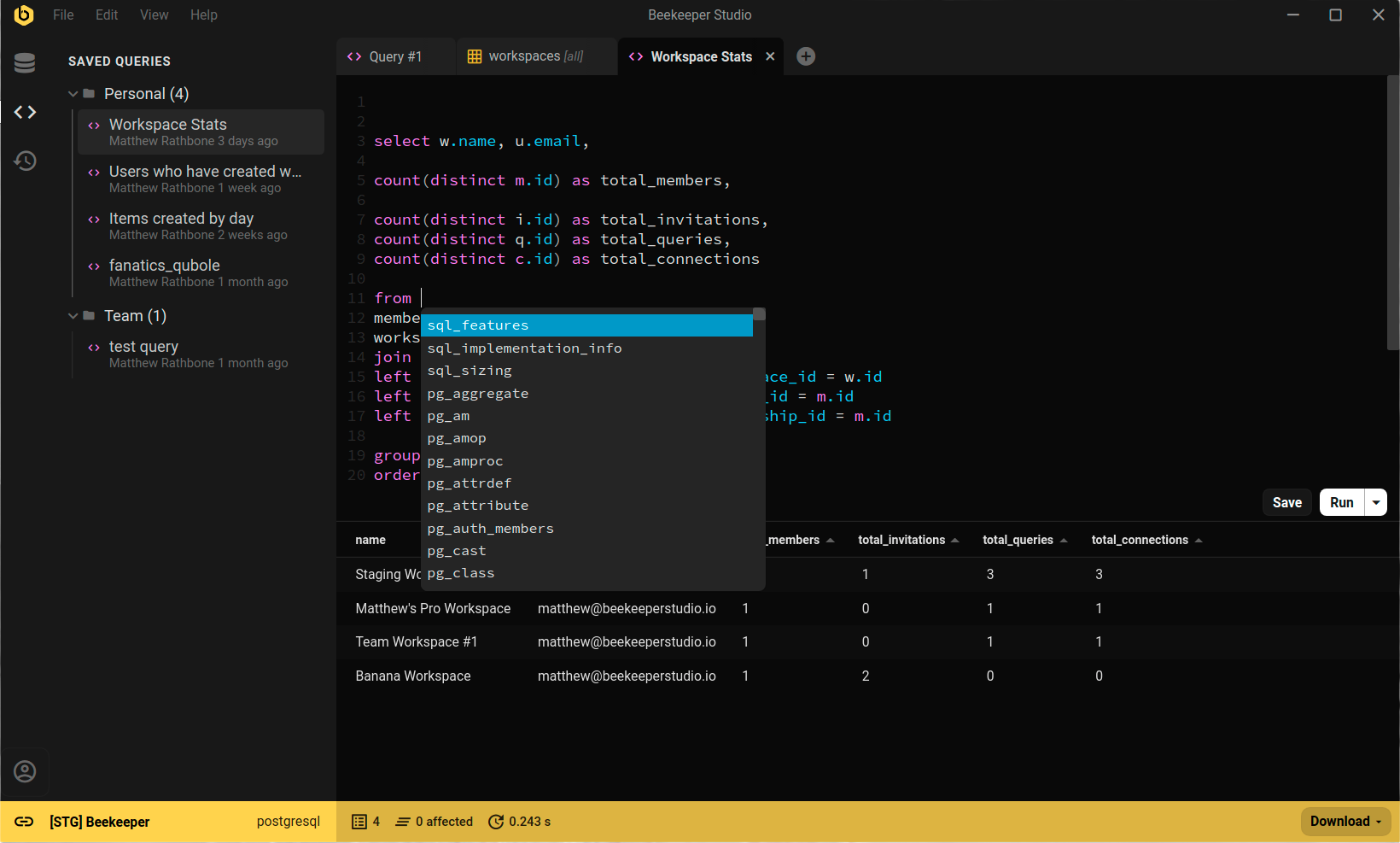
Beekeeper Studio lista todas las bases de datos en un menú desplegable en la parte superior de la interfaz, para que cambies entre ellas cuando quieras.
Resumen
En resumen, lista todas las bases de datos en psql con \l. Para obtener información más detallada, usa los otros comandos de este tutorial.
 Beekeeper Studio es un cliente de bases de datos gratuito y de código abierto
La mejor herramienta de consultas y edición de SQL que he usado. Tiene todo lo que necesito para administrar mi base de datos. - ⭐⭐⭐⭐⭐ Mit
Beekeeper Studio es rápido, intuitivo y fácil de usar. Es compatible con muchísimas bases de datos y funciona de maravilla en Windows, Mac y Linux.
Lo que dicen los usuarios de Beekeeper Studio
"Beekeeper Studio reemplazó por completo mi antiguo flujo de trabajo con SQL. Es rápido, intuitivo y hace que trabajar con bases de datos vuelva a ser un placer."
"He probado muchas GUI de bases de datos, pero Beekeeper logra el equilibrio perfecto entre funciones y simplicidad. Simplemente funciona."