
Introduction
Version courte : utilise \l ou \list pour lister toutes les bases de données dans psql. Cela n'affiche toutefois que les informations de base sur chaque base de données. Si tu as besoin de plus de détails, continue ta lecture.
Étape 1 : vérifie que tu as accès à « psql »
Commence par vérifier que tu as accès à l'utilitaire en ligne de commande de PostgreSQL, psql. Pour lancer psql, ouvre ton terminal et saisis :
psql -U username -d dbname
Remplace username par le nom d'utilisateur de ton rôle PostgreSQL et dbname par n'importe quelle base de données à laquelle cet utilisateur a accès. Si tu accèdes à la base PostgreSQL par défaut pour la configuration initiale, tu peux utiliser postgres comme dbname.
Étape 2 : lister les bases de données
Une fois dans l'interface psql, lister toutes les bases de données est très simple. Utilise la commande suivante :
\l
ou
\list
Ces commandes affichent la liste de toutes les bases de données avec leur propriétaire, leur encodage, leur configuration de collation et leurs droits d'accès. Voici un exemple de résultat :
                                 List of databases
   Name    |  Owner   | Encoding |   Collate   |    Ctype    |   Access privileges
-----------+----------+----------+-------------+-------------+-----------------------
 postgres  | postgres | UTF8     | en_US.UTF-8 | en_US.UTF-8 |
 template0 | postgres | UTF8     | en_US.UTF-8 | en_US.UTF-8 | =c/postgres          +
           |          |          |             |             | postgres=CTc/postgres
 template1 | postgres | UTF8     | en_US.UTF-8 | en_US.UTF-8 | =c/postgres          +
           |          |          |             |             | postgres=CTc/postgres
 mydb      | dbuser   | UTF8     | en_US.UTF-8 | en_US.UTF-8 |
Comprendre le résultat
- Name : le nom de la base de données.
- Owner : le rôle propriétaire de la base de données.
- Encoding : le schéma d'encodage des caractères utilisé par la base de données.
- Collate : l'ordre de collation (c.-à-d. la façon dont les chaînes sont triées).
- Ctype : la classification des caractères (par ex. lettre, chiffre).
- Access privileges : les droits d'accès personnalisés, s'il y en a.
Ajoute un « + » pour obtenir plus d'informations
Psql utilise + en combinaison avec d'autres commandes pour fournir un affichage étendu de leur résultat. C'est particulièrement utile quand tu veux des informations plus détaillées ou quand l'affichage par défaut est trop compact ou tronqué.
Pour lister les tables, lance \l+ afin de voir des informations supplémentaires sur chaque base de données
Cette commande affiche des détails supplémentaires sur chaque base de données, comme :
- Size : l'espace disque physique utilisé par la base de données.
- Description : les commentaires ajoutés à la base de données.
Lister les rôles et les permissions avec « \du »
La commande \du affiche la liste des rôles de la base de données PostgreSQL avec leurs privilèges associés.
Le résultat contient des colonnes comme :
- Role name
- Attributes : liste les attributs globaux comme les droits de connexion, le statut de superutilisateur, l'héritage des rôles, etc.
- Member of : les autres rôles dont ce rôle fait partie.
Lister les informations des tablespaces avec « \db »
La commande \db fournit des informations sur les tablespaces, c'est-à-dire les emplacements de stockage où les bases de données PostgreSQL enregistrent leurs fichiers.
Elle affiche des détails sur chaque tablespace, notamment :
- Name : le nom du tablespace.
- Owner : le rôle PostgreSQL propriétaire du tablespace.
- Location : le chemin du répertoire du tablespace sur le disque.
- Size : la taille du tablespace.
Récupérer des informations détaillées sur les bases de données depuis « pg_catalog.pg_database »
PostgreSQL stocke les métadonnées de toutes les bases de données dans le catalogue système pg_catalog.pg_database. Interroger ce catalogue permet d'obtenir des détails complets sur les bases de données.
Exemple de requête SQL
Pour récupérer des informations détaillées sur les bases de données :
SELECT datname AS database_name,
       pg_size_pretty(pg_database_size(datname)) AS size,
       datallowconn AS allow_connections,
       datconnlimit AS connection_limit,
       encoding,
       datcollate,
       datctype
FROM pg_catalog.pg_database;
Comprendre le résultat
- database_name : le nom de la base de données.
- size : la taille de la base de données dans un format lisible.
- allow_connections : indique si la base de données accepte les connexions (true ou false).
- connection_limit : le nombre maximal de connexions simultanées autorisées (-1 signifie aucune limite).
- encoding : identifiant numérique de l'encodage de la base de données.
- datcollate : le paramètre de collation de la base de données.
- datctype : le paramètre de type de caractères de la base de données.
Cette requête donne un aperçu de la configuration et des paramètres de la base de données.
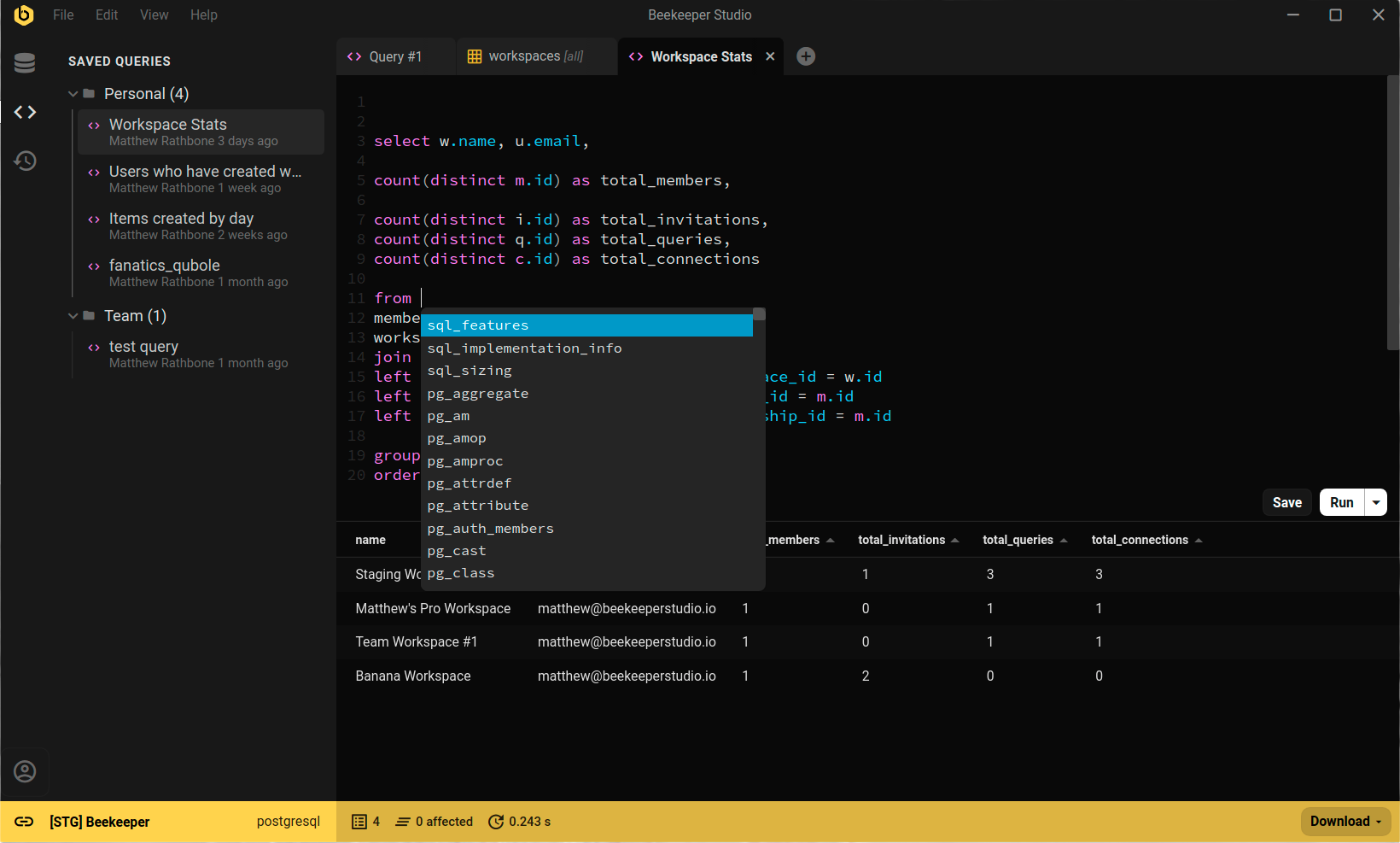
Il suffit de cliquer avec Beekeeper Studio
Beekeeper Studio liste toutes les bases de données dans un menu déroulant en haut de l'interface : tu peux passer de l'une à l'autre à tout moment.
Résumé
En résumé, liste toutes les bases de données dans psql avec \l. Pour obtenir des informations plus détaillées, utilise les autres commandes présentées dans ce tutoriel.
 Beekeeper Studio est une interface de base de données gratuite & open source
Le meilleur outil de requêtes & éditeur SQL que j’aie jamais utilisé. Il m’offre tout ce dont j’ai besoin pour gérer ma base de données. - ⭐⭐⭐⭐⭐ Mit
Beekeeper Studio est rapide, intuitif et facile à utiliser. Beekeeper prend en charge plein de bases de données et fonctionne parfaitement sous Windows, Mac et Linux.
Ce que les utilisateurs disent de Beekeeper Studio
« Beekeeper Studio a complètement remplacé mon ancien workflow SQL. C'est rapide, intuitif, et ça rend le travail sur les bases de données à nouveau agréable. »
« J'ai essayé beaucoup d'interfaces de bases de données, mais Beekeeper trouve l'équilibre parfait entre fonctionnalités et simplicité. Ça marche, tout simplement. »