

A Doom-inspired theme for Beekeeper Studio.
Screenshots
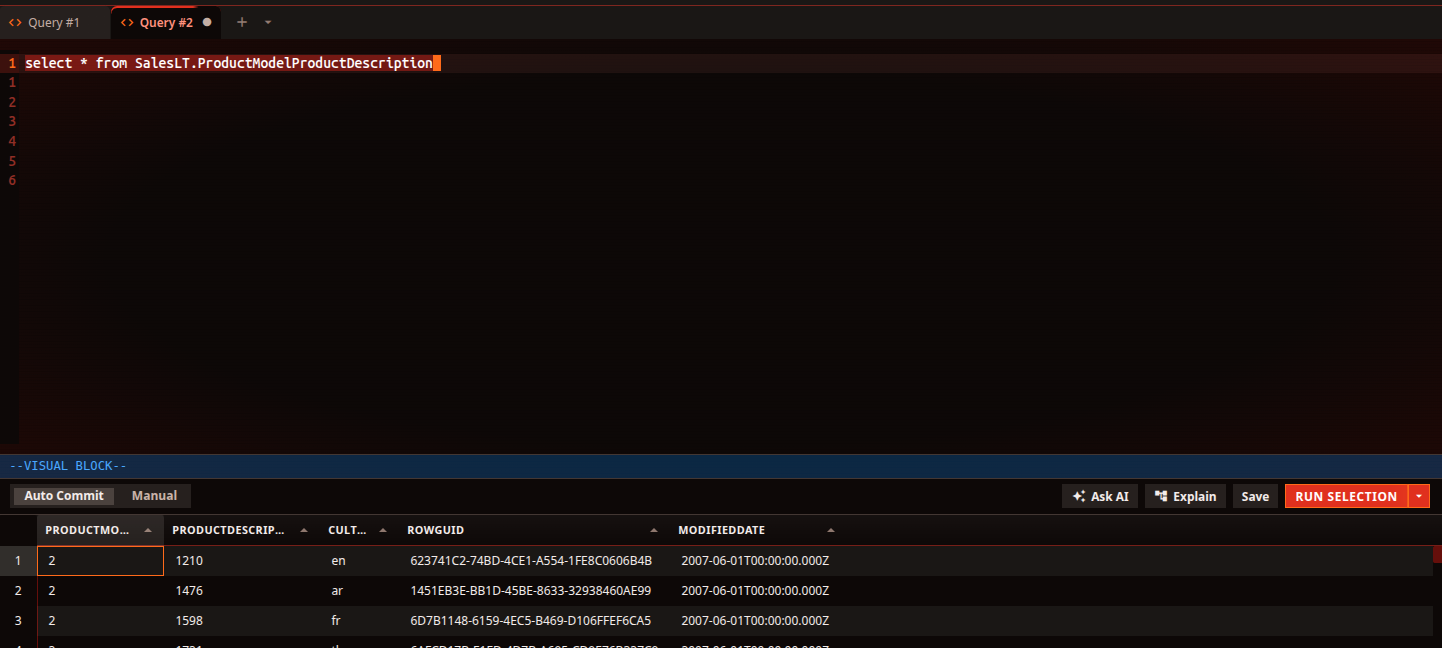
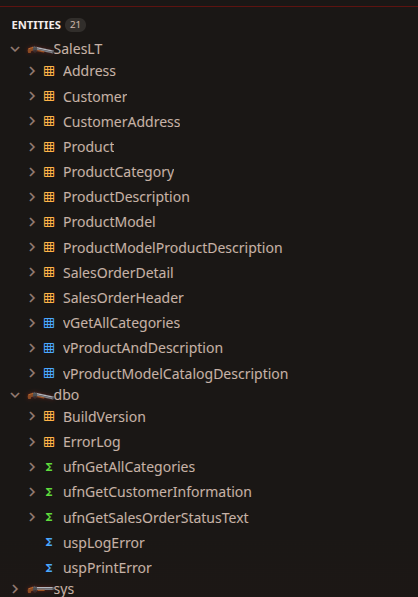
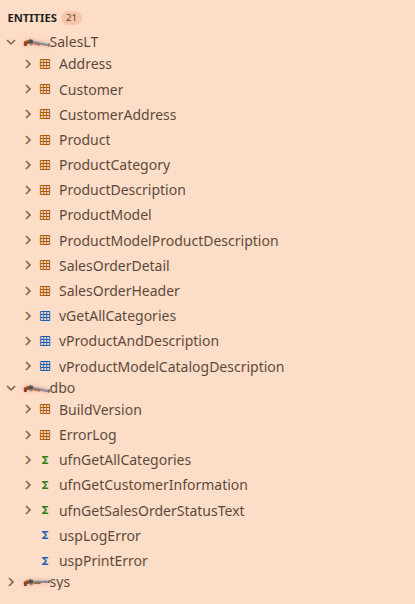
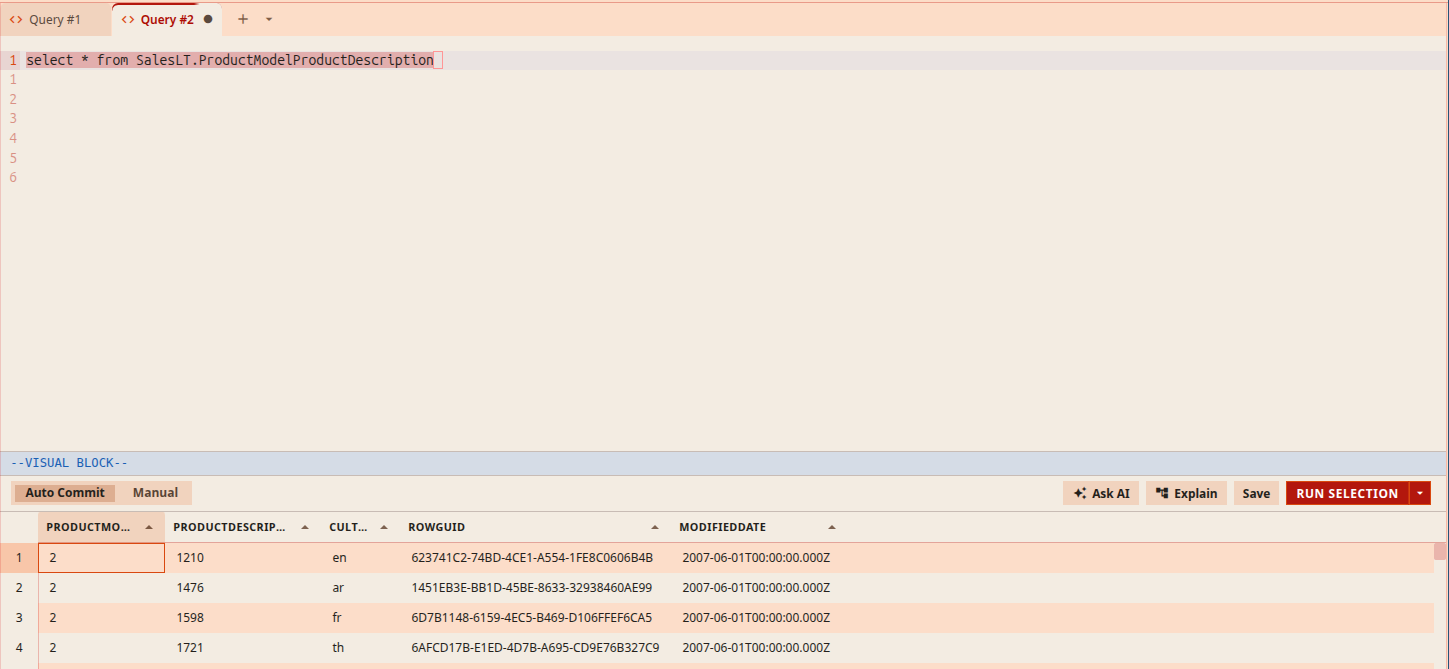
Dark (“Inferno”) and light (“Phobos”)
| Dark | Light |
|---|---|
 |
 |
Features
- Dark mode (“Inferno”): scorched near-black background with a hellfire-red accent and warm ash-gray neutrals.
- Light mode (“Phobos”): bone-white background with dried-blood red and rusted-steel accents.
- HUD status bar: beveled gunmetal with glowing red uppercase readout.
- Super shotgun folders: folder icons are a sawed-off double-barrel. Expand a folder and the action breaks open.
- Sharp everything: square corners, glowing uppercase primary buttons, a fire stripe on the active tab.
- CRT editor: faint scanlines and a red vignette in the SQL editor (dark mode).
- Weapons-locker syntax: red keywords, nukage-green strings, plasma-blue columns, imp-orange functions, keycard-yellow types, purple constants, ash-gray comments.
Install
From Beekeeper Studio
Open View → Appearance, find Hellfire in the community themes, and install it.
Manually
- Download
hellfire-<version>.zipfrom the latest release. - Unzip it into a folder named
hellfireinside your themes directory:- Linux:
~/.config/beekeeper-studio/themes/hellfire - macOS:
~/Library/Application Support/beekeeper-studio/themes/hellfire - Windows:
%APPDATA%\beekeeper-studio\themes\hellfire
- Linux:
- Enable unlisted themes in View → Appearance → Configure….
- Restart Beekeeper Studio and pick Hellfire under View → Appearance.
Customizing
- Too much CRT? Delete the
.cm-editorblock instyle.css. - Shotgun icons too wide? Lower
width/min-widthin section 5 ofstyle.css.
Releasing
Bump version in manifest.json, commit, then push a matching tag:
git tag v1.0.1 && git push origin v1.0.1
The release workflow builds hellfire-<version>.zip and drafts a GitHub release. Publish the draft to make it the latest release.
Disclaimer
Fan-made and unofficial. Not affiliated with or endorsed by id Software, Bethesda or Microsoft. All artwork in this repo is original.
This theme was AI generated, including the CSS, the super shotgun icons and this README, with Claude (Anthropic) via Claude Code.