 Beekeeper Studio
Beekeeper Studio is a modern and friendly Greengage GUI client. Our users tell us that Beekeeper Studio is the most intuitive, and easy to use Greengage GUI client available.
Beekeeper Studio cares about the details, for example, if you paste a Greengage url into Beekeeper Studio it will just work (tm)
Beekeeper is the best database client I have ever used, in my 20+ years of professional coding. Would WHOLEHEARTEDLY recommend. It’s so good, all the time. - Daniel Morris, CTO, Cubitts
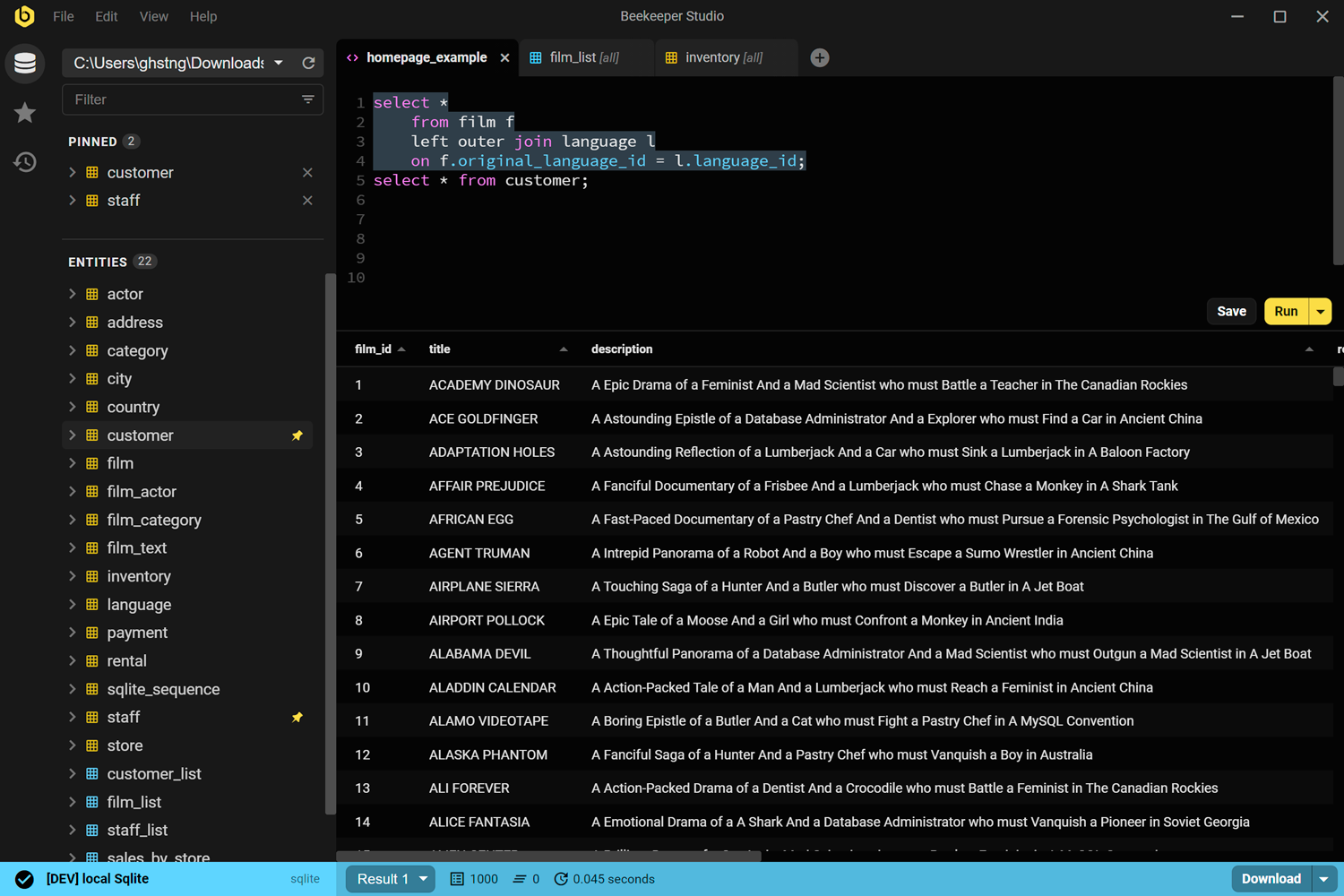
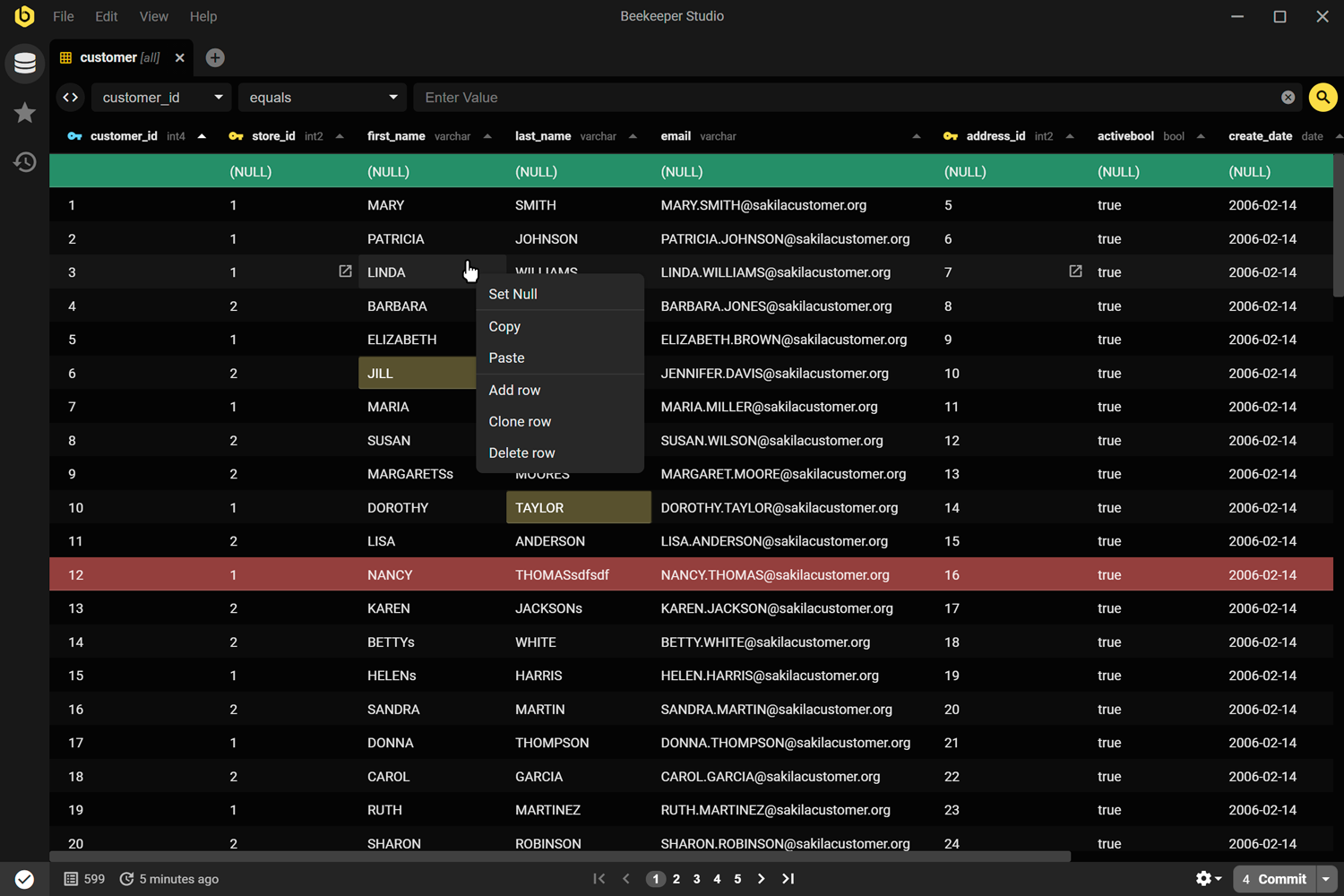
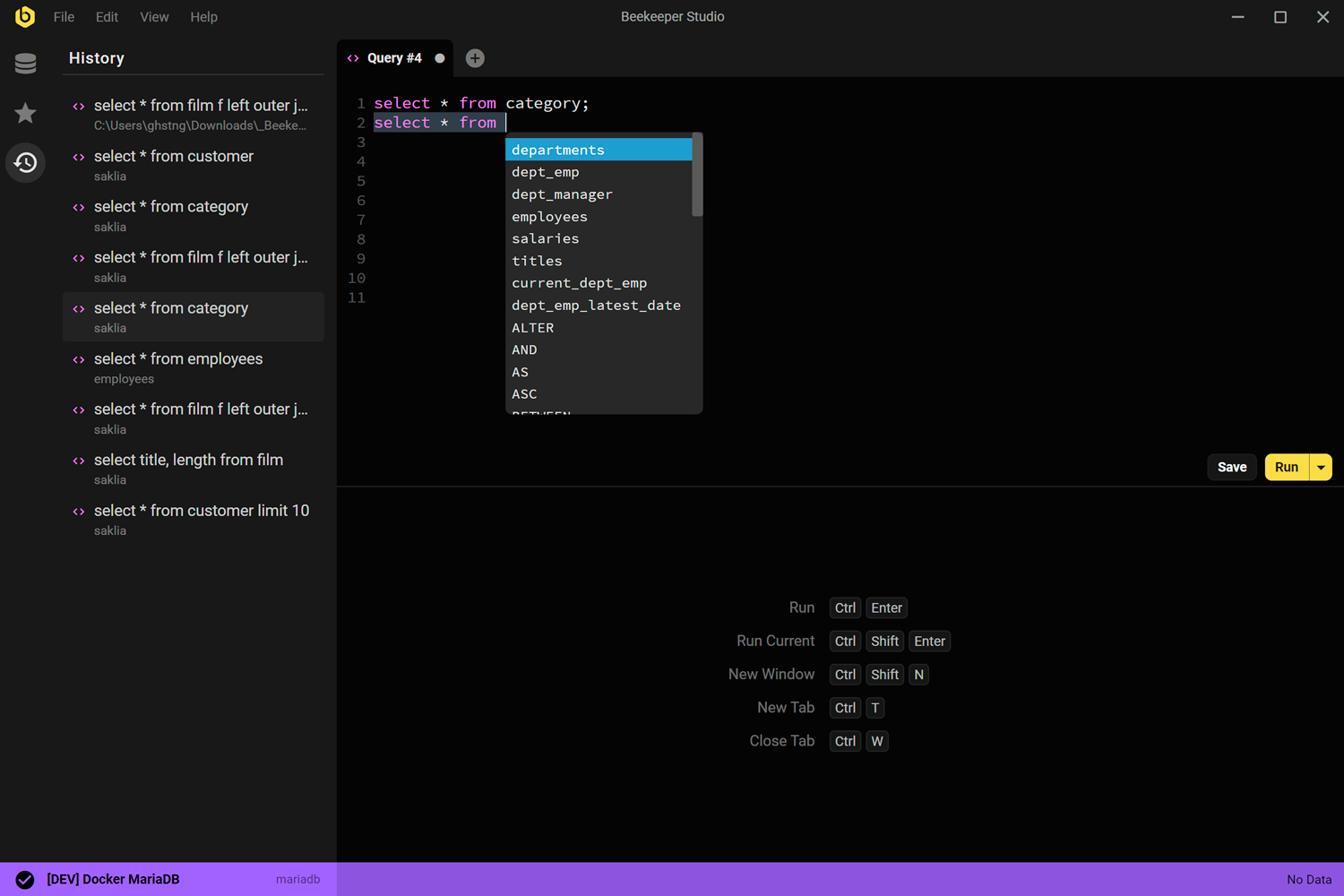
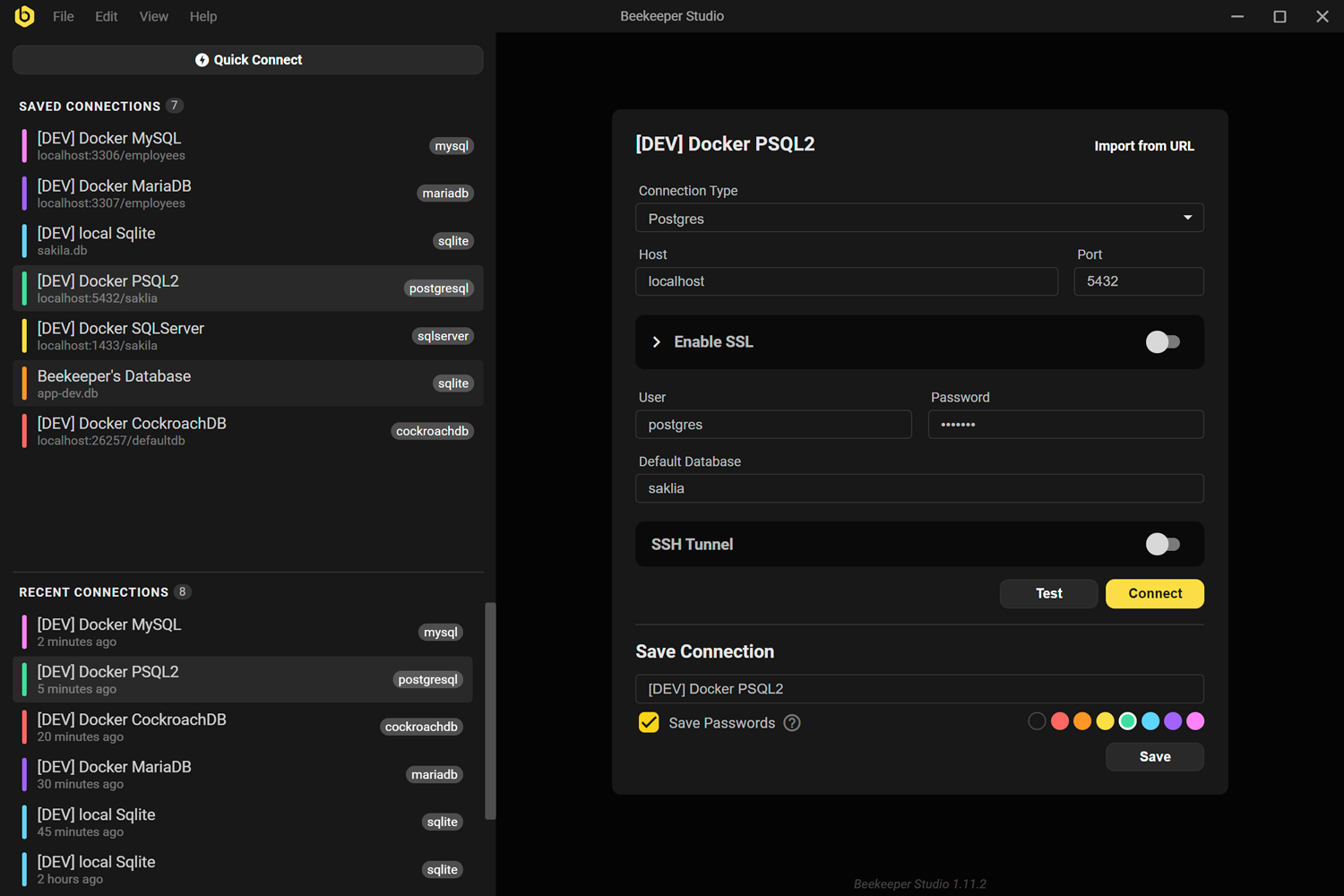
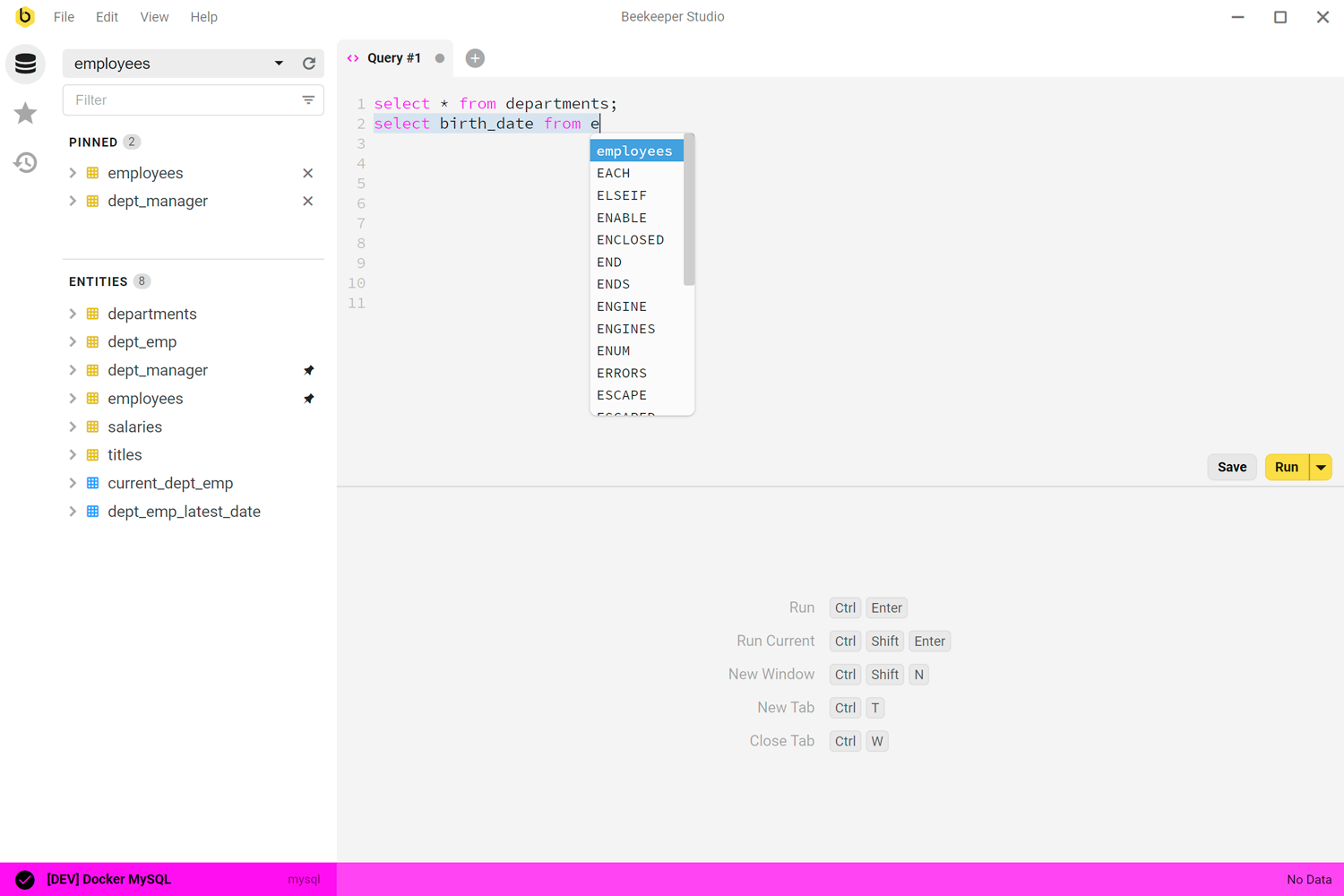
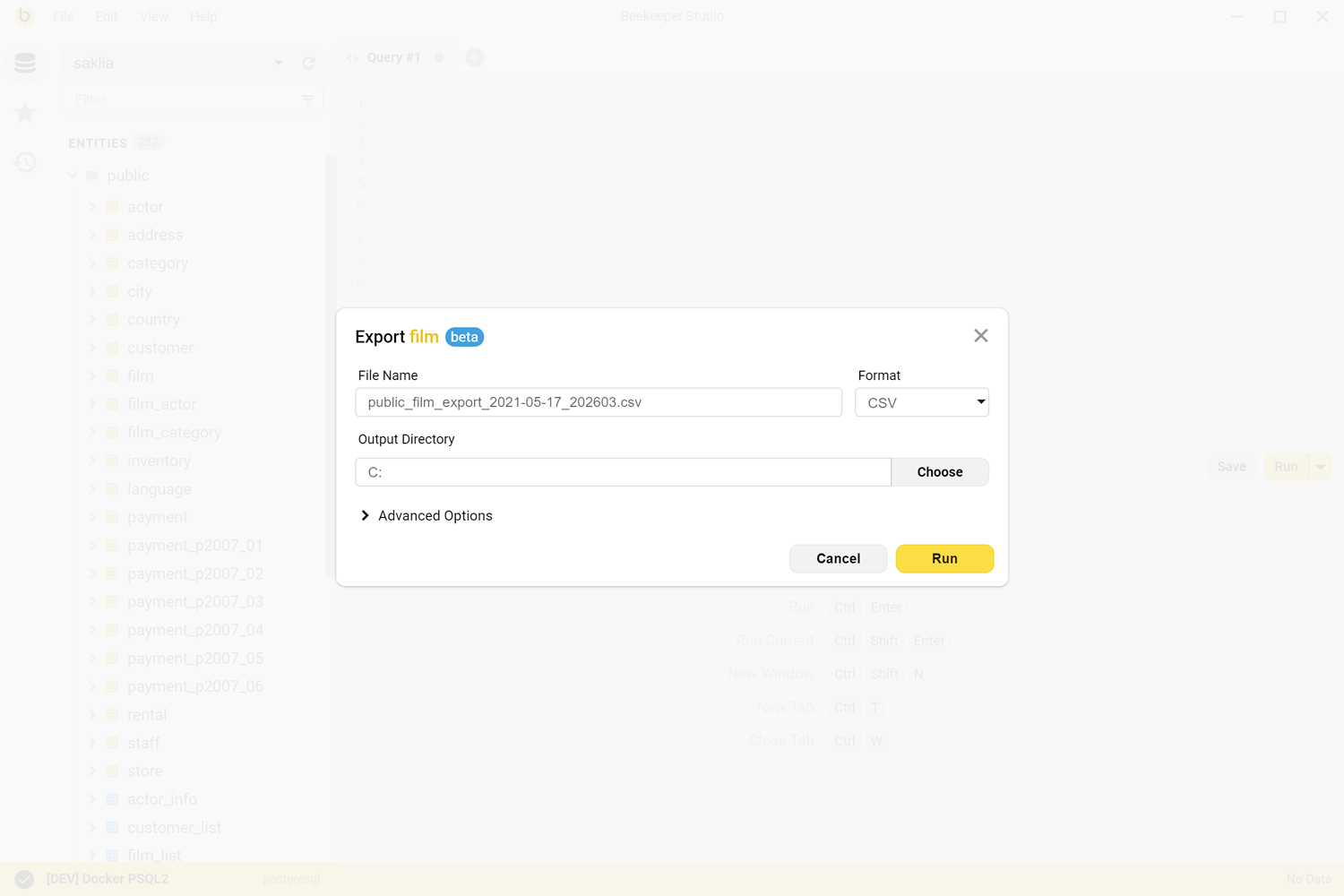
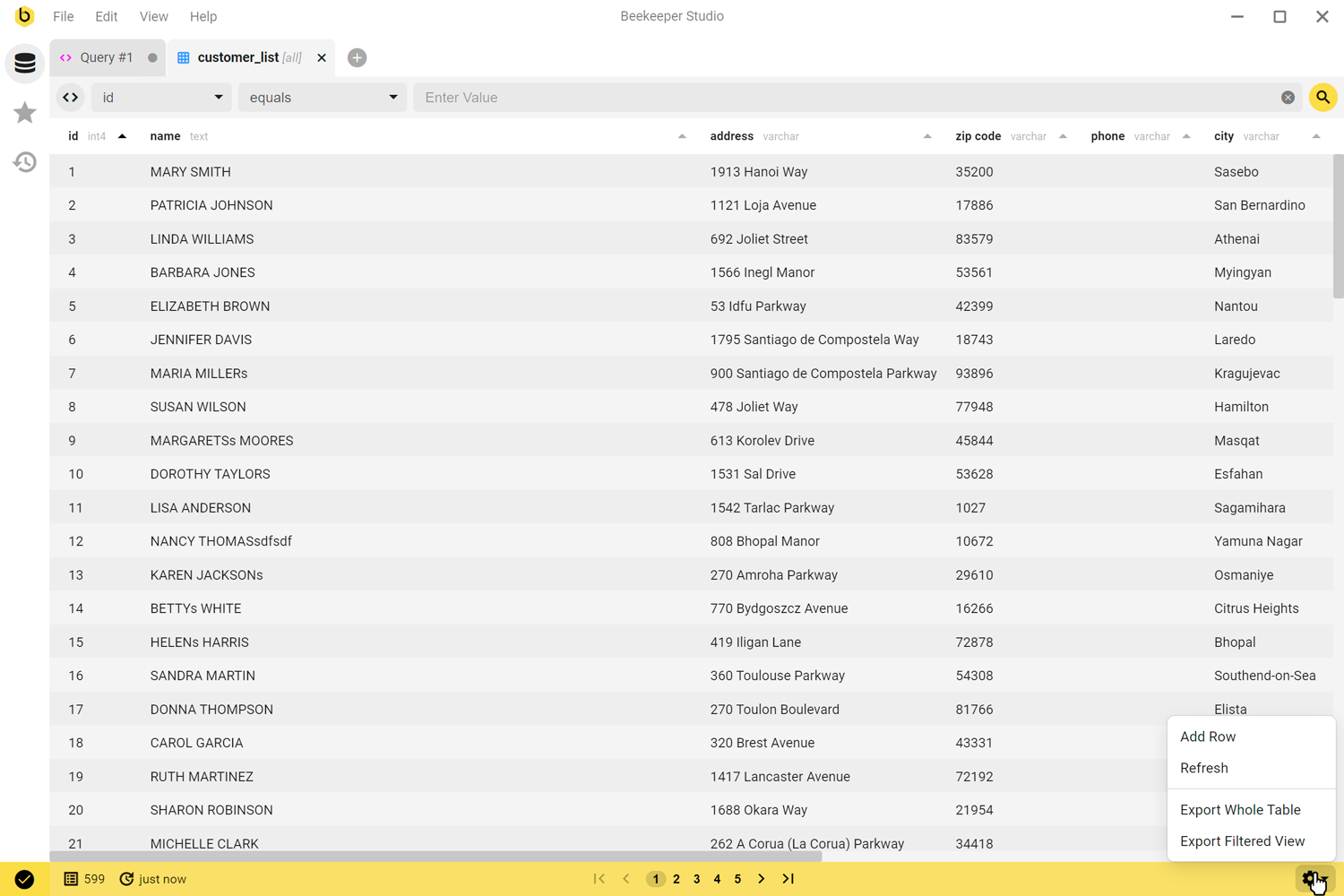
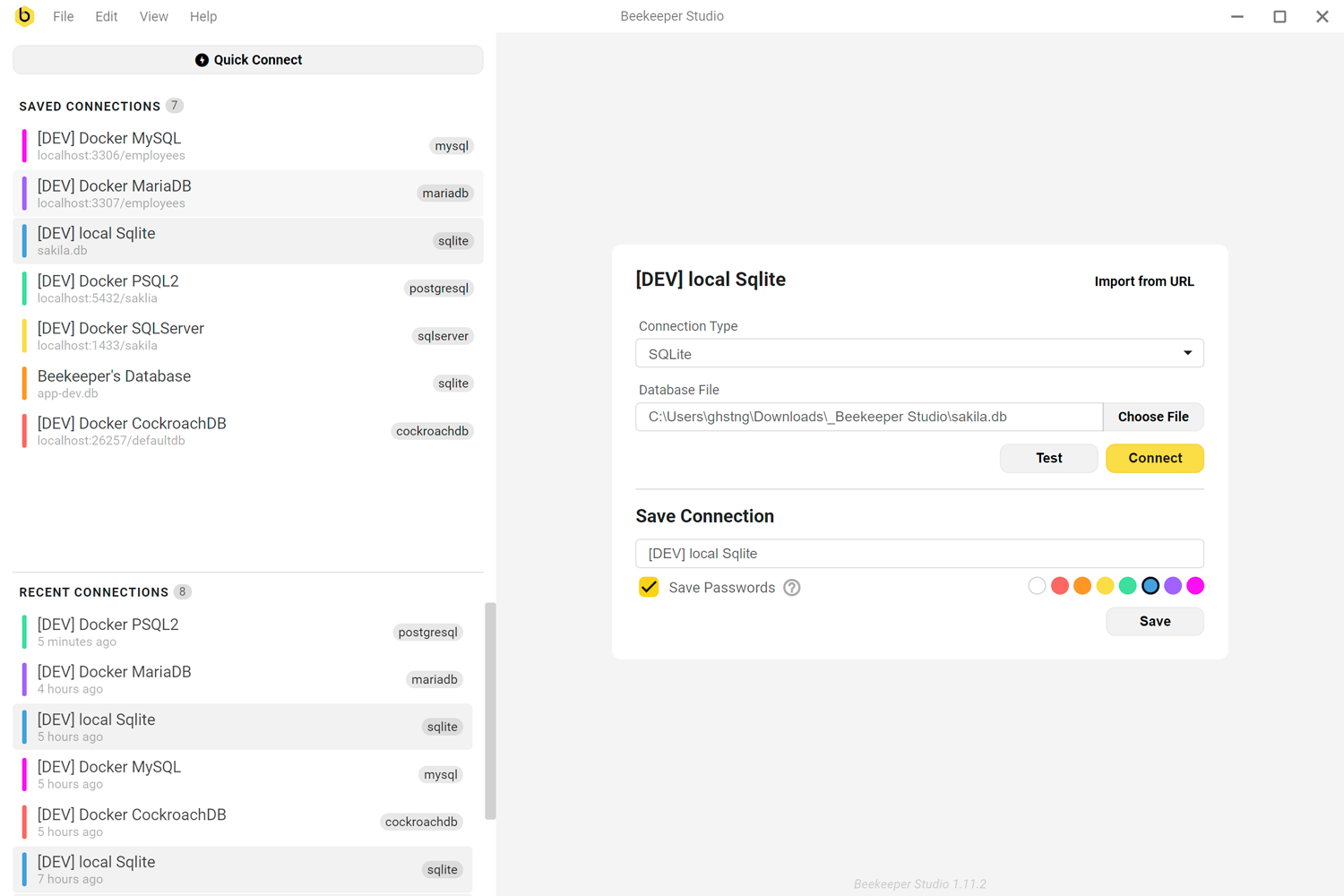
Beekeeper Studio is designed primarily to be an easy to use database GUI. We really sweat the details to make the app as intuitive as possible.
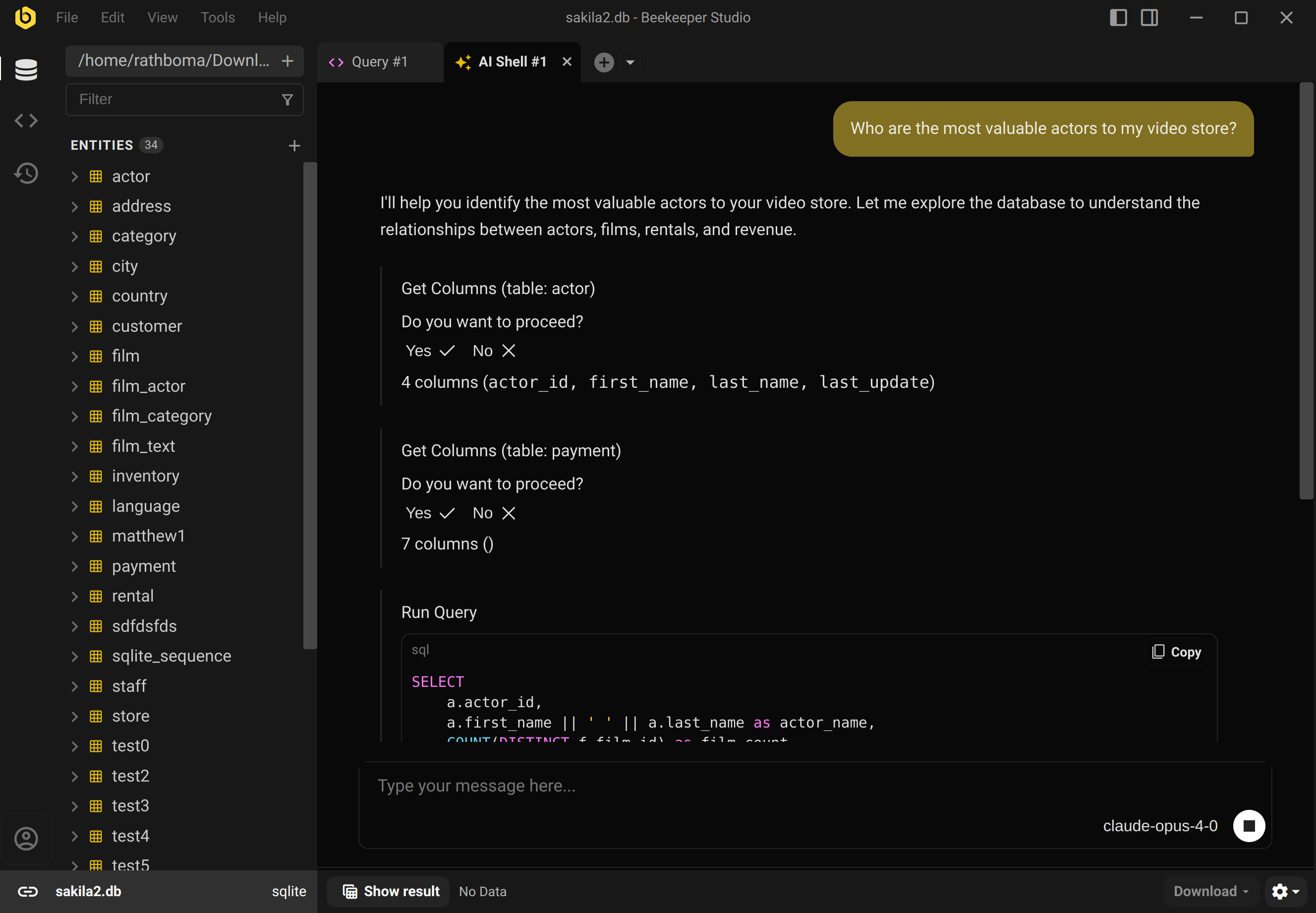
Simply ask questions about your data and Beekeeper’s AI Shell will answer them. The AI shell is smart - it can explore your database, run queries (with permission) and double check its work using real data. No hand holding or futzing around required. Learn more.
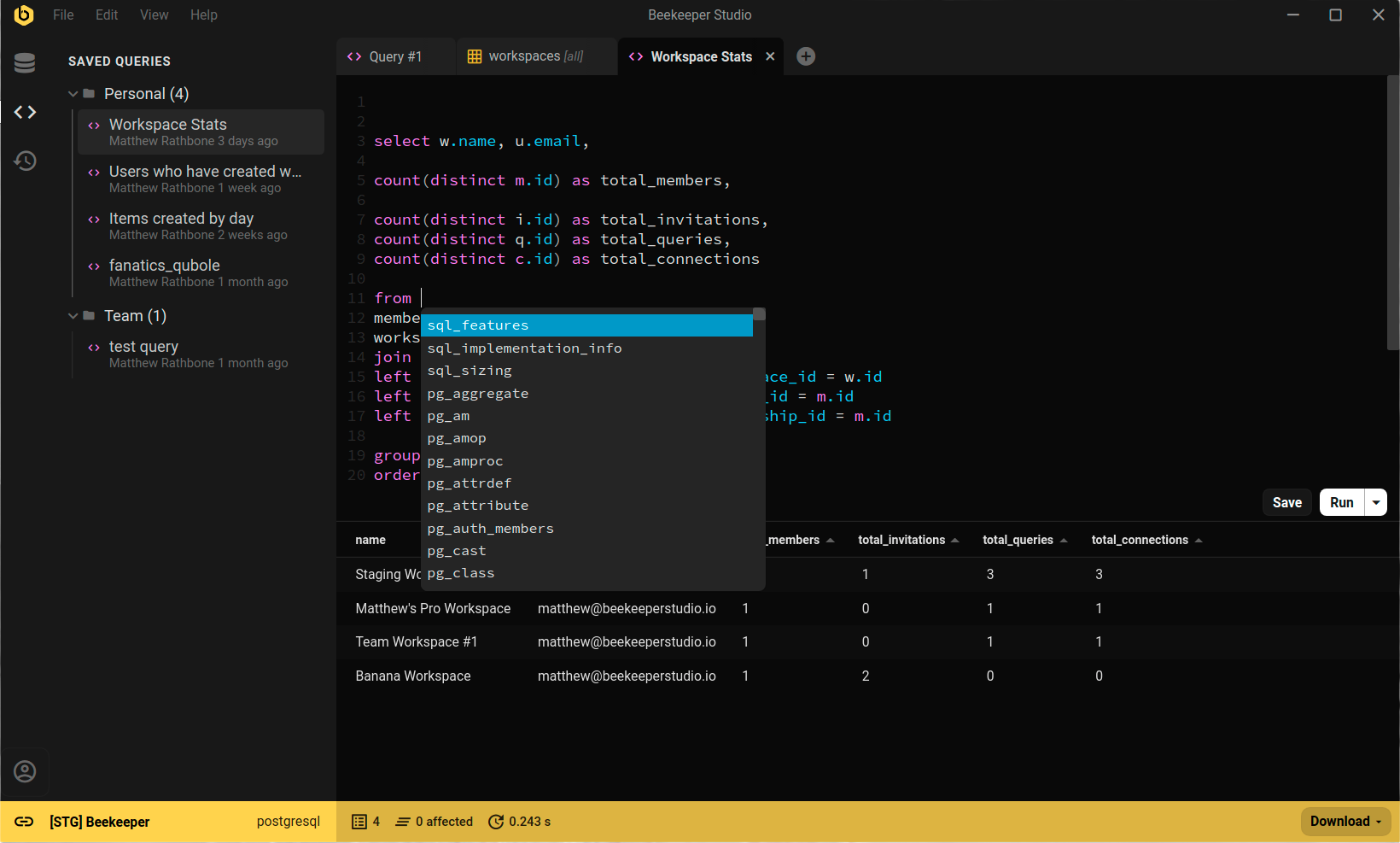
Beekeeper Studio’s query editor is powerful, but easy to use. To start writing SQL, pop open a new tab and begin typing – just like in your regular text editor. Learn more.
Open any table in a spreadsheet that makes it quick and easy to navigate, filter, edit, and delete your table data. Also included: clickable foreign keys, data export, and syntax-highlighted editors. Learn more
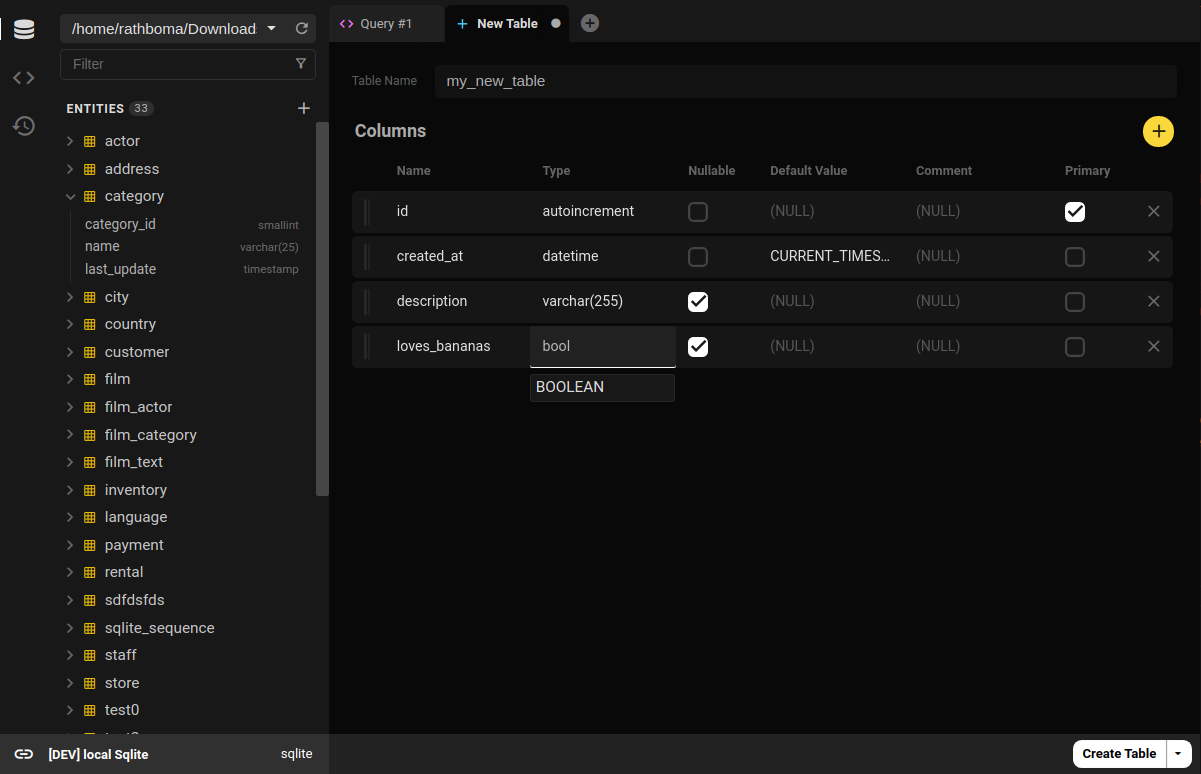
Right click any table to modify its schema. Easily change column names, types, defaults, and nullability. Plus add relations and indexes, all without writing any SQL. Learn more
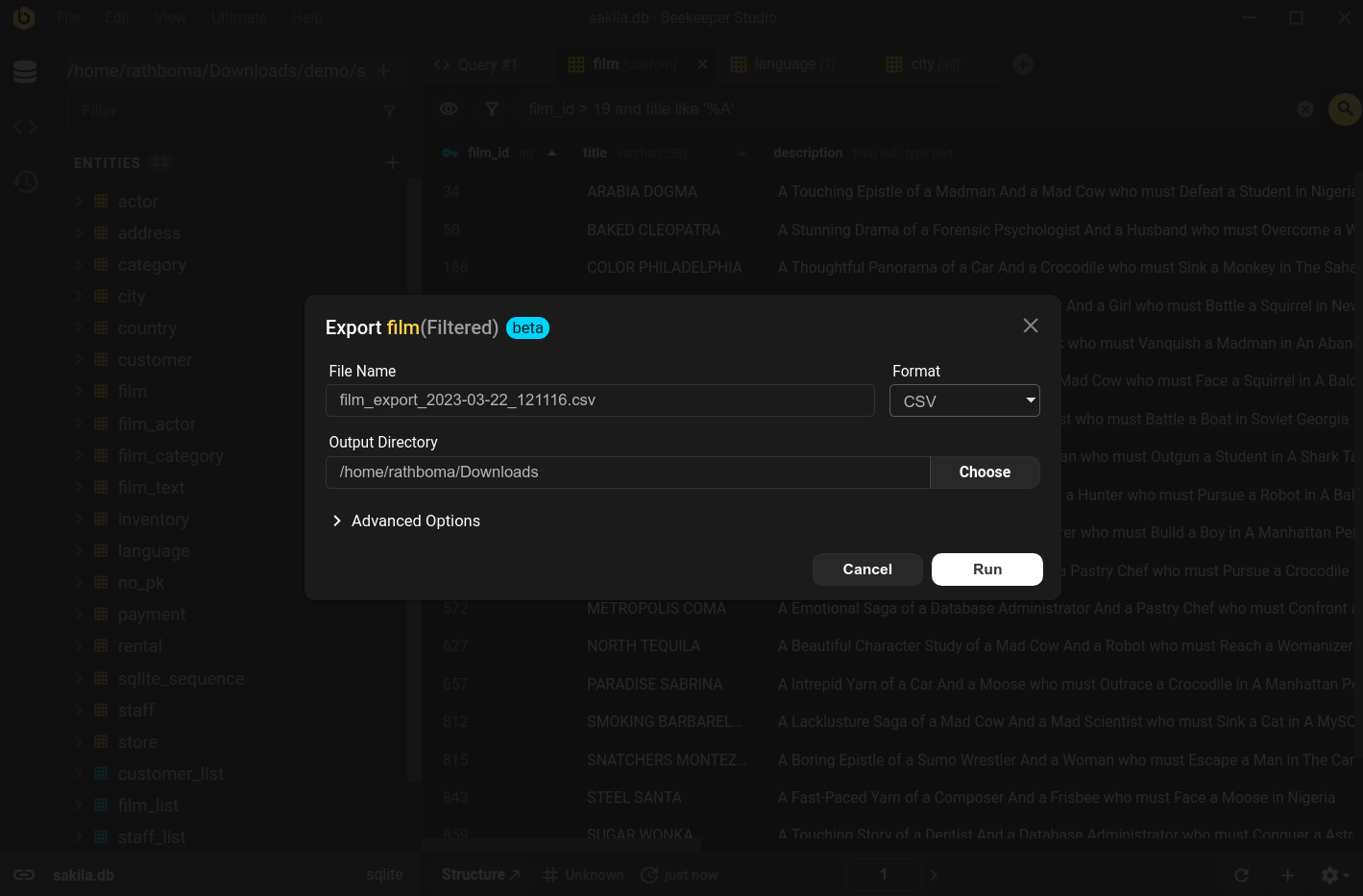
Take any table, view, or query result and export it to CSV, Excel, or JSON in two clicks. Plus import your own CSVs into Greengage in two clicks. Learn more
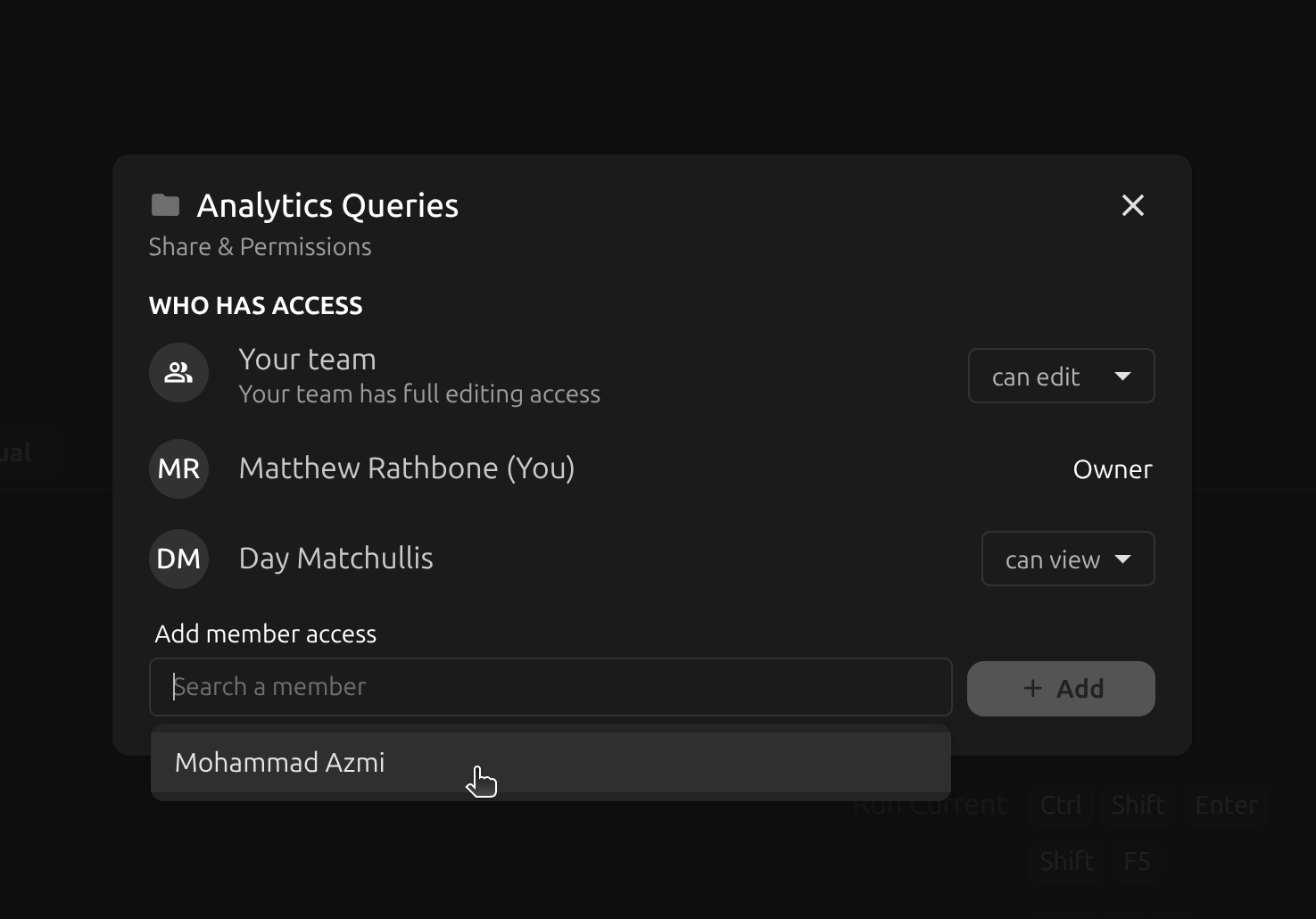
Beekeeper’s Team Workspaces let you easily work across multiple machines and share connections and queries with your colleagues. All data is encrypted at rest and in transit, so your information always stays secure. Learn more.
Easily set up different sharing groups by organizing data into folders and sharing each folder with a different group.
Beekeeper Studio was clean, smooth and just worked - ⭐⭐⭐⭐⭐ Mike
Beekeeper Studio has 100% feature parity across Linux, MacOS, and Windows. So no matter which operating system you work (or play) from, you can use all of our Greengage features with complete cross-platform compatibility, no compromises. We use a cross-platform app development framework to make sure that you get the best Greengage GUI client experience, regardless of whether you use MacOS, Windows, or Linux.
Beekeeper Studio also works great on Chromebooks, Raspberry Pi 3+, and maybe even the odd toaster or fridge (if they run Linux).
When I switched to using Linux full time from Mac, the hardest thing was finding replacement apps. Beekeeper has been a breath of fresh air, and not only works on Linux, but feels like a first class citizen! - Mike Kelly, CTO of MemberVault
Beekeeper Studio is available for Windows, so you can easily query, edit, and manage your Greengage databases. Beekeeper Studio's Windows download is available from our download page as an installer, a portable .exe file, or an MSI package for IT teams. Beekeeper Studio supports Windows 10+ on both x64 and ARM64 PCs, more information is available in our Windows documentation.
Beekeeper Studio integrates seamlessly into the MacOS environment for querying, editing, and managing Greengage. Beekeeper Studio's MacOS app is available the downloads page. Beekeeper Studio supports both Intel and Apple silicon Macs. More information is available on our MacOS documentation page.
Beekeeper Studio's Greengage GUI has full feature parity on Linux. Linux is a first-class OS to the Beekeeper Studio team, and we think it's the best way to edit, query, and manage your Greengage database. Beekeeper Studio works great on all major distributions, including Ubuntu, Fedora, and Arch. You can get Beekeeper Studio's linux client on our download page. Learn more on our Linux docs.
Beekeeper Studio is built by me, Matthew Rathbone and a small team of part-time developers. We build software we care about. We're not part of a big corporation, and we don't have a large investor in the background writing checks. Unlike many of our well-funded competitors, all of Beekeeper Studio's code is available on GitHub, and we also publish a full-featured free version of Beekeeper Studio for those who can't afford the paid editions. We're on a mission to make good software available to everyone. Every purchase directly supports us and our ongoing commitment to open source.
I hope you enjoy using Beekeeper Studio as much as we enjoy making it.
Our users tell us that Beekeeper's clean and intuitive interface makes using databases fun again.