
MongoDB Compass is a perfectly reasonable place to start. It’s free, it’s made by MongoDB, and it gets you from a connection string to a browsable collection in about a minute.
Then you start wanting things: SQL instead of MQL, your Postgres and MongoDB connections in one app, or a tool that isn’t married to a single database. Here are five MongoDB Compass alternatives worth a look in 2026, plus the official shell as a bonus, and an honest section on when you should just stay on Compass.
Why people look for a Compass alternative
Compass does a lot well, and we’ll say so below. These are the reasons that actually come up when people go shopping for something else:
- Compass only talks to MongoDB. If you also work with Postgres, MySQL or SQL Server, that’s a second app with a second set of muscle memory.
- You’d rather query with SQL. MQL is fine once you know it. If your team thinks in SQL, a translation layer is attractive.
- You want a different workflow. Some people want a code-first shell with autocomplete, others a visual builder for everything.
- Large collections. Some people go looking for alternatives because of how Compass handles very big collections. We haven’t benchmarked it, so we won’t make claims about numbers. Test your own biggest collection in whatever you pick.
The quick comparison (prices change, so check each vendor’s pricing page):
| Tool | Price | Platforms | Open source | Query style |
|---|---|---|---|---|
| Beekeeper Studio | MongoDB needs Professional or Business plan, 14-day trial | Windows, macOS, Linux | Yes (GPLv3 core, paid features commercial source available) | SQL and the Mongo shell |
| Studio 3T | Free plan, paid plans for the full feature set | Windows, macOS, Linux | No | Visual builder, SQL, IntelliShell |
| NoSQLBooster | Free, Personal and Commercial editions | Windows, macOS, Linux | No | JavaScript shell, SQL |
| DBeaver | MongoDB is in the paid editions only | Windows, macOS, Linux | Community is open source, MongoDB support is not in it | Visual and JSON |
| DataGrip | Paid (JetBrains) | Windows, macOS, Linux | No | Query console |
| mongosh | Free | Windows, macOS, Linux | Public repo, check its license | JavaScript |
Beekeeper Studio
Available for Windows, MacOS, and Linux - download here
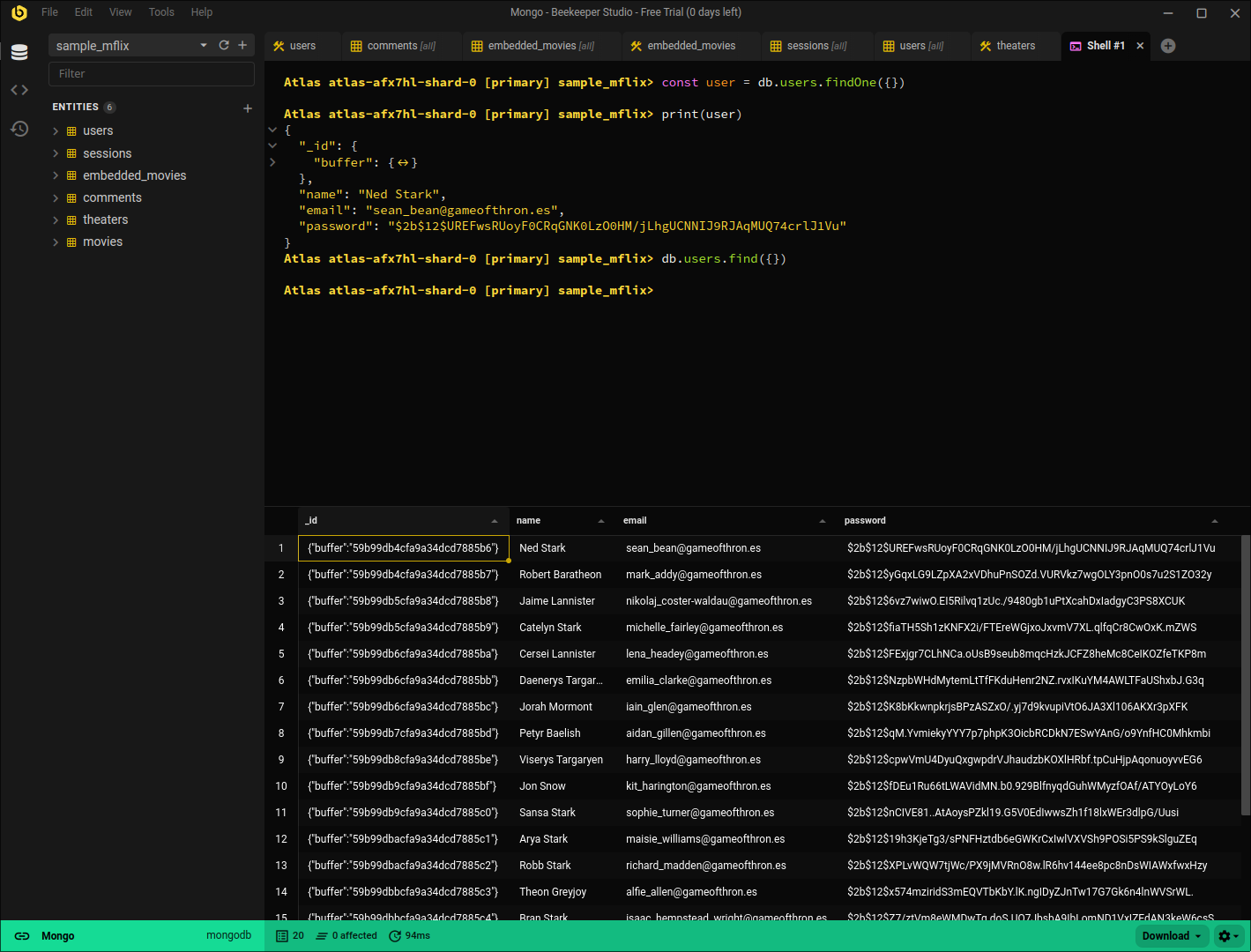
We build Beekeeper Studio, so take this section with the appropriate pinch of salt. We’ve tried to keep it factual.
The headline feature for MongoDB is SQL. You can write Postgres-style SQL against your collections, including dot notation for nested fields (address.zip), and Beekeeper translates it into MongoDB queries and aggregation pipelines. We wrote the translator as a separate open source library, QueryLeaf, so you can see exactly what it does. When SQL isn’t enough, you can drop into the official MongoDB shell without leaving the app. Results come back in a table, so you can scan nested documents without reading raw JSON.
The other half of the pitch is that MongoDB sits next to everything else. Postgres, MySQL, SQL Server, SQLite and the rest of the supported databases live in the same app, which is handy if your day involves more than one datastore.
I stayed for the MongoDB Integration, no need to switch to half baked UI clients for Mongo anymore! Philip Brembeck
Pricing: the free Community plan covers SQL databases, but MongoDB support is on the Professional and Business plans (see pricing). There is a 14-day free trial. Beekeeper Studio is open source on GitHub, with no telemetry.
Where it falls short for Mongo: Beekeeper is not a MongoDB specialist. There’s no visual aggregation pipeline builder and no schema analysis view, and it isn’t an admin or performance-tuning console. If you live in aggregation pipelines all day, one of the MongoDB-only tools below will serve you better.
Beekeeper Studio Links
- MongoDB client for Windows, Mac and Linux
- MongoDB documentation
- Download Beekeeper Studio
- Source code on GitHub
Studio 3T
Available for Windows, MacOS, and Linux
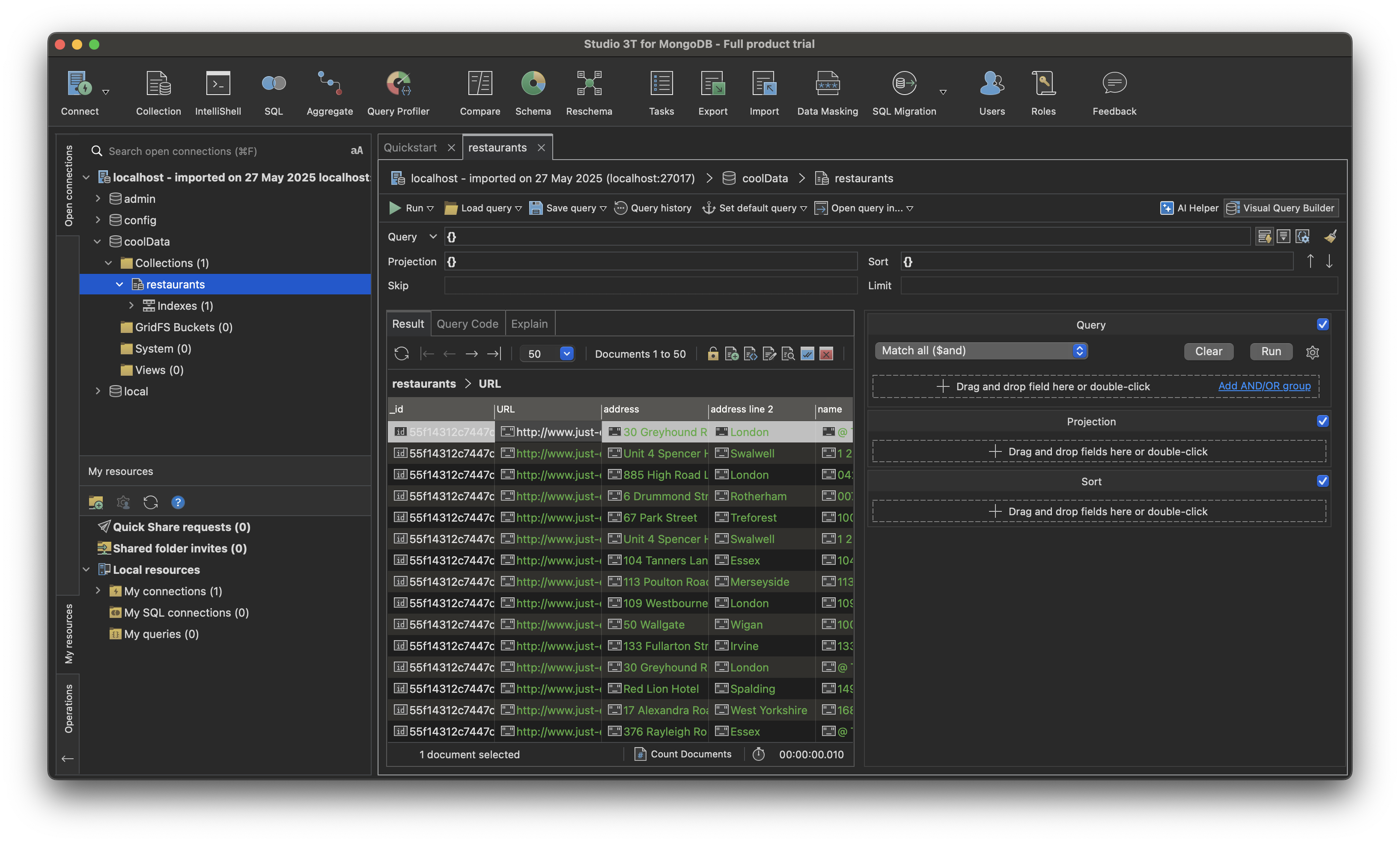
Studio 3T is the heavyweight of dedicated MongoDB clients. It has a visual query builder, an aggregation editor, IntelliShell scripting, SQL queries, and multi-language code export. If MongoDB is most of your job, it’s probably the most complete GUI here.
There is a free plan, and the paid plans unlock the larger feature set. The interface is dense. That’s the price of the depth, but expect a learning curve if you’re coming from Compass’s simplicity. It’s MongoDB only and closed source.
Studio 3T Links
NoSQLBooster
Available for Windows, MacOS, and Linux
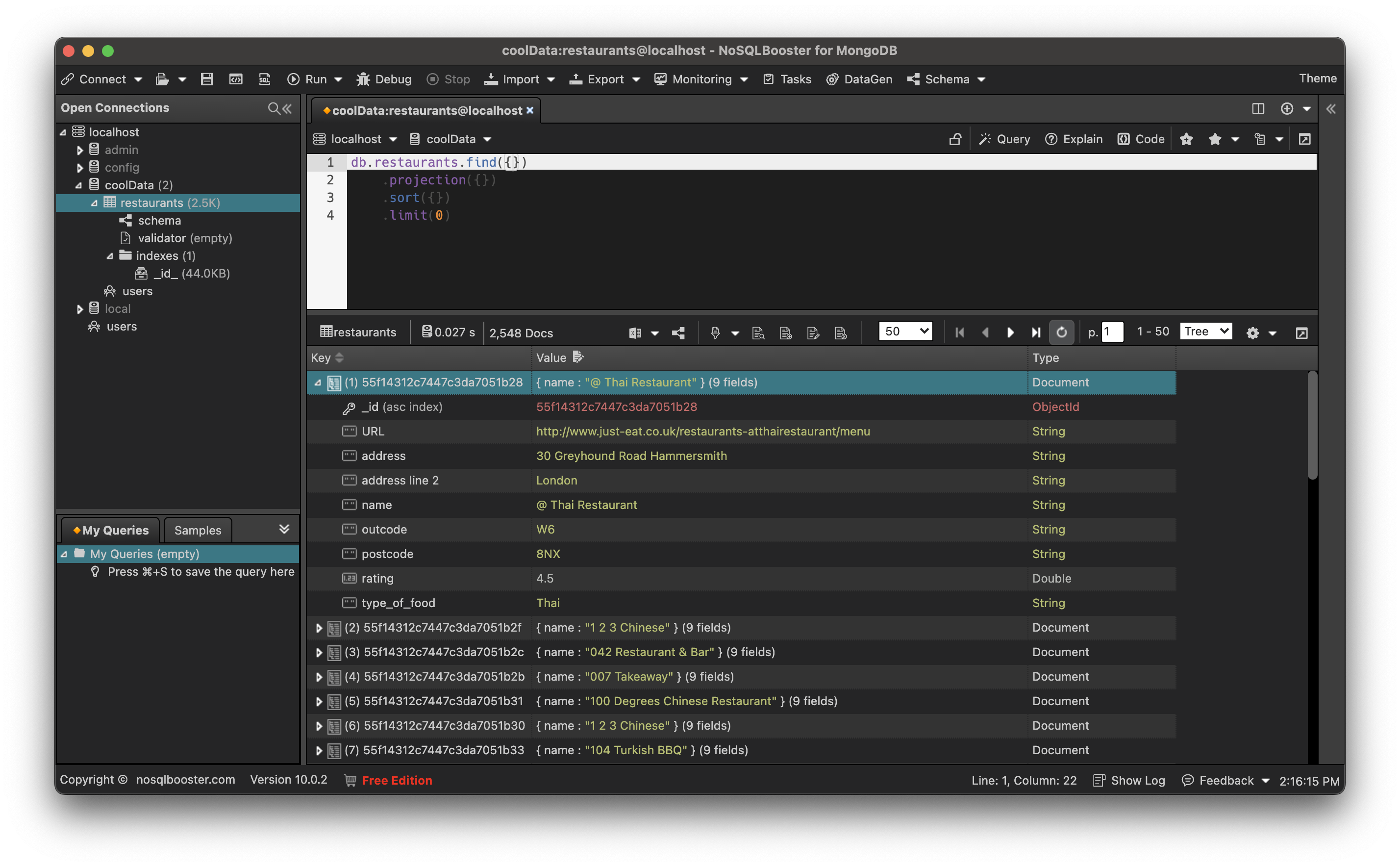
NoSQLBooster is for people who would rather type than click. You get a JavaScript shell with IntelliSense, SQL query support, and scripting. It has Free, Personal and Commercial editions, and its own comparison page lists what each one includes. For example, converting queries to other languages is not in the Free or Personal editions.
The tradeoffs: it’s proprietary, MongoDB only, and the interface is more utilitarian than pretty. If you like writing queries in code and want good autocomplete, it’s a strong option.
NoSQLBooster Links
DBeaver
Available for Windows, MacOS, and Linux
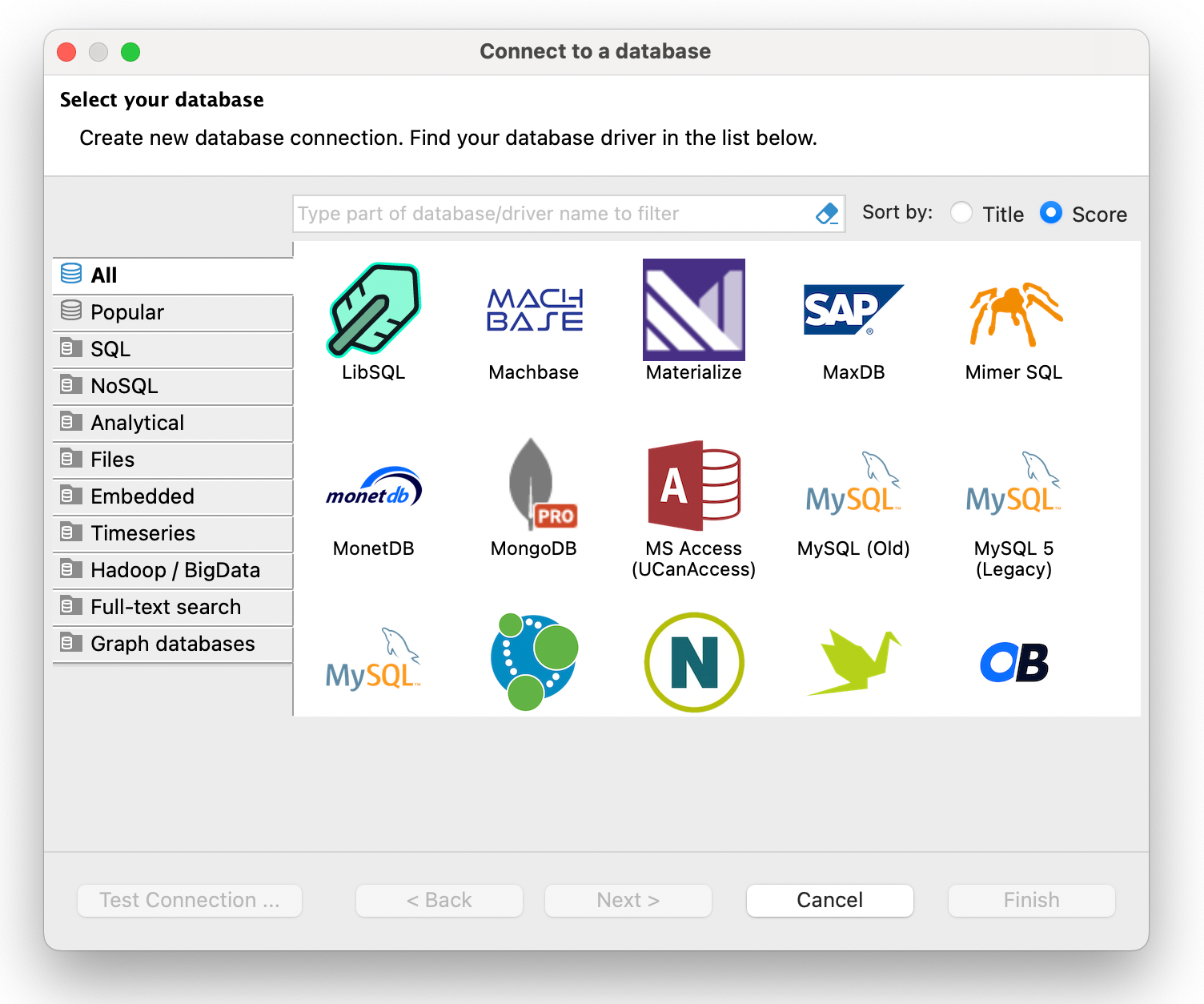
DBeaver is the usual answer when someone wants one tool for every database. One catch for this article: according to the DBeaver team, the free Community Edition does not include MongoDB. MongoDB support is in the paid Lite, Enterprise, Ultimate and Team editions.
If you already pay for DBeaver Pro, or your company does, it’s a reasonable way to keep Mongo alongside everything else. If you’re looking for a free Compass replacement, DBeaver Community won’t get you there. It’s also a heavier, Eclipse-based app, which some people love and some people tolerate.
DBeaver Links
DataGrip
Available for Windows, MacOS, and Linux
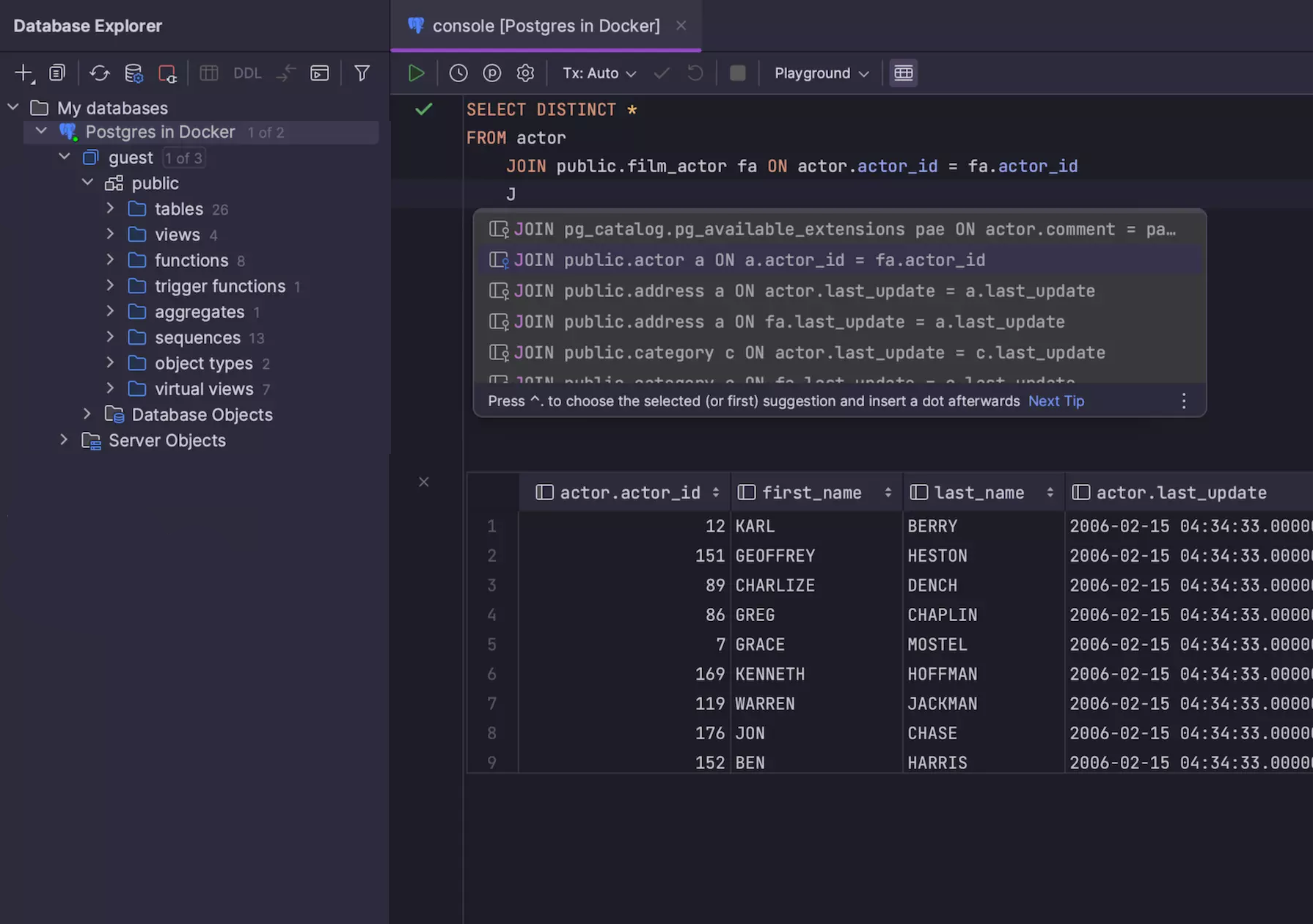
DataGrip is JetBrains’ database IDE, and it supports MongoDB, including Atlas SRV connections, a range of authentication methods, a query console and a data editor. If you already live in JetBrains tools and have the license, it’s a natural fit.
It’s a paid, general-purpose IDE, so it’s more tool than most people need if all they want is to look at a collection. It won’t give you Compass’s MongoDB-specific views like schema analysis.
DataGrip Links
Bonus: mongosh (the official shell)
Available for Windows, MacOS, and Linux
mongosh is MongoDB’s own command-line shell, a JavaScript REPL with CRUD, aggregation, administration and scripting. It’s free and it’s what the other tools wrap or imitate. There is no GUI, so there is nothing to browse, but nothing is faster for a one-off command or a script you want in version control.
Plenty of people run mongosh in a terminal and a GUI alongside it. It isn’t a replacement for Compass so much as the other half of the toolbox.
When Compass is still the right choice
Compass is free, made by MongoDB, and has features the SQL-first tools skip. According to MongoDB’s Compass page, it includes a visual aggregation pipeline builder with stage-by-stage preview, schema analysis, a visual explain plan, index management, real-time performance metrics and natural language query generation. Its source is public under the SSPL, though that isn’t an OSI-approved open source license.
If your work is MongoDB only, you’re happy writing MQL, and you want to build aggregation pipelines visually, there’s no strong reason to switch. Switch when you need SQL, a shared tool for several databases, or a workflow Compass doesn’t offer.
Which should you pick?
- You want one app for MongoDB and SQL databases: Beekeeper Studio. Fair warning, you need a paid plan for the MongoDB part.
- MongoDB is your whole job and you want every feature: Studio 3T.
- You prefer code to clicking: NoSQLBooster or mongosh.
- You’re already paying for it: DBeaver Pro or DataGrip.
- You just need to look at some documents for free: stay on Compass.
If you want to see whether SQL on MongoDB suits you, the 14-day trial is the cheapest way to find out.
Related reading
- Top 5 MongoDB GUI clients
- 5 Best Studio 3T alternatives
- MongoDB client for Windows, Mac and Linux
- Pricing and plans
 Beekeeper Studio Is A Free & Open Source Database GUI
Best SQL query & editor tool I have ever used. It provides everything I need to manage my database. - ⭐⭐⭐⭐⭐ Mit
Beekeeper Studio is fast, intuitive, and easy to use. Beekeeper supports loads of databases, and works great on Windows, Mac and Linux.
What Users Say About Beekeeper Studio
"Beekeeper Studio completely replaced my old SQL workflow. It's fast, intuitive, and makes database work enjoyable again."
"I've tried many database GUIs, but Beekeeper strikes the perfect balance between features and simplicity. It just works."